

Move From Google Workspace To Liberation
When you move from Google Workspace, mail, contacts and calendar move with you, handled by a real person on our team — not a self-service export tool or generic Google Workspace alternative.
How the move from Google Workspace works
We handle each step so you can keep working.
The short answer
Moving off Google Workspace means migrating mailboxes, contacts, and calendar entries to a new mail platform, then updating your domain’s mail records. All of it happens as part of one free migration.
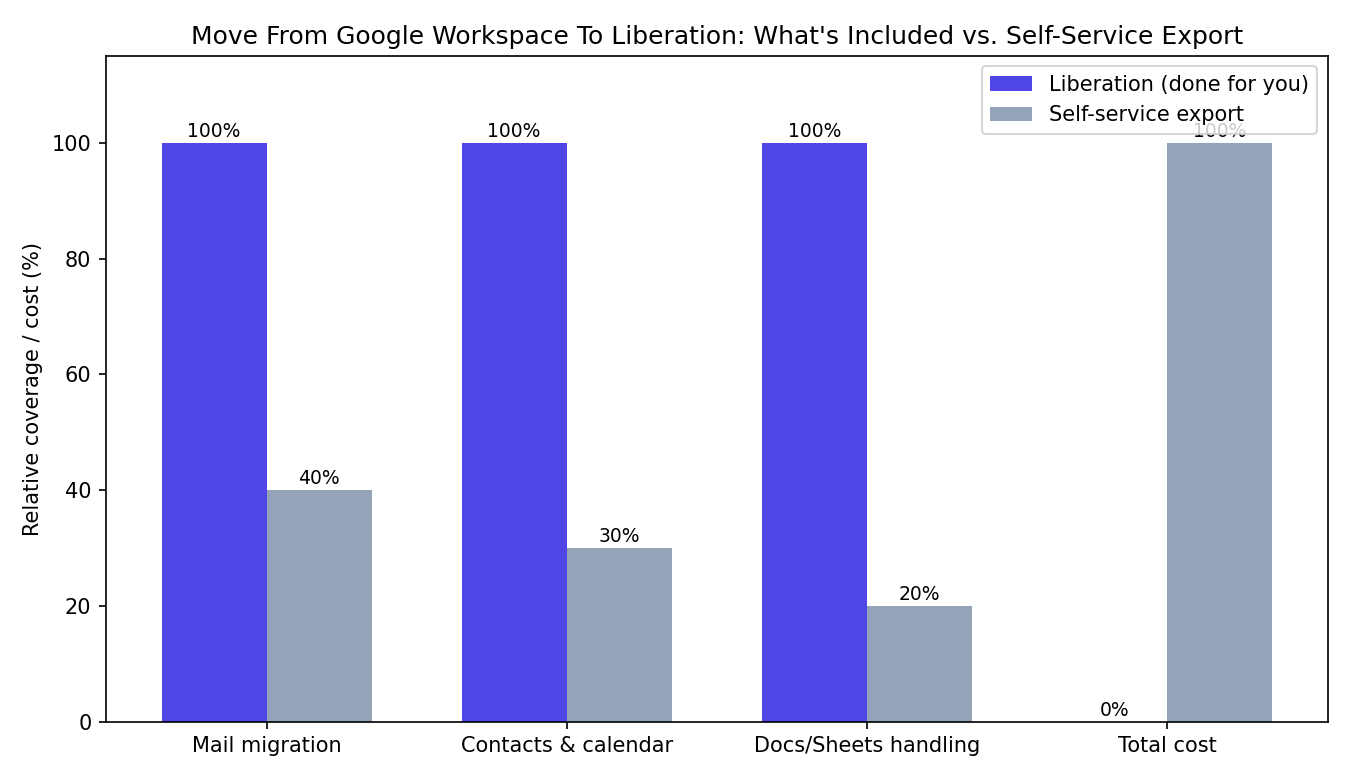
When you move from Google Workspace to Liberation, the goal is a Google Workspace migration you never have to think about twice: the same mailboxes, the same contacts, the same calendar entries, just running on infrastructure you own instead of Google’s per-seat licensing. A move from Google Workspace is handled by a person, not an automated plugin — every mailbox is copied over, tested against the live Google Workspace account, and verified before your domain’s mail records are switched.
Business owners who move from Google Workspace often ask how long the migration takes and whether anything will break in the process. In most cases a single-team Google Workspace migration wraps up within a few business days of approving the plan, and because your original Google Workspace mailboxes stay live and untouched throughout, there’s no window where your team loses access to email. If you’re weighing whether to move from Google Workspace now, the practical answer is that waiting only risks another per-seat price increase before the migration happens.
Most team migrations complete within a few business days of you approving the plan. See our Google Workspace cost comparison if price is what’s driving the move — Workspace runs $7–8.40 per user per month; Liberation Email is $1.95.
What actually happens
We copy your mail first
Existing mail, contacts and calendar entries are copied to the new mailboxes before anything is switched over.
We test before cutover
Migrated mailboxes are checked against the originals for completeness before your domain’s mail records change.
We schedule the DNS cutover with you
MX record changes happen at a time you choose, with monitoring after the switch.
Your team keeps the same email addresses — nothing changes for anyone emailing you.
- Free migration of mail, contacts and calendar data, done by our team.
- No lock-in month-to-month, cancel anytime, unlike Google's discounted annual commitment.
- U.S.-owned infrastructure and support, not outsourced overseas.
Beyond email
If your team also relies on Google Docs, Sheets, or shared drives, Hub for Teams covers that ground at $7.49/user/month, so the whole workspace can move together if you want.
What moves, what changes
Mail, contacts, calendar
Copied to your new mailboxes before the domain’s mail records ever change.
Google Docs/Sheets
If your team relies on these specifically, weigh that against the cost difference; Hub for Teams includes its own document and file tools.
Your domain
Stays yours — only the mail records (MX) change to point at the new mail servers.
- Liberation Email $1.95/user/month, no annual commitment.
- Hub for Teams $7.49/user/month if you want shared drives, chat and video alongside email.
- Free migration included with any plan switch.
Priced the way a business buys
Per-mailbox pricing, billed monthly. Migration itself is free regardless of team size.
- Liberation Email $1.95/user/month.
- Hub for Teams $7.49/user/month.
- WordPress hosting from $35/month for a companion website.
What It Costs
Starting prices, billed monthly unless noted. Anything larger gets a written quote.
Step-by-step: export your Workspace data and repoint your MX records
We copy your mail first
- Sign in to admin.google.com as a super administrator.
- Open the menu → Data → Data import & export → Data export.
- Click Set up new export, name it, and set the scope to Export all user data for the entire organization to capture Gmail, Drive, Contacts and Calendar.
- Click Start export. Google typically needs up to 72 hours (occasionally 14 days) to build the archive; you’ll get an email when it’s ready and can download it from the same Data export screen — useful as your own backup copy.
- While that archive builds, we import your live mail directly into your new Liberation mailboxes, mailbox by mailbox, so the migration itself doesn’t wait on the manual export.
- Once every mailbox is copied and confirmed, we send you the new MX records to publish at your domain’s DNS host in place of Google’s, and Workspace billing can be cancelled once nothing depends on it.
We test before cutover
Migrated mailboxes are checked against the originals for completeness before your domain’s mail records change.
We schedule the DNS cutover with you
MX record changes happen at a time you choose, with monitoring after the switch.
Your team keeps the same email addresses — nothing changes for anyone emailing you.
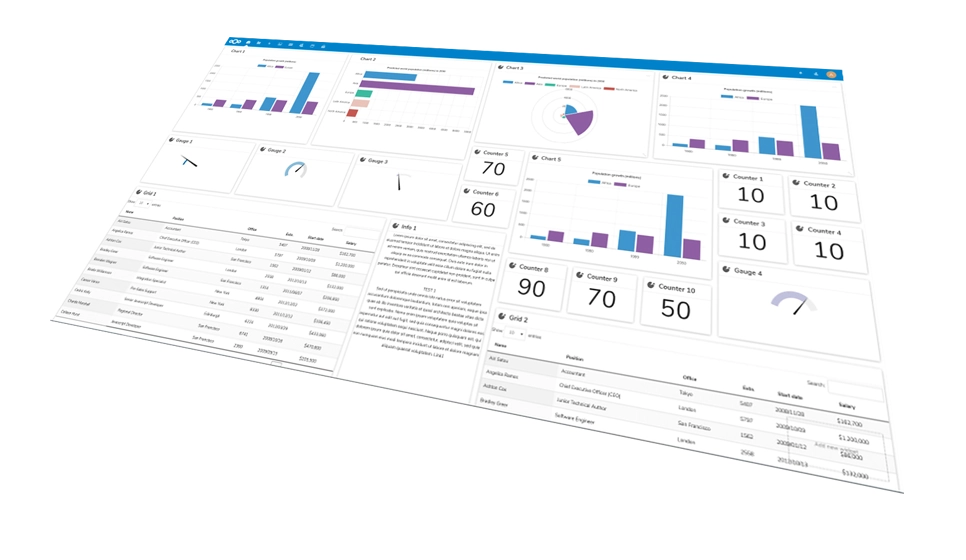
Your new workspace
Mail, chat and files together.
Common questions
Will my team lose email during the move?
No — mail is copied to the new mailboxes first and tested before the domain’s mail records change, so there’s no gap in delivery.
Can you migrate our whole Workspace account at once?
Yes — mail, contacts, and calendar move as part of a single free migration handled by our team.
Do we lose Google Docs/Sheets?
Only if you don’t also move to Hub for Teams, which includes its own document and file tools. If you’d rather keep your existing files as-is, Google’s own data export documentation covers exporting Docs, Sheets and Drive before you move from Google Workspace — our team can also just move them for you as part of the migration.
Is there a contract?
No. Liberation Email is month-to-month and you can cancel anytime.
Do I need technical skills to move from Google Workspace?
Yes. When you move from Google Workspace to Liberation, our team handles the entire migration for you — you don’t need any technical experience, and your current mail and files stay untouched until the new mailboxes are tested and ready to go.
See your migration timeline
Book a call with your current user count and we’ll walk through the migration plan and a written quote.
Custom Solutions
Take your business to the next level with Liberation's full suite of services & solutions.
Custom Management
Don’t like managing? We offer managed services for hosting, ecommerce, web sites, and more.
Our Promise Of Digital Independence
Liberating Your Digital World Is Our Passion
- U.S.A. owned and based
- We own and control our entire platform
- More security to protect your data
- No Censorship Guarantee
- 100% data ownership
- Your data is NEVER shared

Global Edge Network
Liberation’s global edge network provides enhanced performance & security.
Freedom Tech News
Stay informed on the latest tech news, new products, promotions, & more!