Ditch Microsoft & Google Today!

Move From Squarespace To Liberation

When you move from Squarespace, Squarespace doesn't offer a standard export, so this move is a rebuild, not a file copy — here is what that actually involves.

How the move from Squarespace works

We handle each step so you can keep working.

Your Squarespace site
Rebuild and copy content
Review together
Go live

The short answer

Squarespace sites can’t be exported the way a WordPress site can — there’s no standard file/database format to migrate. Moving from Squarespace means rebuilding the site on WordPress, matching your existing pages, design and content, then pointing your domain at the new site.

If you’re ready to move from Squarespace, our Squarespace migration team handles the entire rebuild for you — free, with no downtime and no lost content — so you can move from Squarespace without touching a single setting yourself.

Because it’s a rebuild rather than a copy, timelines vary more than a WordPress-to-WordPress migration; a typical brochure site takes one to two weeks depending on page count and complexity.

A Squarespace to WordPress migration also opens up options Squarespace’s closed platform doesn’t offer — you’re free to choose your own WordPress hosting, add any plugin you need, and avoid Squarespace’s per-transaction commerce fees. For most small businesses that move from Squarespace, the biggest practical win is control: nothing about your site’s platform, hosting, or checkout process is locked to one vendor anymore.

What actually happens

We audit your current site

Every page, form, and piece of content on your Squarespace site is catalogued before we start building.

We rebuild on WordPress

Pages are recreated to match your existing design and content, not a generic template.

We test before cutover

The new site is checked against the live Squarespace site page by page before your domain is pointed at it.

You keep your domain name and your content — what changes is the platform underneath, from Squarespace’s closed system to WordPress, which you can take anywhere.

Why teams leave Squarespace

The most common reasons: being locked into Squarespace’s own ecosystem with no real export path, per-app costs that add up, and wanting a platform (WordPress) that isn’t tied to one company’s pricing decisions.

Businesses that move from Squarespace usually notice three things right away after the Squarespace migration is finished: pages load faster, plugin choices open up (booking systems, membership areas, custom forms — anything the WordPress ecosystem supports), and monthly costs typically drop, since Liberation Email and WordPress hosting are priced well below Squarespace’s bundled plans. If your team is weighing whether to move from Squarespace now or wait, the honest answer is that waiting only adds to the eventual Squarespace migration workload, since content and pages keep growing on the old platform in the meantime.

What to expect

A quote before we start

Because it’s a rebuild, we look at your current site first and give you a fixed quote, not an open-ended hourly estimate.

Your content, carried over

Text, images and page structure are recreated; anything Squarespace-specific (like certain app widgets) gets a WordPress equivalent, which we’ll flag upfront.

A platform you control

WordPress content lives in a standard database you can export or move again, unlike Squarespace.

Priced the way a business buys

Starting prices for hosting; the rebuild itself is quoted based on your current site’s size and complexity.

What It Costs

Starting prices, billed monthly unless noted. Anything larger gets a written quote.

Step-by-step: what to gather from Squarespace and how the DNS switch works

We audit your current site

  1. Squarespace, like Wix, has no single “export my site” file — there’s no download that reproduces your pages elsewhere, so this is a rebuild, not a copy (we handle the rebuild).
  2. While we rebuild, gather what Squarespace doesn’t hand off cleanly: your original images from your page and gallery blocks, blog post text, and product listings if you run Squarespace Commerce.
  3. If your domain is managed by Squarespace, go to your Domains dashboard, click the domain, then DNS → Domain Nameservers, and choose Use Custom Nameservers — this disconnects the domain from your Squarespace site, so we only do this once your new site is confirmed live.
  4. If your domain was bought elsewhere and just pointed at Squarespace, go to that registrar’s DNS settings and remove the Squarespace-specific records once your new Liberation site is built and tested.
  5. We build and test your new site on a temporary Liberation address first, so nothing goes live until you approve it.
  6. Once DNS points to Liberation and has propagated (up to 48 hours worldwide), the old Squarespace plan can be cancelled.
  7. Businesses that move from Squarespace to Liberation typically see faster page loads immediately, since WordPress on our servers isn’t sharing resources the way Squarespace’s platform does.
  8. If you’re comparing options before you move from Squarespace, our team is happy to walk through the Squarespace migration timeline and answer questions before you commit to anything.

We rebuild on WordPress

Pages are recreated to match your existing design and content, not a generic template.

We test before cutover

The new site is checked against the live Squarespace site page by page before your domain is pointed at it.

You keep your domain name and your content — what changes is the platform underneath, from Squarespace’s closed system to WordPress, which you can take anywhere.

See the full Squarespace vs. Liberation comparison →

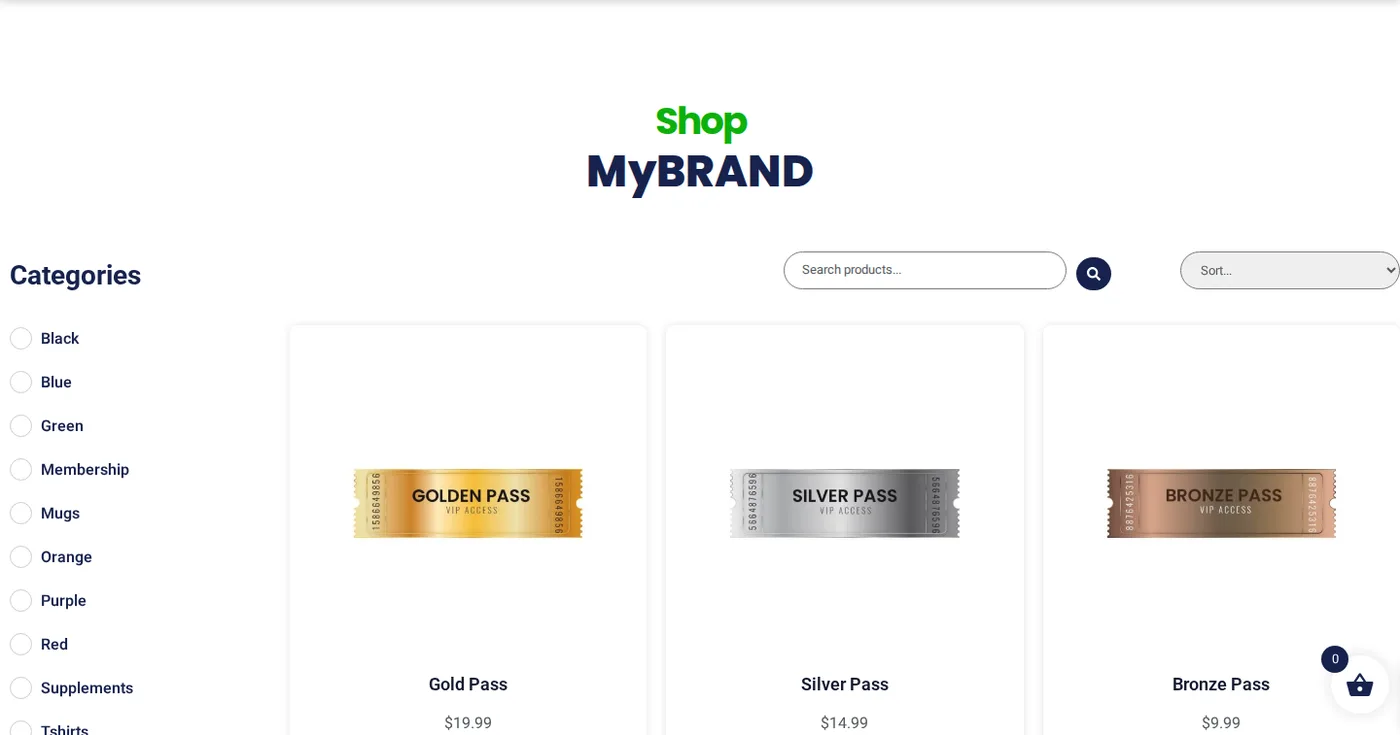
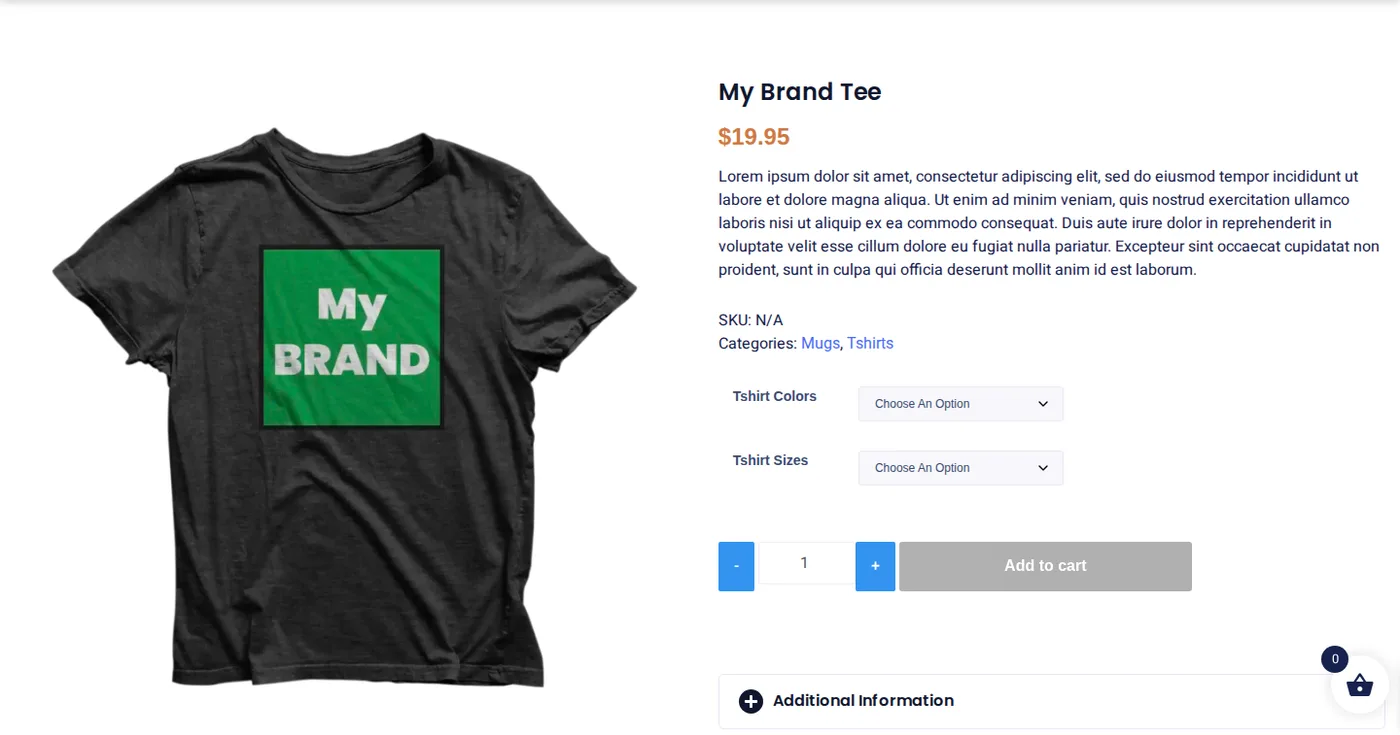
Your store, ready to sell

Shop, product and cart pages work out of the box.

Open the live demo site
demo.ltshosting2.us
Move from Squarespace demo shop page
Move from Squarespace demo product page
Added to cart

Common questions

No — when you move from Squarespace, there’s no standard export, so the move is a rebuild that matches your existing pages and content, not a file copy. For reference, Squarespace’s own export and content transfer documentation outlines what a self-service export would and wouldn’t carry over.
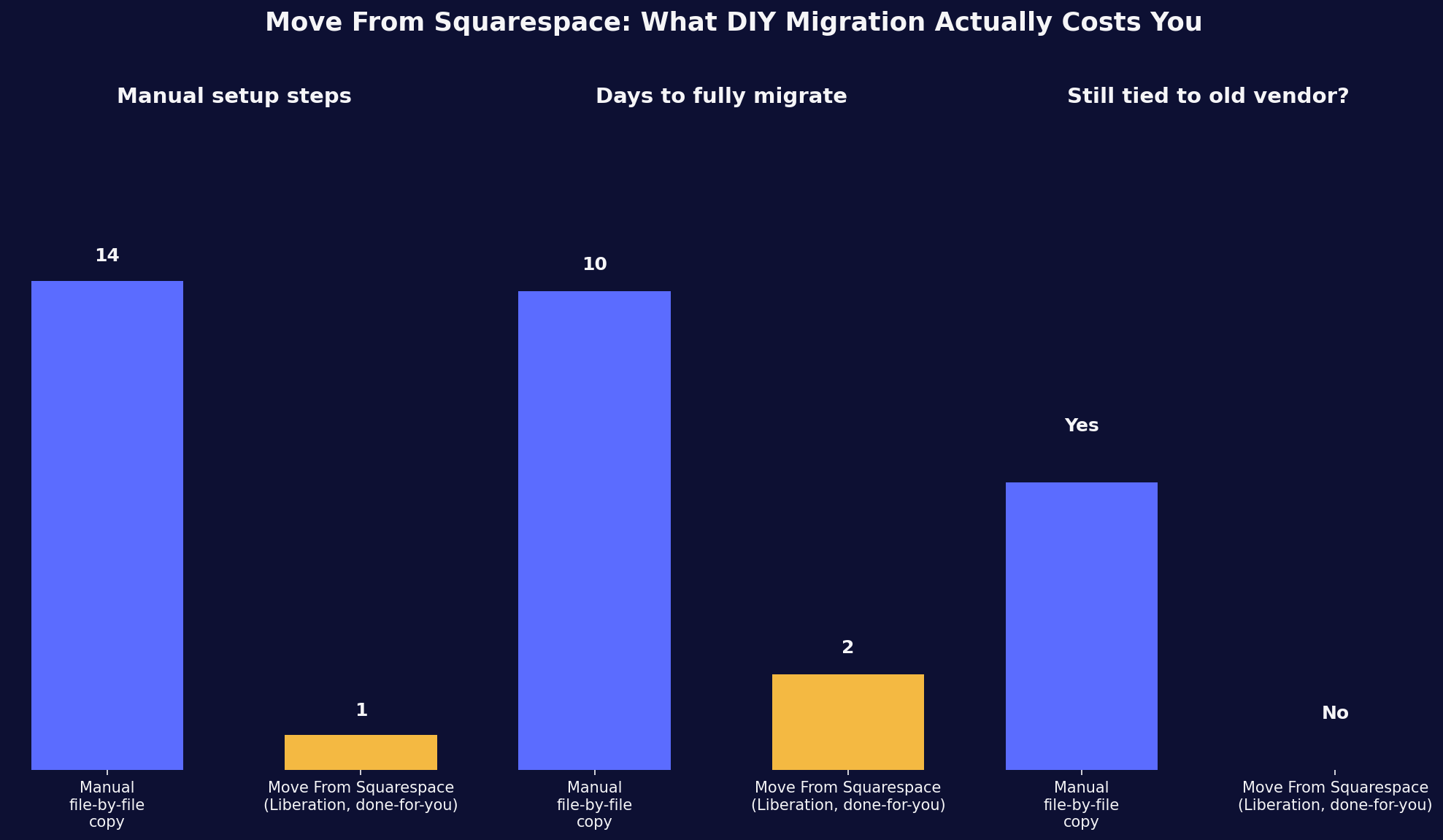
Move from Squarespace to Liberation: what's included in this website migration

A typical brochure site takes one to two weeks; larger or more complex sites take longer, and we’ll give you a specific timeline after reviewing your site.

Squarespace-specific apps get a WordPress equivalent where one exists; we’ll flag anything that needs a different approach before starting.

No — because it’s a rebuild rather than a copy, it’s quoted based on your site’s size and complexity, not included free like a standard migration.

Yes. When you move from Squarespace to Liberation, we handle the entire Squarespace migration ourselves — you don’t need any technical experience to move from Squarespace, and there’s no risk to your live site while we rebuild in the background.

Ready to leave Squarespace?

Book a call and share your current site — we’ll give you a fixed quote and a realistic timeline.

Custom Solutions

Take your business to the next level with Liberation's full suite of services & solutions.

Custom Management

Don’t like managing? We offer managed services for hosting, ecommerce, web sites, and more.

Custom Websites

We build custom, professional websites for small to large organizations. 

Custom Apps

Our team of expert developers can design custom applications for a wide variety of purposes.

Payment Processing

Cancel-Free payment processing for a variety of industries and custom solutions.

Expert Consulting

Liberation offers consulting on strategy, infrastructure, e-commerce, and more.

Custom Ecommerce

We customize your e-commerce to fit your business needs and goals for maximum profits.

Our Promise Of Digital Independence

Liberating Your Digital World Is Our Passion

LiberationTek global edge network map

Global Edge Network

Liberation’s global edge network provides enhanced performance & security.

Population Reach
90 %
Countries
90 +
Networks
2500 +

Freedom Tech News

Stay informed on the latest tech news, new products, promotions, & more!

Ready For Digital Liberation?