Ditch Microsoft & Google Today!
We handle each step so you can keep working.
Moving off Asana or monday.com means moving your projects, tasks and boards into Hub for Teams — Liberation’s all-in-one chat, video, file storage and project management app, with no per-seat project-management add-on to buy separately.
When you move from Asana or monday.com, decide before you start which projects are still active and which can be archived. Moving dead projects adds clutter, and a fresh start is often the best part of a migration. For the active ones, export tasks, due dates and assignees, and note any automations so you can rebuild the ones that still earn their keep.
A smaller set of tools usually works better than a bigger one, because every extra login is another place for work to get lost. Our page on knowing your target audience is useful if the new system will hold client-facing work, and the NIST small business cybersecurity resources cover how to keep project data safe wherever it lives.
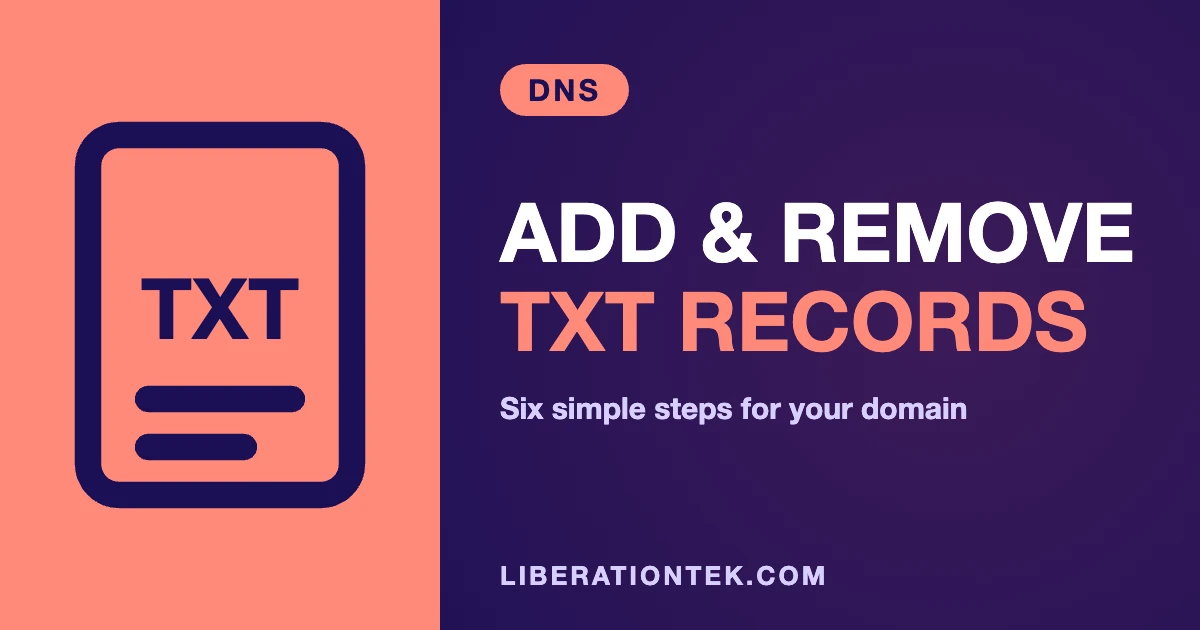
Teams that move from Asana usually want to know three things: what moves, in what order, and when the old account can be closed. The graphic below summarizes the process, and the same steps are explained in more detail further down this page.
If you are weighing whether to move from Asana now or wait, the timing is yours to choose. You can move from Asana in one window or in stages, and the old account stays live until you confirm the new one works for everyone.
People who move from Asana often ask about cost first. Our migration team walks through the plan with you before anything starts, so you know what it takes to move from Asana before you commit.
Some questions come up on almost every move from Asana. Can we move from Asana without downtime? Yes, because the old account stays live until the cutover. How long does it take to move from Asana? We confirm the timeline with you before anything starts. Will we lose anything when we move from Asana? We confirm what moves before we begin, and anything that cannot move is listed up front.
If you would rather talk it through, tell us what you use today and we will explain what it takes to move from Asana for your team.
Most team migrations complete within a few business days of you approving the plan, with a scheduled cutover window so there’s no unexpected disruption for your team.
Your Asana or monday.com workspace stays live and untouched while we build and configure your new Hub for Teams workspace.
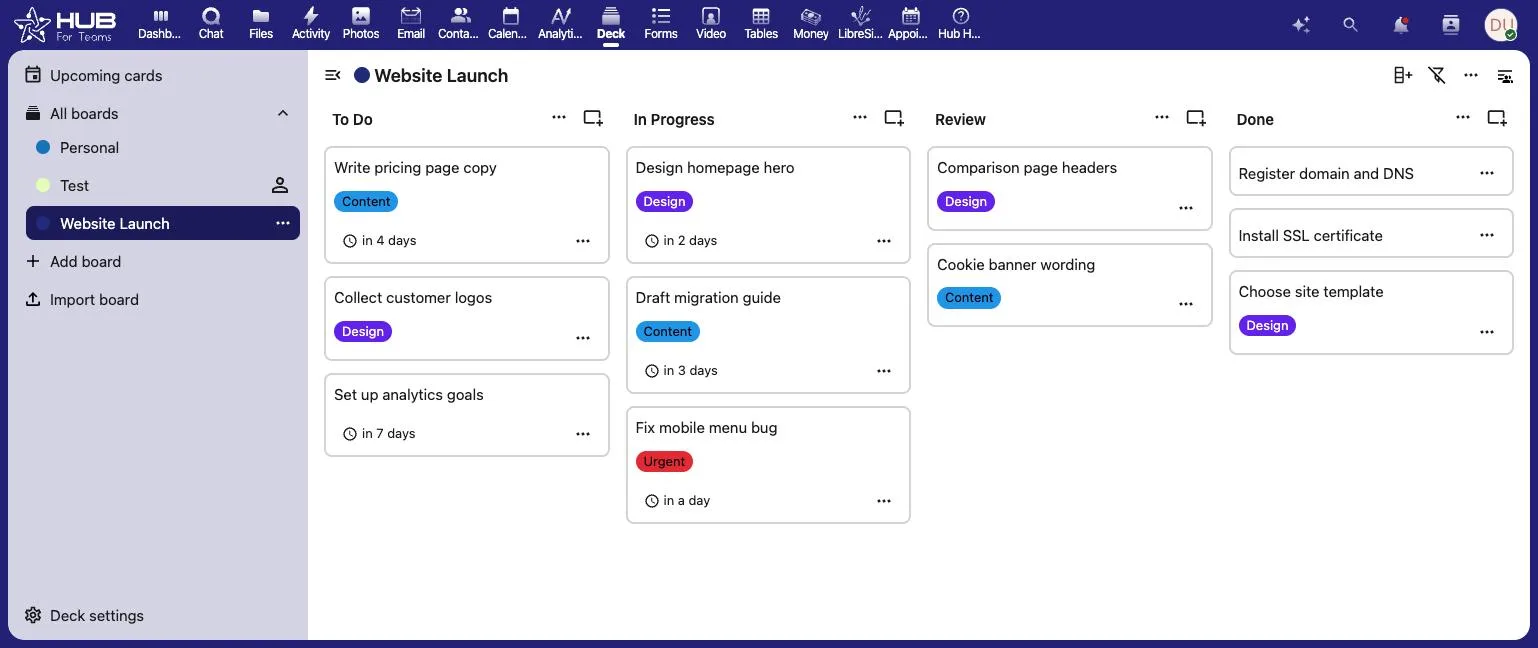
Projects, tasks, subtasks, due dates and assignees move into Hub for Teams’ project management tools — we map your workspace structure to projects before anything is imported.
You pick the day your team switches over, and we’re online while everyone signs in for the first time.
There’s no dual system to manage during the transition — once your workspace is ready and your team has tried it, your old Asana or monday.com account can be downgraded or closed on your schedule.
The most common reasons: monday.com’s 10-seat minimum means you pay for seats you don’t use; Asana’s per-user pricing climbs fast once you need timeline and workload features; and both tools only handle tasks — chat, files and video all live in separate subscriptions. See the full Asana & monday.com vs. Hub for Teams comparison →
Project structure, tasks, subtasks, assignees and due dates move over, mapped into Hub for Teams’ project management tools.
Task attachments and project files move into Hub for Teams’ file storage, organized by the project they came from.
We set up every team member’s login and project permissions before the cutover, so nobody has to self-register on day one.
Starting prices, billed monthly. Free migration when you choose an annual plan.
Starting prices, billed monthly unless noted. Anything larger gets a written quote.
Your migrated workspace is checked against your live Asana or monday.com data — projects, tasks, attachments — before your team gets invited in.
You pick the day your team switches, and we’re online to help with sign-in on day one.
Your old Asana or monday.com account stays intact until you’re ready to downgrade or close it out yourself.
See the full Asana & monday.com vs. Hub for Teams comparison →
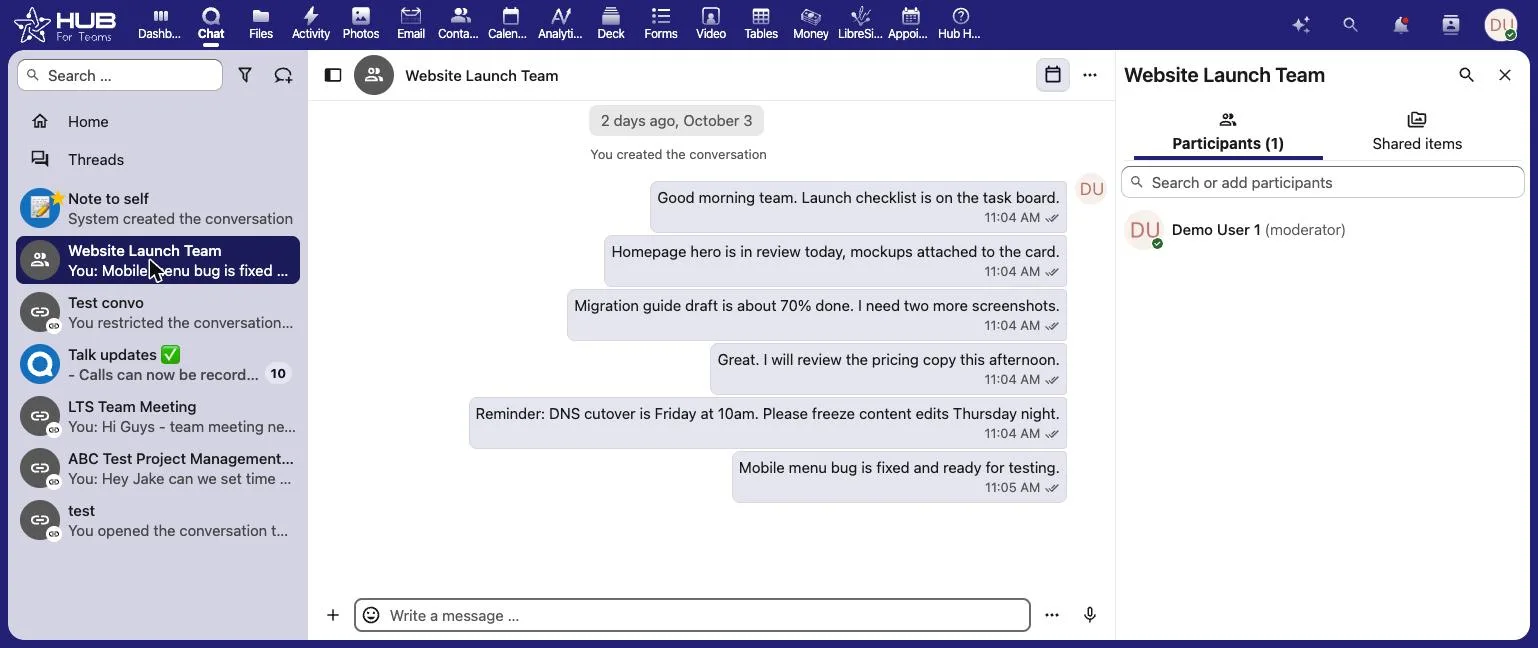
Chat, files and meetings in one workspace.
Book a call and tell us how your team uses Asana or monday.com today — we’ll give you a migration timeline and a written quote, no obligation.
Don’t like managing? We offer managed services for hosting, ecommerce, web sites, and more.
Liberating Your Digital World Is Our Passion
Liberation’s global edge network provides enhanced performance & security.
Stay informed on the latest tech news, new products, promotions, & more!