Move From Wix To Liberation
When you move from Wix, Wix doesn't offer a standard export, so this move is a rebuild, not a file copy — here is what that actually involves.
How the move from Wix works
We handle each step so you can keep working.
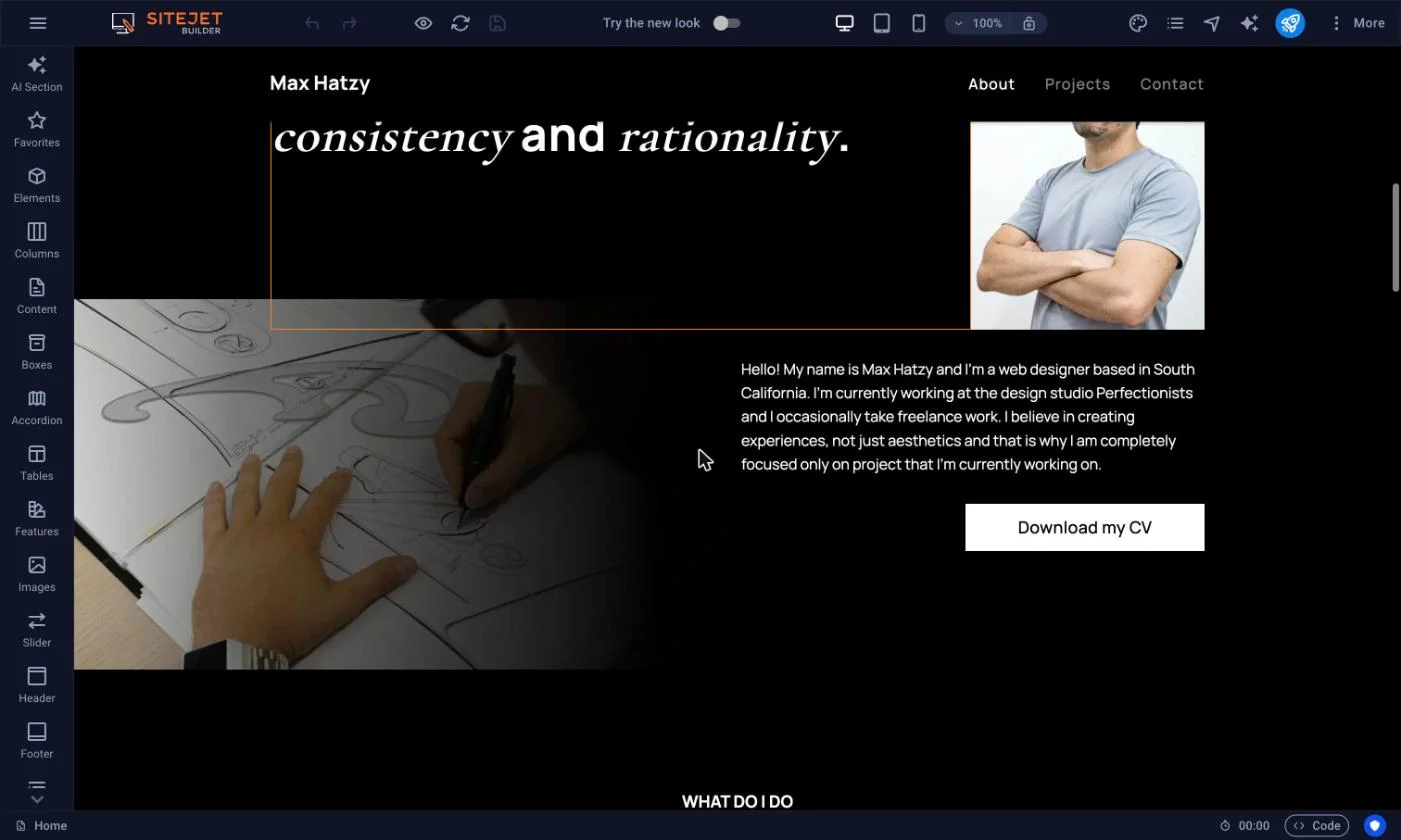
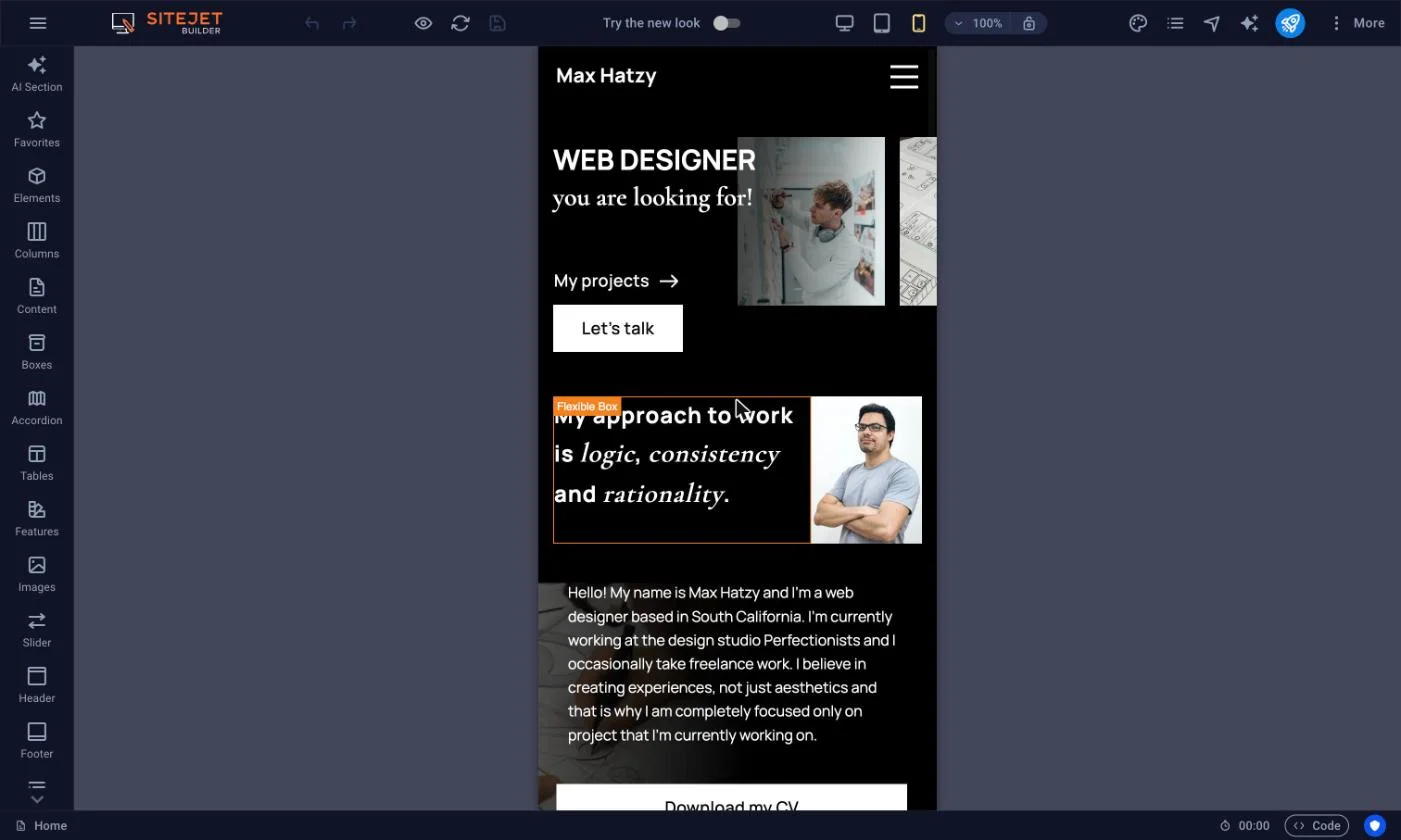
See the Liberation Site Builder in action
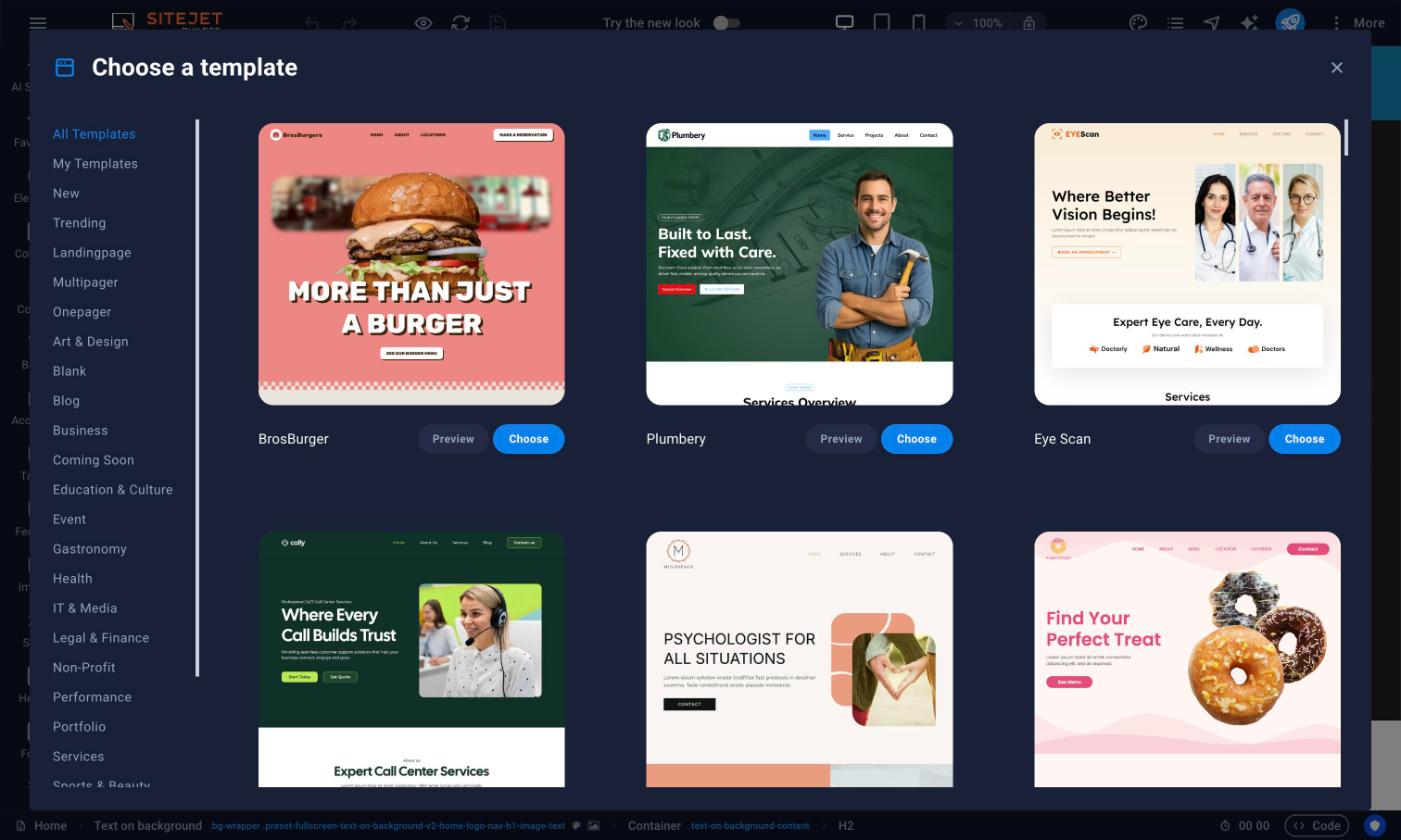
Start from a template, edit on the page, and check desktop and mobile before you publish.
The short answer
Wix sites can’t be exported the way a WordPress site can — there’s no standard file/database format to migrate. Moving from Wix means rebuilding the site on WordPress, matching your existing pages, design and content, then pointing your domain at the new site.
When you move from Wix to Liberation, the goal is a Wix migration you never have to think about twice: the same pages, the same design, the same functionality, just running on infrastructure you actually own instead of Wix’s closed, subscription-locked platform. A move from Wix is different from a plugin-based import — there is no export tool, so our team rebuilds every page by hand, tests every form and menu against the live Wix site, and only points your domain over once everything checks out.
Business owners who move from Wix often ask how long the Wix migration takes and whether anything will break in the process. In most cases a single-site Wix migration wraps up within one to two weeks of approving the plan, and because your original Wix site stays live and untouched throughout, there’s no window where your business is offline. If you’re weighing whether to move from Wix now or wait, the practical answer is that the Wix migration only gets more involved the longer content keeps accumulating on the old site.
Because it’s a rebuild rather than a copy, timelines vary more than a WordPress-to-WordPress migration; a typical brochure site takes one to two weeks depending on page count and complexity.
What actually happens
We audit your current site
Every page, form, and piece of content on your Wix site is catalogued before we start building.
We rebuild on WordPress
Pages are recreated to match your existing design and content, not a generic template.
We test before cutover
The new site is checked against the live Wix site page by page before your domain is pointed at it.
You keep your domain name and your content — what changes is the platform underneath, from Wix’s closed system to WordPress, which you can take anywhere.
- Rebuild, not a copy done by our team, matching your existing pages and content.
- No downtime cutover DNS changes are scheduled and monitored, not left to chance.
- U.S.-owned infrastructure and support, not outsourced overseas.
Why teams leave Wix
The most common reasons: being locked into Wix’s own ecosystem with no real export path, per-app costs that add up, and wanting a platform (WordPress) that isn’t tied to one company’s pricing decisions.
What to expect
A quote before we start
Because it’s a rebuild, we look at your current site first and give you a fixed quote, not an open-ended hourly estimate.
Your content, carried over
Text, images and page structure are recreated; anything Wix-specific (like certain app widgets) gets a WordPress equivalent, which we’ll flag upfront.
A platform you control
WordPress content lives in a standard database you can export or move again, unlike Wix.
- WordPress hosting from $35/month.
- Website Builder $10.99/month if you'd rather keep a drag-and-drop editor.
- Site rebuild quoted after we review your current Wix site.
Priced the way a business buys
Starting prices for hosting; the rebuild itself is quoted based on your current site’s size and complexity.
- WordPress hosting from $35/month.
- Website Builder $10.99/month.
- Custom website build written quote based on scope.
What It Costs
Starting prices, billed monthly unless noted. Anything larger gets a written quote.
Step-by-step: what to gather from Wix and how the DNS switch works
We audit your current site
- Wix has no single “export my site” file the way WordPress or cPanel hosting does — there’s no download that reproduces your pages elsewhere, so this is a rebuild, not a copy (we handle the rebuild).
- While we rebuild, gather what Wix doesn’t hand off cleanly: your original images from the Wix Media Manager, your blog post text, product listings if you run a Wix Store, and any custom form field names.
- If your domain was bought through Wix, go to Domains in your Wix account, select it, and use the connection-method screens to switch it off Wix’s name servers, or start a registrar transfer if you’d rather move the registration itself.
- If your domain was bought elsewhere and just pointed at Wix, go to that registrar’s DNS or nameserver settings and remove the Wix-specific records once your new Liberation site is built and tested.
- We build and test your new site on a temporary Liberation address first, so nothing goes live until you approve it — only then do we ask for the DNS change above.
- Once DNS points to Liberation and has propagated (usually under an hour, up to 48 for full global propagation), the old Wix plan can be cancelled.
We rebuild on WordPress
Pages are recreated to match your existing design and content, not a generic template.
We test before cutover
The new site is checked against the live Wix site page by page before your domain is pointed at it.
You keep your domain name and your content — what changes is the platform underneath, from Wix’s closed system to WordPress, which you can take anywhere.
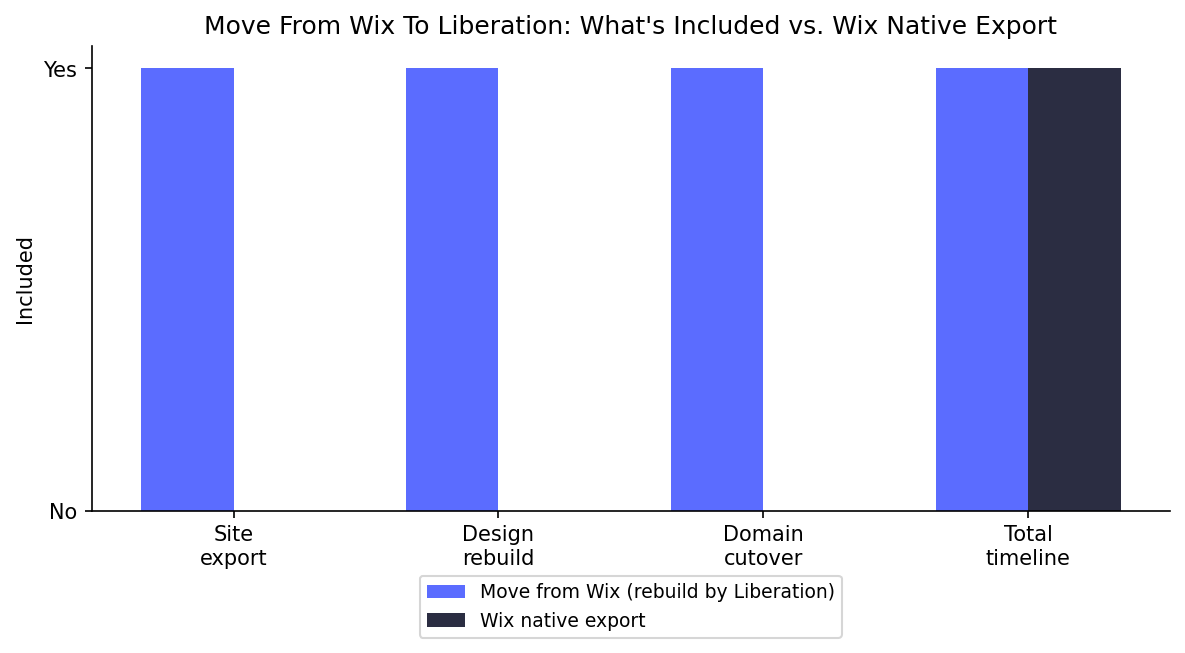
See the full Wix vs. Liberation comparison →
Common questions
Can you just export my Wix site directly?
No — Wix does not offer a standard export, so when you move from Wix, the move is a rebuild that matches your existing pages and content, not a file copy. If you want to see what a standard WordPress export/import looks like by comparison, WordPress.org’s own export documentation shows the process Wix simply doesn’t offer.
How long does it take?
A typical brochure site takes one to two weeks; larger or more complex sites take longer, and we’ll give you a specific timeline after reviewing your site.
Will I lose my Wix apps/widgets?
Wix-specific apps get a WordPress equivalent where one exists; we’ll flag anything that needs a different approach before starting.
Is the rebuild free like a WordPress migration?
No — because it’s a rebuild rather than a copy, it’s quoted based on your site’s size and complexity, not included free like a standard migration.
Do I need technical skills to move from Wix?
Yes. When you move from Wix to Liberation, our team handles the entire Wix migration for you — you don’t need any technical experience, and your current site stays live and untouched until the new one is tested and ready to go.
Ready to leave Wix?
Book a call and share your current site — we’ll give you a fixed quote and a realistic timeline.
What actually makes leaving Wix hard
There is no polite way to put this: you cannot export a Wix site. Wix does not produce a file you can take elsewhere, there is no standard archive, and no tool converts a Wix site into a WordPress one. Anything that leaves Wix is a rebuild. Any provider who tells you otherwise has not actually done it.
In practice that is less dramatic than it sounds, because the rebuild is of the container rather than the contents. Your text, images, logo, page structure and URLs all travel. What has to be recreated is the layout and the functionality. If your site is a handful of pages with a contact form, that is a short job. If it has a store, bookings or member logins, each of those is a decision about what replaces it.
The URLs are the part worth insisting on. Your existing page addresses are what search engines and other people’s links point at, and a rebuild that quietly changes them throws away rankings you already earned. We capture the full list of live URLs before building anything, keep them wherever we can, and redirect the ones we cannot.
Then the domain. If it was registered through Wix it has to be transferred out, which means unlocking it and obtaining the authorization code while that account is still active — so do it first, not last. Check the subscription renewal date too, so you are not quietly paying for an empty site for another year.
How we handle it: we export your content and the complete URL list, rebuild on a platform you actually own — a Site Builder plan if you want it simple, WordPress if you want it extensible — keep your URLs and redirect the rest, then move the domain and cut over. Because this is a rebuild rather than a migration, it is quoted on what the site contains rather than at the flat migration rate. Book a call and we will tell you which it is once we have looked at your pages.
Custom Solutions
Take your business to the next level with Liberation's full suite of services & solutions.
Custom Management
Don’t like managing? We offer managed services for hosting, ecommerce, web sites, and more.
Our Promise Of Digital Independence
Liberating Your Digital World Is Our Passion
- U.S.A. owned and based
- We own and control our entire platform
- More security to protect your data
- No Censorship Guarantee
- 100% data ownership
- Your data is NEVER shared

Global Edge Network
Liberation’s global edge network provides enhanced performance & security.
Freedom Tech News
Stay informed on the latest tech news, new products, promotions, & more!