Ditch Microsoft & Google Today!

Move From Shopify To Liberation

When you move from Shopify, Shopify doesn't offer a standard export, so this website migration is a rebuild, not a file copy — here is what that actually involves.

How the move from Shopify works

We handle each step so you can keep working.

Your Shopify site
Rebuild and copy content
Review together
Go live

See the Liberation Site Builder in action

Start from a template, edit on the page, and check desktop and mobile before you publish.
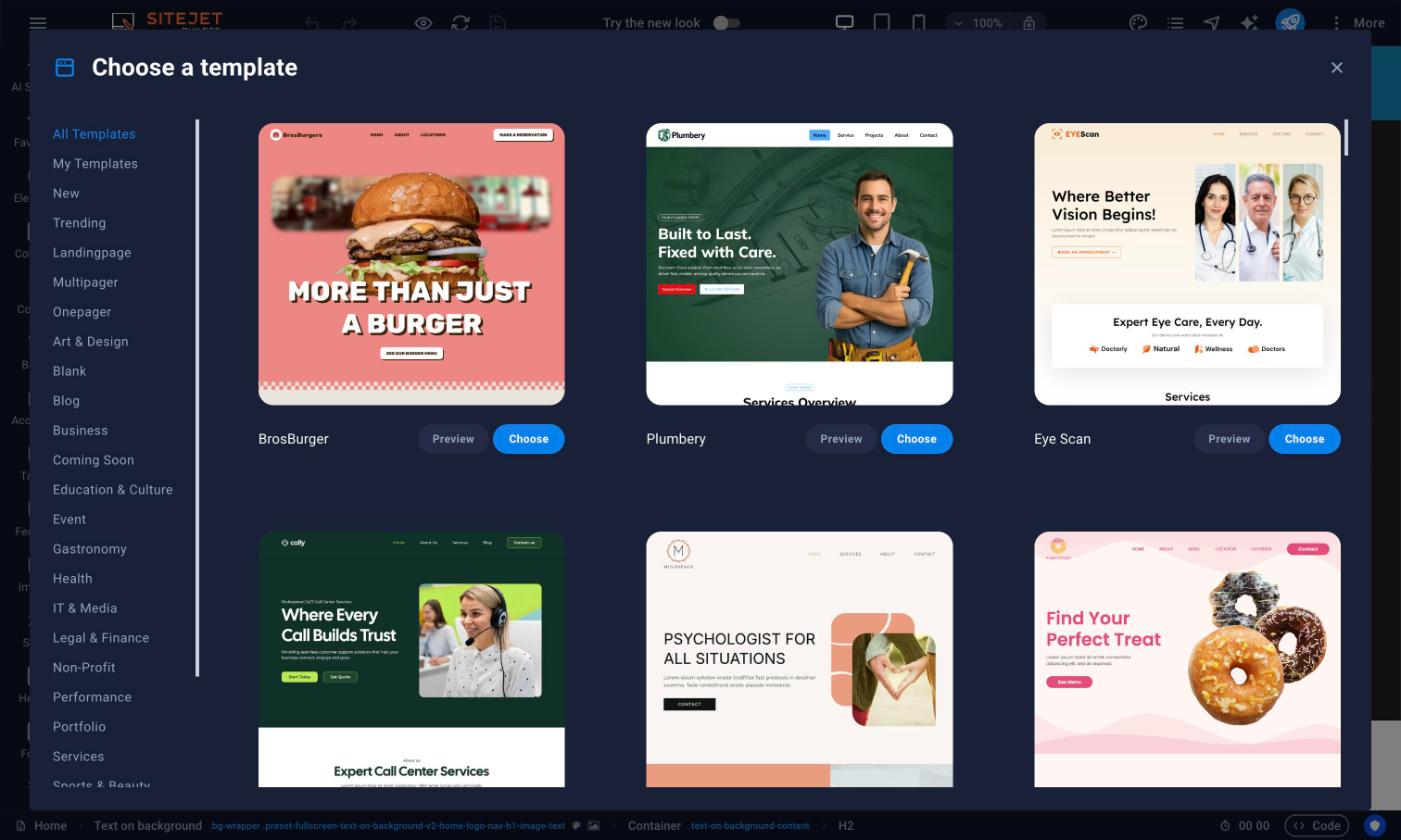
Site builder template picker with categories and design templates
Pick a template by category
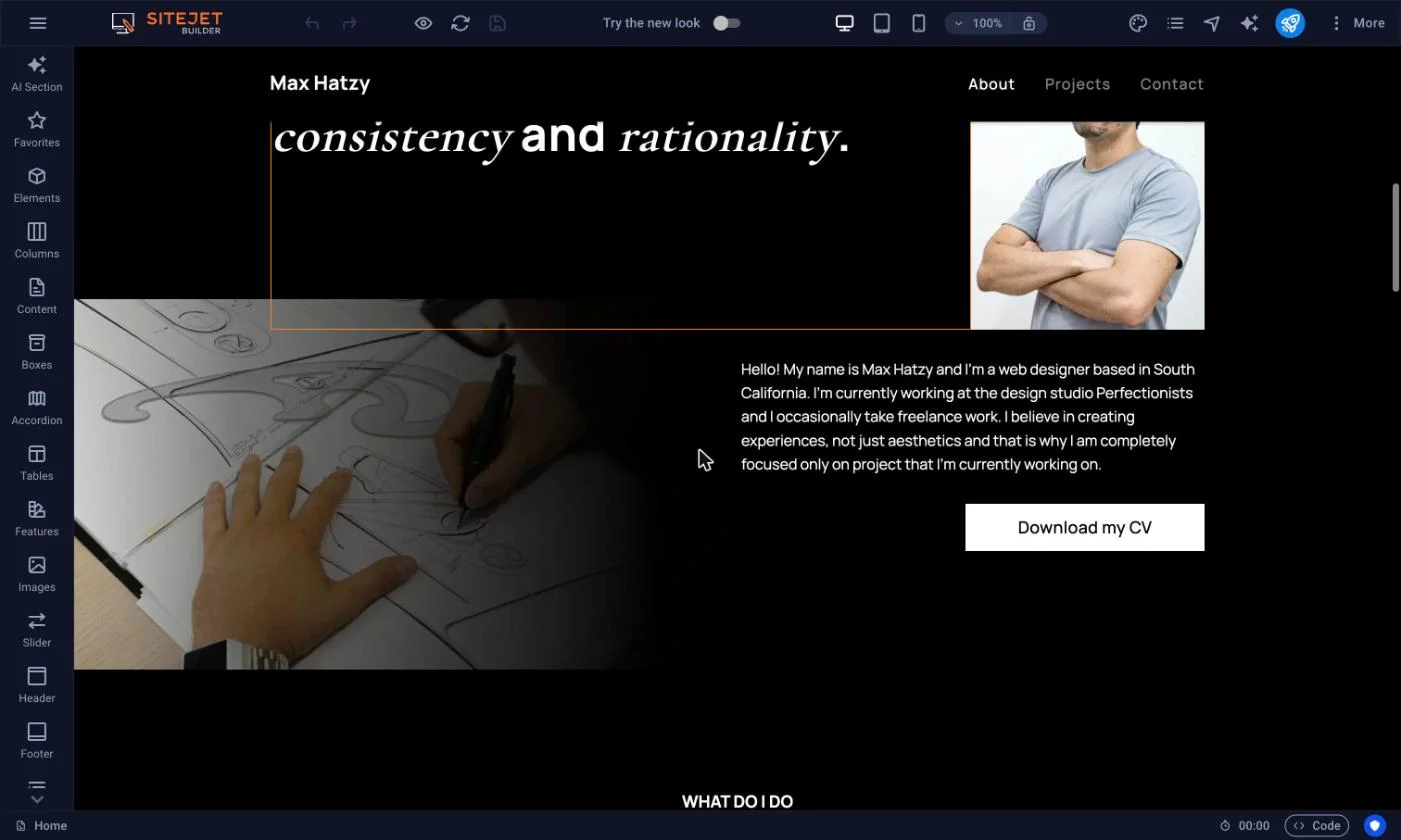
LiberationTek Site Builder template editor, about page desktop view
Edit your page visually
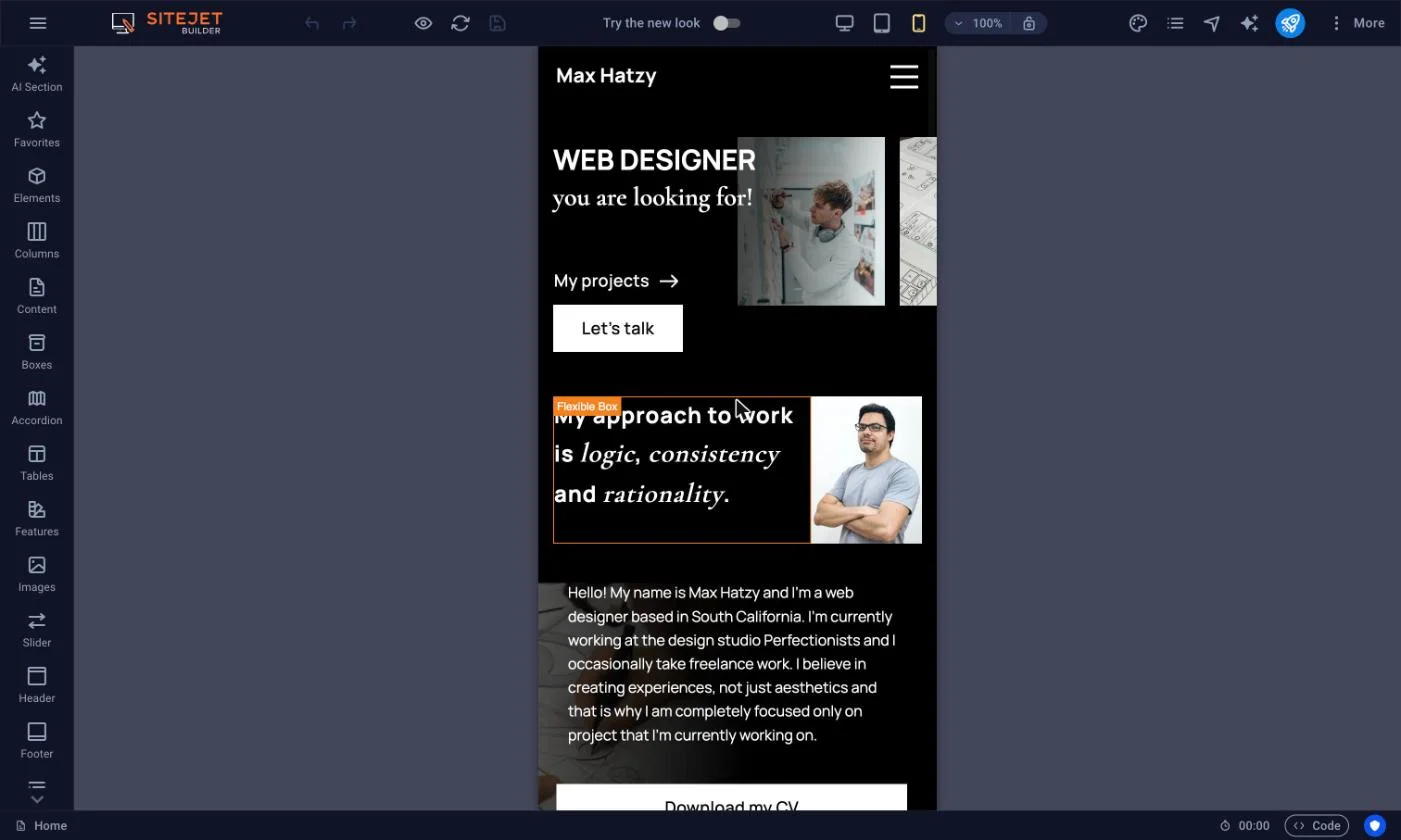
LiberationTek Site Builder template editor, mobile view
Preview and fine-tune the mobile layout

The short answer

Shopify sites can’t be exported the way a WordPress site can — there’s no standard file/database format to migrate. Moving from Shopify means rebuilding the site on WordPress, matching your existing pages, design and content, then pointing your domain at the new site.

When you move from Shopify to Liberation, the goal is a Shopify migration you never have to think about twice: the same pages, the same design, the same functionality, just running on infrastructure you own instead of Shopify’s per-order fees and app subscriptions. A move from Shopify is different from a plugin-based import — there is no export tool, so our team rebuilds every page and product listing by hand, tests every form, cart, and checkout flow against the live Shopify site, and only points your domain over once everything checks out.

Business owners who move from Shopify often ask how long the migration takes and whether anything will break in the process. In most cases a single-site Shopify migration wraps up within one to two weeks of approving the plan, and because your original Shopify store stays live and untouched throughout, there’s no window where your business is offline. If you’re weighing whether to move from Shopify now or wait, the practical answer is that the Shopify migration only gets more involved the longer your product catalog keeps growing on the old site.

Because it’s a rebuild rather than a copy, timelines vary more than a WordPress-to-WordPress migration; a typical brochure site takes one to two weeks depending on page count and complexity.

What actually happens

We audit your current site

Every page, form, and piece of content on your Shopify site is catalogued before we start building.

We rebuild on WordPress

Pages are recreated to match your existing design and content, not a generic template.

We test before cutover

The new site is checked against the live Shopify site page by page before your domain is pointed at it.

You keep your domain name and your content — what changes is the platform underneath, from Shopify’s closed system to WordPress, which you can take anywhere.

Why teams leave Shopify

The most common reasons: being locked into Shopify’s own ecosystem with no real export path, per-app costs that add up, and wanting a platform (WordPress) that isn’t tied to one company’s pricing decisions.

What to expect

A quote before we start

Because it’s a rebuild, we look at your current site first and give you a fixed quote, not an open-ended hourly estimate.

Your content, carried over

Text, images and page structure are recreated; anything Shopify-specific (like certain app widgets) gets a WordPress equivalent, which we’ll flag upfront.

A platform you control

WordPress content lives in a standard database you can export or move again, unlike Shopify.

Priced the way a business buys

Starting prices for hosting; the rebuild itself is quoted based on your current site’s size and complexity.

What It Costs

Starting prices, billed monthly unless noted. Anything larger gets a written quote.

Step-by-step: exporting your Shopify catalog and switching DNS to Liberation

We audit your current site

  1. Shopify has no single “export my site” file for pages and theme design, but your store data can be exported: in your Shopify admin, go to Products, click Export, choose All products, and export as CSV — do the same from Orders and Customers for your own backup copies.
  2. While we rebuild your storefront pages and theme on Liberation, we import your product catalog, pricing and images from that export so nothing has to be re-entered by hand.
  3. Your domain’s DNS lives wherever you registered it, or inside Shopify’s own domain settings if you bought it through Shopify — find it under Settings → Domains in your Shopify admin, or at your outside registrar.
  4. Once your new store is built and tested on Liberation, we send you the new DNS records to replace Shopify’s A record, AAAA record, and CNAME (shops.myshopify.com) with ones pointing to Liberation.
  5. Your Shopify store stays live and untouched until the new one is fully tested and you approve the switch, so there’s no gap in taking orders.
  6. Once DNS points to Liberation and has propagated, the Shopify subscription can be downgraded or cancelled.

We rebuild on WordPress

Pages are recreated to match your existing design and content, not a generic template.

We test before cutover

The new site is checked against the live Shopify site page by page before your domain is pointed at it.

You keep your domain name and your content — what changes is the platform underneath, from Shopify’s closed system to WordPress, which you can take anywhere.

See how Liberation compares to other platforms →

A site you can try today

Open the demo and click around.

Open the live demo site
demo.ltshosting2.us
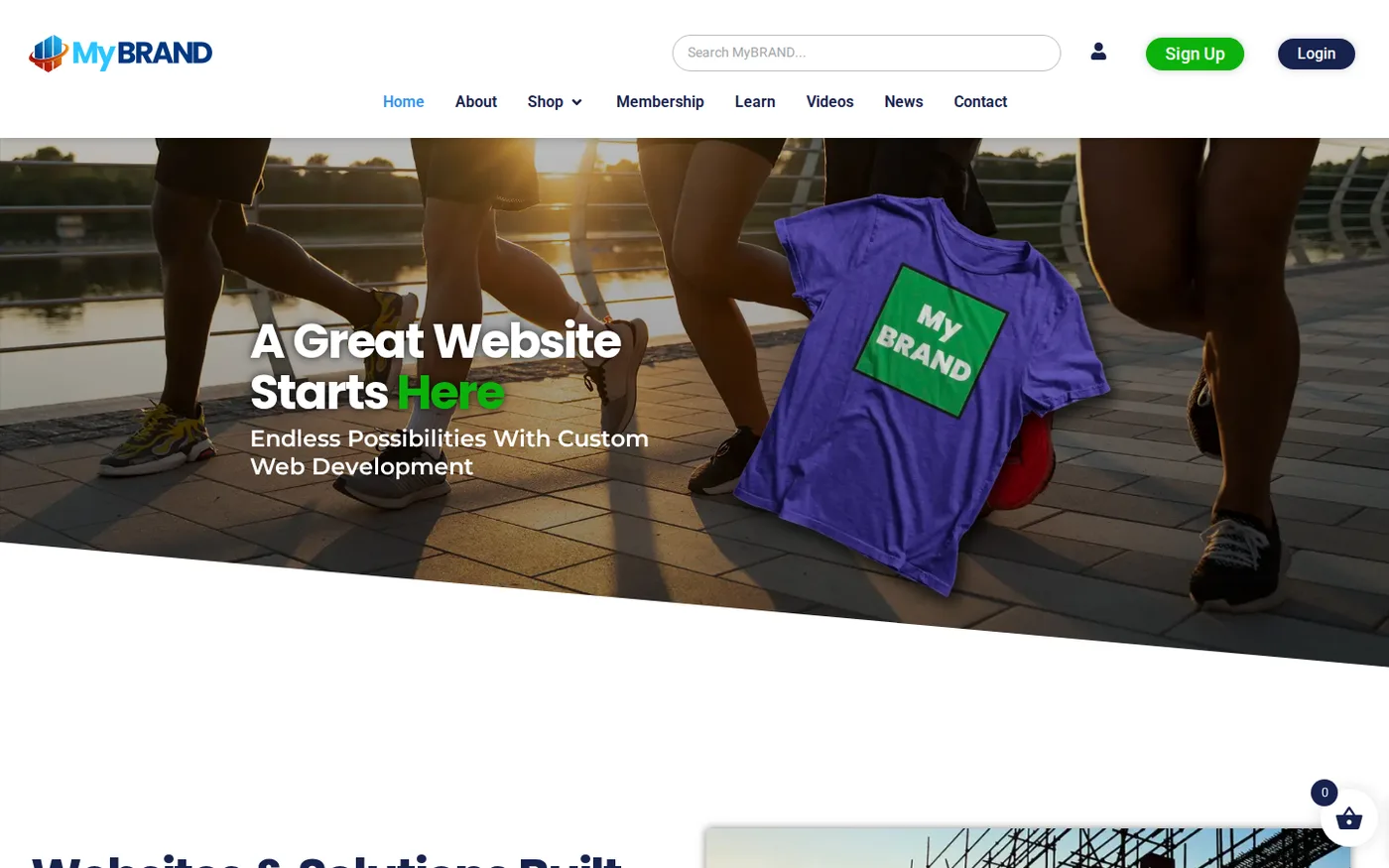
Move from Shopify demo homepage
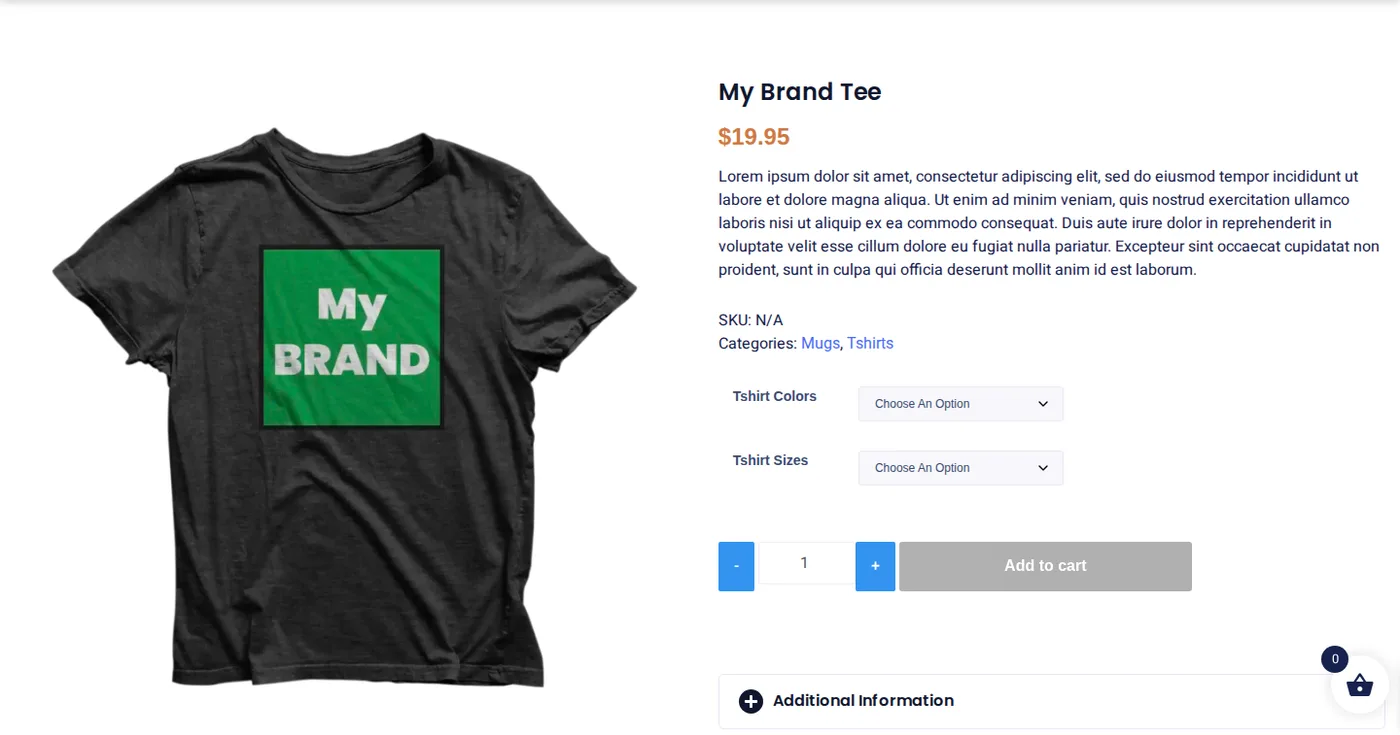
Move from Shopify demo product page
Move from Shopify demo membership page
Site demo

Common questions

No — when you move from Shopify, there’s no standard export, so the move is a rebuild that matches your existing pages and content, not a file copy. For reference, Shopify’s own product-export documentation outlines what a self-service CSV export would and wouldn’t carry over.

A typical brochure site takes one to two weeks; larger or more complex sites take longer, and we’ll give you a specific timeline after reviewing your site.

Shopify-specific apps get a WordPress equivalent where one exists; we’ll flag anything that needs a different approach before starting.

Move from Shopify to Liberation: what's included in this website migrationNo — because it’s a rebuild rather than a copy, it’s quoted based on your site’s size and complexity, not included free like a standard migration.

Yes. When you move from Shopify to Liberation, our team handles the entire rebuild for you — you don’t need any technical experience, and your current store stays live and untouched until the new site is tested and ready to go.


Ready to leave Shopify?

Book a call and share your current site — we’ll give you a fixed quote and a realistic timeline.

TemplatesStoreHostingSupportTemplatesStoreHostingSupportTemplatesStoreHostingSupportTemplatesStoreHostingSupport

Custom Solutions

Take your business to the next level with Liberation's full suite of services & solutions.

Custom Management

Don’t like managing? We offer managed services for hosting, ecommerce, web sites, and more.

Custom Websites

We build custom, professional websites for small to large organizations. 

Custom Apps

Our team of expert developers can design custom applications for a wide variety of purposes.

Payment Processing

Cancel-Free payment processing for a variety of industries and custom solutions.

Expert Consulting

Liberation offers consulting on strategy, infrastructure, e-commerce, and more.

Custom Ecommerce

We customize your e-commerce to fit your business needs and goals for maximum profits.

Our Promise Of Digital Independence

Liberating Your Digital World Is Our Passion

LiberationTek global edge network map

Global Edge Network

Liberation’s global edge network provides enhanced performance & security.

Population Reach
90 %
Countries
90 +
Networks
2500 +

Freedom Tech News

Stay informed on the latest tech news, new products, promotions, & more!

Ready For Digital Liberation?

Before you move from Shopify: what to prepare

When you move from Shopify, the order in which you gather things matters more than the speed of the copy. Start by exporting your products, customers and order history as CSV files, and download your theme files and any custom pages. Make a list of every app that adds a feature to your store, such as reviews, subscriptions or shipping rates, because each one needs a replacement or an equivalent plugin on the new store. Keep your payment processor details at hand, since the new checkout has to be connected before you go live.

What happens to your URLs and search rankings

A store that loses its web addresses loses its visitors, so we map every Shopify address to its new address and add permanent redirects. Product pages, collection pages and blog posts keep their search history this way. After the switch we check the redirects, submit the new sitemap and watch for crawl errors, so the move from Shopify does not cost you the traffic you built.

How long the move takes and what it costs

Most stores are rebuilt and tested within a few days, and larger catalogs take longer because every product, variant and image has to be checked. The migration is free with a Liberation hosting plan, and you can keep your Shopify store running until the new one is approved. That means no downtime and no lost sales while you compare the two side by side.

What you control after the move

After you move from Shopify, you own the store, the customer list and the data. You choose your own payment processor, so you are no longer tied to a per-order fee set by the platform, and you can add any plugin without paying a monthly app charge. Liberation handles the hosting, updates and backups, and our team is available if something needs attention.

Next steps

If you are ready, request the migration and we will review your store first. You can also see how the process works on our migration services page, or compare the cost of staying with Shopify against a store you own.

What actually makes leaving Shopify hard

Leaving Shopify is a commerce decision wearing hosting clothes. The storefront is the easy part. What is genuinely hard is everything attached to it: the payment gateway, any active subscriptions or stored payment methods, order and customer history, the apps quietly doing work nobody documented, and whatever tax configuration has accumulated.

Payments first. If you use Shopify Payments it stops when the store does, and customers with saved cards or active subscriptions do not come with you — they have to re-enter payment details on the new platform. For a one-off product catalogue that is an inconvenience. For a subscription business it is a retention event, and it needs a communication plan rather than just a cutover date.

Order history is the second thing people underestimate. Products, customers and orders export as spreadsheets, which is fine for records and accounting but is not the same as a working order history with fulfilment status, refunds and notes intact. Decide early whether the new store needs that history live or whether an archived export is enough, because the answer moves the scope substantially.

Then the apps. A mature store typically runs several — reviews, shipping rates, email, upsells, inventory sync — and each one is either replaced, rebuilt or dropped. Listing them and deciding which actually earn their keep is usually the single most useful hour of the whole project, and it often shrinks the rebuild considerably.

How we handle it: we inventory products, customers, orders, apps and payment arrangements before quoting anything, tell you honestly what transfers and what does not, and build the replacement on WordPress with WooCommerce where that fits. Your URLs are kept and the rest redirected. This is a rebuild rather than a flat-rate migration, so it is quoted on what your store actually contains. Book a call and we will start with the app list.