Ditch Microsoft & Google Today!
We handle each step so you can keep working.
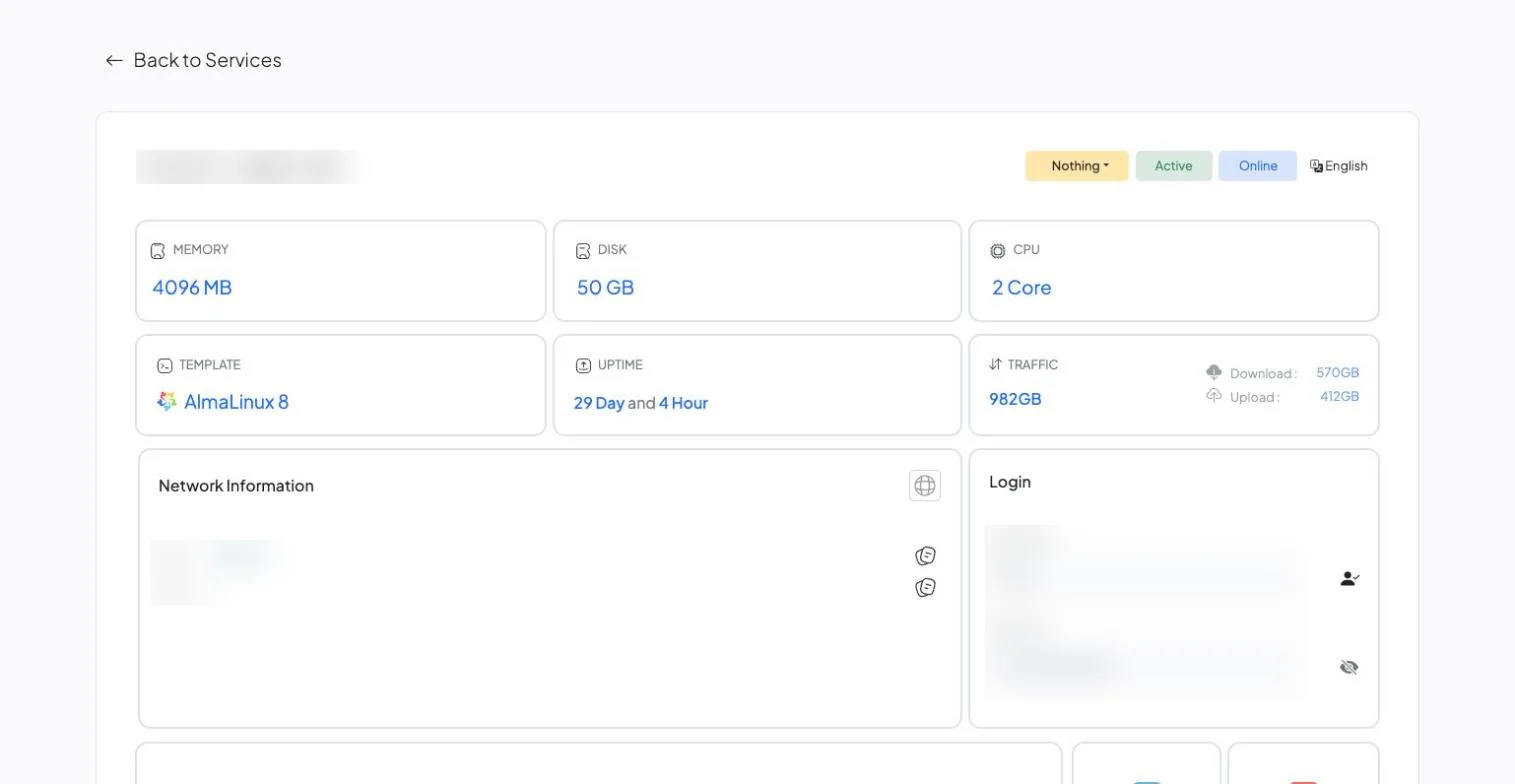
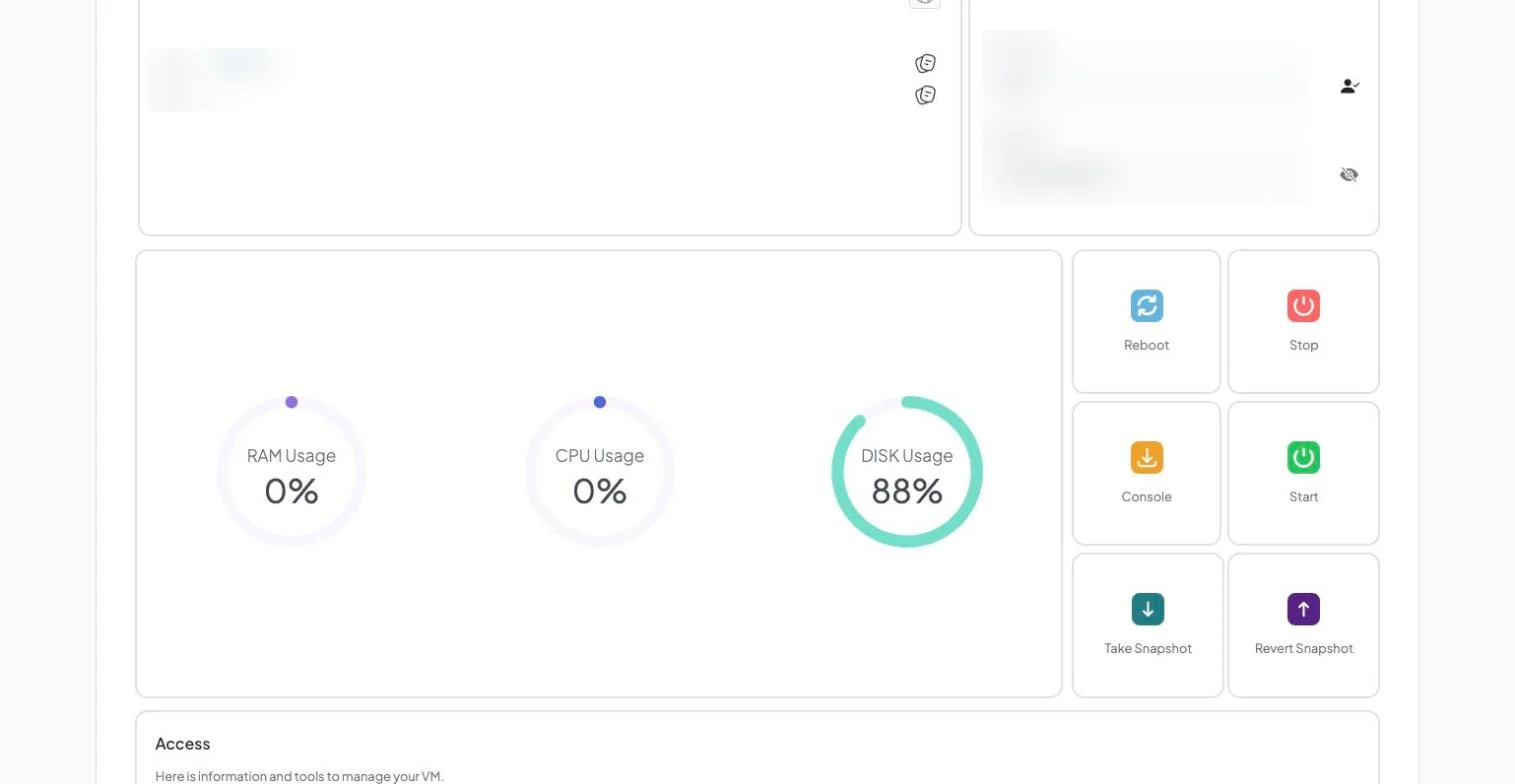
See resources and usage at a glance, then reboot, open a console or take a snapshot with one click.
DigitalOcean sells raw compute — a Droplet gives you root access and makes you the system administrator. Moving to LiberationTek means moving everything on that Droplet (sites, databases, users, cron jobs, SSL, mail) to a fully managed VPS with a cPanel/WHM license, daily backups and U.S.-based support already included in the price. The move happens as one free migration, handled by a person on our team rather than a self-service import tool.
If you plan to move from DigitalOcean, list everything running on each Droplet: web roots, databases, cron jobs, installed packages, firewall rules and any service on a custom port. Self-administered servers often hold configuration that exists nowhere else, so write it down before the move. Keep your Droplet snapshots until the new server has run cleanly for a few days, and lower your DNS TTL ahead of the cutover so the change propagates quickly.
Our VPS web hosting is managed with cPanel, and the cPanel documentation covers its migration tools. For WordPress sites, our guide on migrating WordPress yourself or hiring help can help you decide how much to hand off.
Teams that move from DigitalOcean usually want to know three things: what moves, in what order, and when the old account can be closed. The graphic below summarizes the process, and the same steps are explained in more detail further down this page.
If you are weighing whether to move from DigitalOcean now or wait, the timing is yours to choose. You can move from DigitalOcean in one window or in stages, and the old account stays live until you confirm the new one works for everyone.
People who move from DigitalOcean often ask about cost first. Our migration team walks through the plan with you before anything starts, so you know what it takes to move from DigitalOcean before you commit.
Some questions come up on almost every move from DigitalOcean. Can we move from DigitalOcean without downtime? Yes, because the old account stays live until the cutover. How long does it take to move from DigitalOcean? We confirm the timeline with you before anything starts. Will we lose anything when we move from DigitalOcean? We confirm what moves before we begin, and anything that cannot move is listed up front.
If you would rather talk it through, tell us what you use today and we will explain what it takes to move from DigitalOcean for your team.
Most single-server migrations complete within a few business days of you approving the plan, with a scheduled cutover window so there’s no unexpected downtime.
Your Droplet stays live and untouched while we build the copy on your new Liberation VPS.
The migrated copy is checked against the live Droplet — sites, databases, cron jobs, mail — before anything is pointed at it.
DNS changes happen at a time you choose, and we monitor for propagation issues after the switch.
You keep root and SSH access on your new server — the difference is you’re not the only one responsible when something breaks.
The most common reason: the Droplet price is only the start. A 16 GB / 8 vCPU Droplet lists at $96/mo; add a cPanel/WHM license ($53.99), daily backups (about 30% of the Droplet price) and a support plan with a real response target, and the same server passes $200/mo. See the full price comparison on our DigitalOcean Alternative page if that’s what’s driving the move.
All sites, databases, users, cron jobs and SSL certificates on your Droplet move as part of the migration, matched to your existing setup.
You keep root and SSH access on every Liberation VPS plan, so you can still install and configure what you need. The difference is you’re not alone with it when something breaks — that’s already in the price.
You can keep your domain registered wherever it is now and just point it at us, or transfer registration too — either works.
Starting prices, billed monthly. Migration itself is free regardless of which plan you choose.
Starting prices, billed monthly unless noted. Anything larger gets a written quote.
The migrated copy is checked against the live Droplet — sites, databases, cron jobs, mail — before anything is pointed at it.
DNS changes happen at a time you choose, and we monitor for propagation issues after the switch.
You keep root and SSH access — what changes is that you’re not the only one responsible when something breaks. See the full DigitalOcean vs. Liberation comparison →


Book a call and tell us what you’re running — we’ll give you a migration timeline and a written quote, no obligation.
The honest question about a droplet is not where it should move but who has been looking after it. DigitalOcean sells you a server and keeps the hardware running. Everything above that line is yours: operating system updates, PHP and database versions, the web server configuration, the firewall, certificate renewal, and backups you can actually restore from. A great many droplets were set up once, competently, by somebody who has since left.
That makes this a responsibility decision rather than a capacity one. If the complaint is that the site is slow, a bigger droplet is rarely the answer — an unpatched stack with no caching usually is. If the complaint is that nobody left knows how it works, a bigger droplet definitely is not.
A word on snapshots, because they are widely mistaken for backups. A droplet snapshot is a copy of that droplet, restorable to another droplet in the same account. It is not a portable archive you can hand to another provider, and it is not a file-level backup you can pull one deleted page out of. If snapshots are the whole backup strategy, that is better to know now than during an incident.
The move itself is clean because nothing is proprietary — a Linux server with files, a database and a web server. The work is documentation: scheduled tasks, firewall rules whether in the cloud firewall or on the box, certificate renewal, any service running that nobody mentioned, and the DNS zone if it is hosted at DigitalOcean rather than at your registrar.
How we handle it: we audit what is genuinely running on the droplet, then tell you plainly whether you want managed WordPress hosting, a managed VPS with patching included, or the same unmanaged arrangement rebuilt properly with real backups. Then we migrate, test on a temporary address, and cut over. Website Migration is included with hosting, email and Hub plans. If you are not on a plan, or you want a one-off move, it is $250. Book a call and we will start with what is on the box.
Don’t like managing? We offer managed services for hosting, ecommerce, web sites, and more.
Liberating Your Digital World Is Our Passion
Liberation’s global edge network provides enhanced performance & security.
Stay informed on the latest tech news, new products, promotions, & more!