Ditch Microsoft & Google Today!
We handle each step so you can keep working.
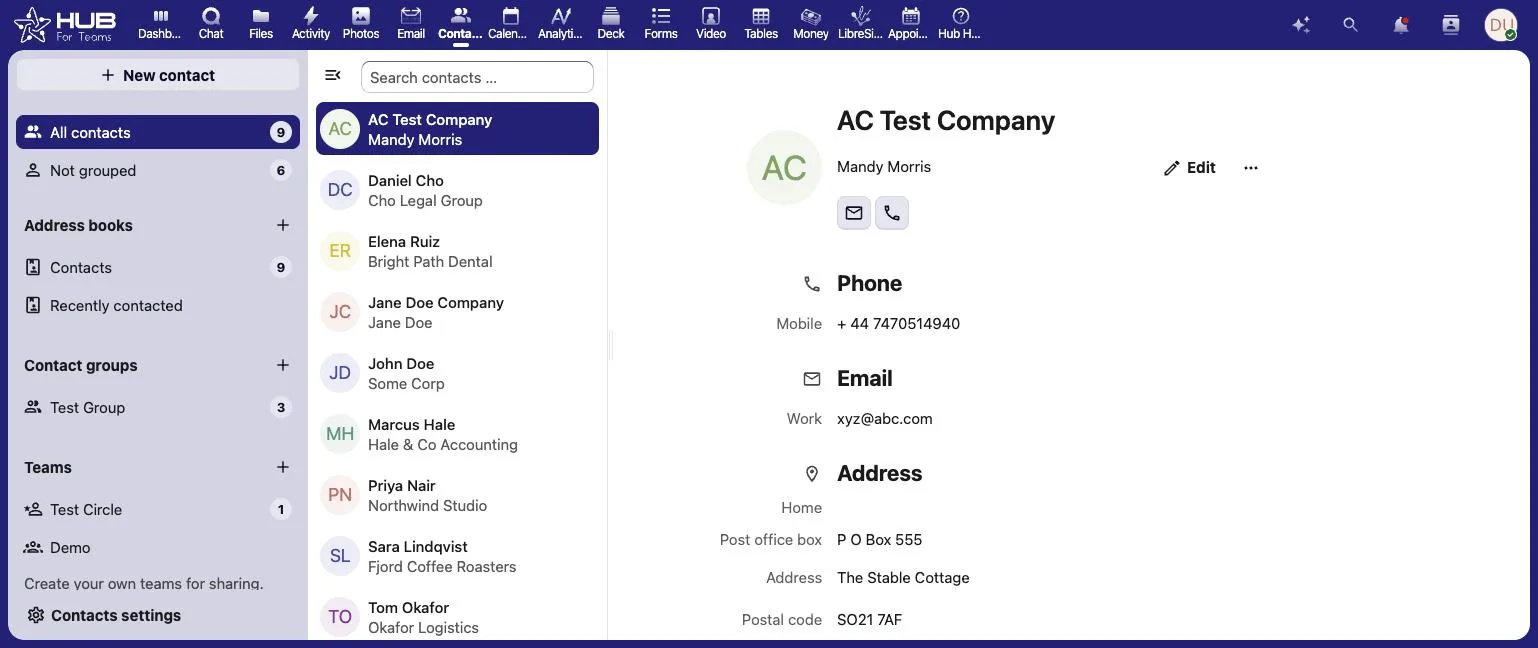
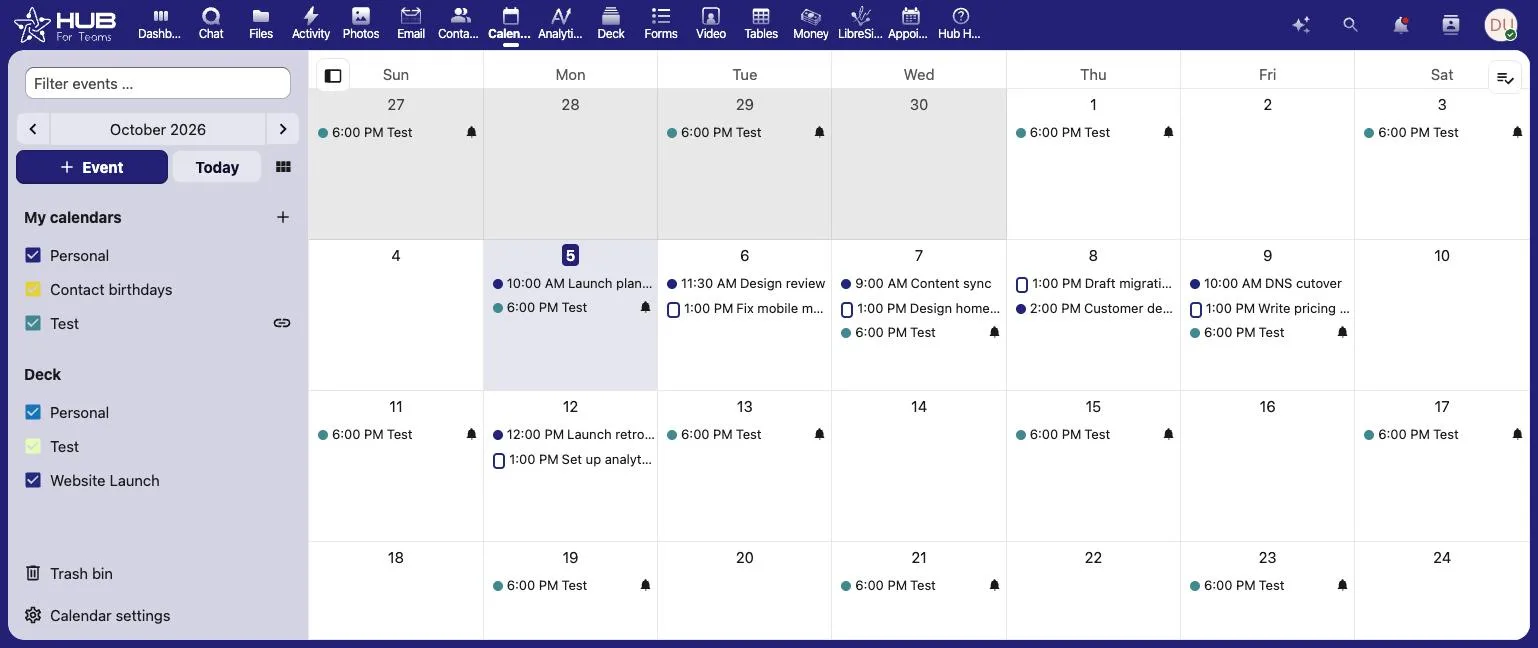
Business email, contacts and calendar on your own domain, all in one place.
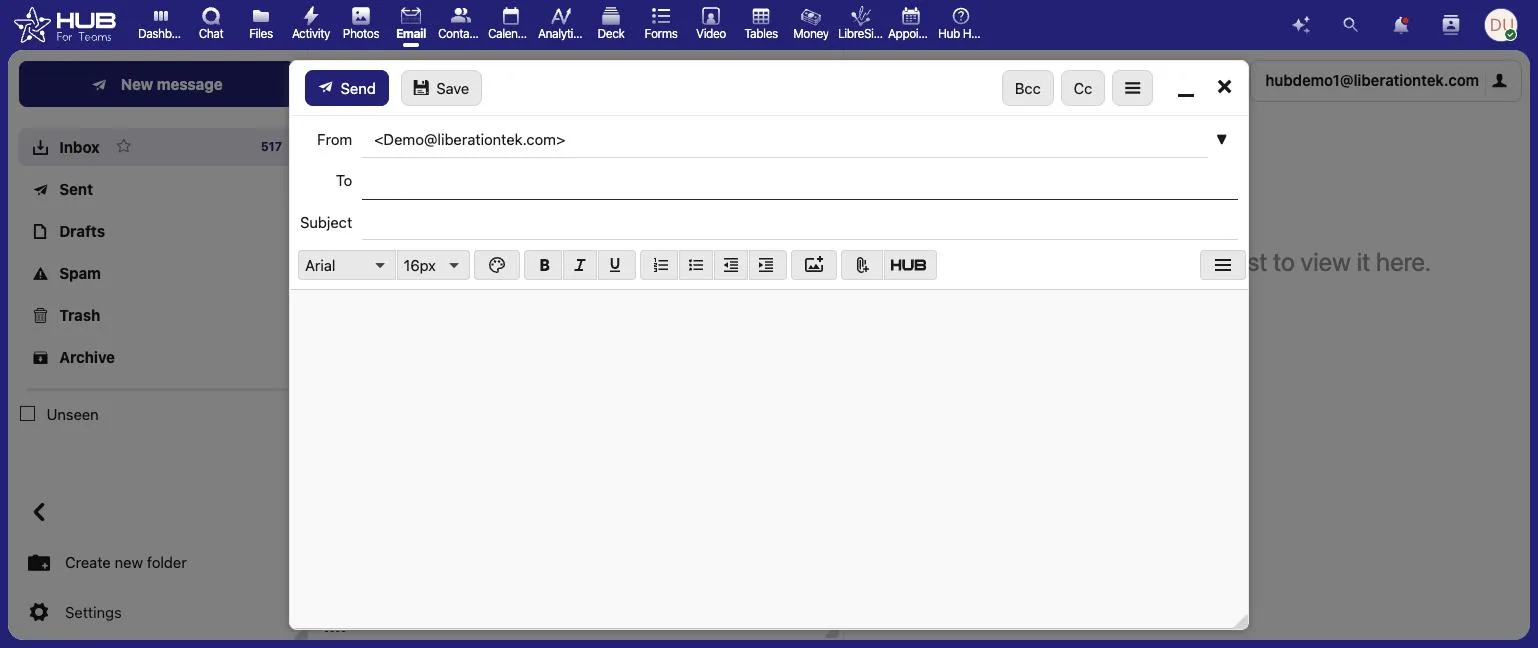


Moving off Zoho Workplace means moving your team’s email, files, and collaboration tools into Hub for Teams — Liberation’s all-in-one email, chat, video, file storage and project management app, hosted only on U.S. servers.
To move from Zoho Workplace cleanly, inventory what your team actually uses: mail, calendars, documents, chat and any connected apps. Decide which of those move on day one and which can follow later, and tell people the date in advance. Export mail, contacts and files from the old account, and keep it active until everyone has confirmed they can work in the new one.
Consolidating onto one suite also simplifies security. CISA explains multi-factor authentication in plain terms, and our guides on password managers and what cybersecurity means for a small business are a good starting point.
Teams that move from Zoho usually want to know three things: what moves, in what order, and when the old account can be closed. The graphic below summarizes the process, and the same steps are explained in more detail further down this page.
If you are weighing whether to move from Zoho now or wait, the practical answer is that the timing is yours to choose. Move from Zoho in one weekend if your team is small, or in stages if different groups depend on different apps. Either way, the old account stays live until you confirm the new workspace works for everyone.
People who move from Zoho often ask about cost before anything else. Our migration team will walk through the plan with you first, so you know what it takes to move from Zoho before you commit to anything.
Some questions come up on almost every move from Zoho. Can we move from Zoho without downtime? Yes, because the old account stays live until the cutover. How long does it take to move from Zoho? We confirm the timeline with you before anything starts. Will we lose anything when we move from Zoho? We confirm what moves before we begin, and anything that cannot move is listed up front.
If you would rather talk it through, tell us what you use today and we will explain what it takes to move from Zoho for your team.
Most team migrations complete within a few business days of you approving the plan, with a scheduled cutover window so there’s no unexpected disruption for your team.
Your Zoho Workplace account stays live and untouched while we build and configure your new Hub for Teams workspace.
Mailboxes transfer over IMAP, contacts and calendars export from Zoho’s own tools, and files move into Hub for Teams’ file storage — we’ll tell you exactly what’s included before we start.
You pick the day your team switches over, and we’re online while everyone signs in for the first time.
There’s no dual system to manage during the transition — once your workspace is ready and your team has tried it, your Zoho Workplace subscription can be downgraded or canceled on your schedule.
The most common reasons: once you pick a data region at signup, moving it later isn’t self-service — it requires emailing Zoho’s migrations team, expected downtime, and integrations that can’t be migrated, even between Zoho’s own apps. See the full Zoho Workplace vs. Hub for Teams comparison →
Mailboxes, folders and message history transfer over IMAP; contacts and calendar entries export from Zoho and import into Hub for Teams.
Files from Zoho WorkDrive move into Hub for Teams’ file storage, organized to match your existing folder structure.
We set up every team member’s login and permissions before the cutover, so nobody has to self-register on day one.
Starting prices, billed monthly. Free migration when you choose an annual plan.
Starting prices, billed monthly unless noted. Anything larger gets a written quote.
Your migrated workspace is checked against your live Zoho data — mail, files, contacts — before your team gets invited in.
You pick the day your team switches, and we’re online to help with sign-in on day one.
Your old Zoho Workplace account stays intact until you’re ready to downgrade or close it out yourself.
Mail, chat and files together.

Book a call and tell us how your team uses Zoho Workplace today — we’ll give you a migration timeline and a written quote, no obligation.
Two quite different situations arrive at this page. The first is a business on a free or entry-level mail tier, where the limitation is access rather than features: restricted POP and IMAP on free plans can mean your mail is only reachable through the web interface or the app, which is exactly what makes it awkward to get out. The second is a business using several Zoho applications together, where mail is the least of it.
If you are in the first group, check your plan’s protocol access before anyone quotes you a migration, because it determines the method. Where IMAP is available the copy is routine. Where it is not, mail comes out through an export, or through a short plan upgrade for the duration of the move — a small cost, cheaper than the alternatives, and much better known in advance than discovered halfway through.
If you are in the second group, write down which Zoho applications are genuinely in use: CRM, Books, Desk, Projects, Sign, and whatever else got switched on along the way. Each holds its own data in its own export format, and each is a separate decision about what replaces it. Moving mail out while leaving the CRM where it is can be entirely sensible — but it should be a decision rather than an accident.
Either way, do the alias and forwarding inventory. These accounts commonly carry group addresses and aliases configured in the admin console, which are not mailboxes and will not show up in a mailbox count. Every one gets recreated explicitly on the new system, or mail to that address stops arriving and nobody notices for a fortnight.
How we handle it: we establish which plan and which applications you are on, confirm how your mail can actually be extracted before quoting, copy mailboxes while the old system still accepts mail, rebuild aliases and groups, and publish SPF, DKIM and DMARC on your domain. Hub For Teams gives you mailboxes, shared calendars and contacts on your own domain. Book a call and tell us which Zoho apps you use.
Don’t like managing? We offer managed services for hosting, ecommerce, web sites, and more.
Liberating Your Digital World Is Our Passion
Liberation’s global edge network provides enhanced performance & security.
Stay informed on the latest tech news, new products, promotions, & more!