
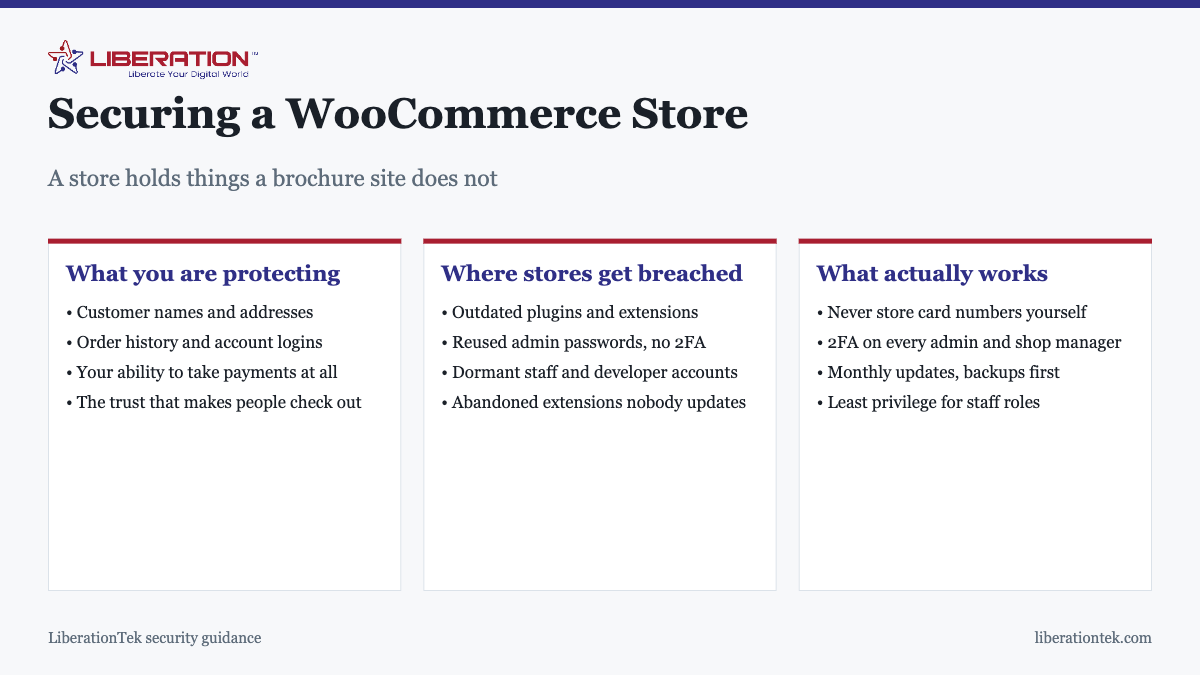
To secure a WooCommerce store: update everything monthly with backups taken first, put two-factor authentication on every administrator and shop manager account, never store card numbers yourself, and give staff the lowest role that does their job. Almost every compromised store traces back to one of those four being skipped, not to a sophisticated attack.
A store is a different security problem from a brochure site, and not because attackers are cleverer about it. It is because the consequences are worse. A compromised brochure site is embarrassing. A compromised store exposes customer data, can quietly steal card details at checkout, and can end your ability to take payments at all.
Card data: the rule that matters most
The single most important decision is one you make once, at setup: do not store card numbers on your own server.
Properly integrated payment gateways send card details directly from the customer’s browser to the processor. The numbers never reach your database. What you keep is a token, a reference that lets you charge the saved card again without ever holding it.
This matters for two reasons. It removes the most valuable thing an attacker could take, and it dramatically reduces your PCI DSS scope. If any plugin offers to store full card numbers locally, treat that as a liability rather than a feature.
PCI, briefly and honestly
If you accept card payments, PCI DSS applies to you. What varies is how much you have to demonstrate. Keeping card data off your server through a hosted checkout or a properly integrated gateway is what shrinks the obligation to something a small business can actually meet.
Be clear about the division: your host secures the infrastructure, your processor secures the payment path, and neither of them secures your store configuration, your plugins or your admin accounts. Those are yours, and they are where breaches happen.
Where stores actually get breached
The causes are unglamorous and consistent:
- An outdated plugin or extension with a published vulnerability. The leading cause by a wide margin, and entirely preventable.
- A reused administrator password from a service that was breached elsewhere.
- No two-factor authentication, which turns a leaked password into full access.
- Dormant accounts belonging to former staff or a developer who finished months ago.
- Abandoned extensions that stopped being maintained and now carry unpatched flaws.
- Everyone being an administrator because it was easier than configuring roles.
Note what is absent: sophisticated attacks on the hosting layer. Those are rare. The realistic threat has always been the front door, and we cover the hosting side of this in is shared hosting safe.
Card skimming, which deserves its own warning
The most damaging attack on a store is not defacement or ransom. It is a small piece of JavaScript injected into your checkout that copies card details as customers type them, and sends them elsewhere.
It is designed to be invisible. The store works normally, orders complete, and nothing looks wrong. The first sign is usually your processor contacting you because fraudulent charges have been traced to cards used on your site, by which point it has been running for weeks.
This is the specific reason that keeping extensions updated on a store is more urgent than on a brochure site, and why unexplained changes to checkout should be investigated rather than assumed benign. If your store has been showing any of the signs in how to tell if your site has been hacked, treat checkout as the priority.
Customer data you did not mean to keep
Card numbers are the obvious liability and the one most stores handle correctly. The quieter problem is everything else a store accumulates without anyone deciding it should.
A WooCommerce store holds names, delivery and billing addresses, phone numbers, email addresses and complete purchase histories, and it holds them indefinitely by default. Years of orders from customers who bought once and never returned sit in the database, doing nothing useful and adding to what a breach would expose.
Worth deciding deliberately:
- How long order data actually needs to be kept. There are usually tax and accounting reasons to retain records for a period. Those reasons rarely require keeping everything live in the store database forever.
- What happens to abandoned customer accounts. Accounts created years ago, never used since, still hold personal data and are still a login surface.
- Which plugins are quietly collecting more. Analytics, chat widgets and marketing extensions frequently store their own records of customer behavior alongside the orders.
- Who can export it. An export function available to every shop manager is a convenient way for a compromised account to take the entire customer list in one click.
WooCommerce includes settings for retaining and anonymising personal data after a chosen period, and they are worth configuring rather than leaving at the defaults. The principle is simple: data you do not hold cannot be stolen from you, and most stores are holding considerably more than they need.
Roles: least privilege, in practice
| Role | Can do | Give to |
|---|---|---|
| Administrator | Everything, including plugins and users | You, and as few others as possible |
| Shop Manager | Orders, products, customers | Staff processing orders |
| Editor | Content, not store settings | Whoever writes your pages |
| Customer | Their own account and orders | Assigned automatically |
Shop Manager exists precisely so that order processing does not require site administration. Using it is the difference between a compromised staff account meaning stolen order data, and it meaning a compromised site.
The maintenance that actually protects you
- Update monthly, and immediately for security releases. Back up first. If the store takes real revenue, test on a staging copy before going live.
- Two-factor authentication on every administrator and shop manager. Not optional on a store.
- Delete extensions you are not using. Deactivated is not removed; the files remain and remain exploitable.
- Audit users quarterly. Stores accumulate accounts faster than brochure sites, because staff come and go.
- Keep backups off the hosting account and restore one occasionally to prove it works. Orders are irreplaceable.
- Watch for extensions that have stopped being maintained and replace them before they become the vulnerability.
That is perhaps an hour a month. It is also nearly the whole job.
Hosting and processing
Hosting sets the floor. LiberationTek shared hosting includes free SSL and server-level patching at $7.99 a month; managed VPS hosting adds dedicated resources, which matters for stores under load as much as for security.
On the payment side, PayHarmony provides one merchant account covering online, card-present, mobile and phone payments, with a documented gateway API, hosted checkout and tokenised storage, so card numbers stay off your server where they belong. The rate is quoted in writing before you switch and there is no locked contract.
A practical security routine for your WooCommerce store
Security is easier to keep up when it is a routine instead of a one-time project. Owners who run a WooCommerce store well tend to repeat the same small checks every month, and those checks catch most problems before a customer ever notices. The goal is to make your WooCommerce store a harder target than the next one, because most attacks are automated and move on quickly when something is locked down.
- Update WordPress, WooCommerce, your theme and every plugin on a schedule, and remove anything you no longer use.
- Require strong, unique passwords and two-factor sign-in for every administrator and shop manager on the WooCommerce store.
- Keep daily backups stored away from the server and test a restore at least once a quarter.
- Limit login attempts and change the default admin username if your WooCommerce store still uses it.
The official WordPress hardening guide covers file permissions, salts and server settings in more depth and is worth reading alongside this list.
Protecting payments on a WooCommerce store
If you let a payment provider collect card details on its own hosted page, your WooCommerce store never handles the card number, which removes the biggest risk. Check the card standards that apply to you with the PCI Security Standards Council, and ask your processor how it handles compliance. This is general information and not legal advice, so confirm your obligations with your processor or an adviser. Our payment processing page explains the options we offer.
Watch for signs that something is wrong. Unexpected admin accounts, new files you did not upload and sudden redirects are all warnings, and our guide to the signs a WordPress site has been hacked shows what to look for. If your WooCommerce store shows any of them, change every password, restore from a clean backup and review who has access.
Choosing hosting for a secure WooCommerce store
Hosting sets the baseline for everything else. A busy WooCommerce store benefits from isolated resources, so a VPS is often a better fit than a crowded shared server, and you can read the facts in our piece on whether shared hosting is safe. LiberationTek servers are in the United States, and we migrate a site from another provider for free, so moving a WooCommerce store to a safer setup does not need to be painful.
To sum up, a secure WooCommerce store comes from steady habits: current software, tight access, tested backups, hosted card payments and sensible hosting. Put the monthly routine on your calendar, and your WooCommerce store will be in far better shape than most.
Frequently asked questions
How do I secure a WooCommerce store?
Keep WooCommerce, WordPress, your theme and every extension updated monthly with a backup taken first. Put two-factor authentication on every administrator and shop manager account. Never store card numbers yourself. Give staff the lowest role that lets them do their job, and remove accounts promptly when people leave. Those five cover the large majority of realistic risk.
Does WooCommerce store customer credit card numbers?
Not by default, and it should stay that way. Properly integrated payment gateways send card details directly to the processor, so the numbers never touch your server. If any plugin offers to store full card numbers in your database, that is a significant liability and a compliance problem. Use tokenisation instead, where the processor holds the card and you hold a reference.
Do I need to be PCI compliant to sell online?
If you accept card payments, PCI DSS applies to you. What varies is how much of it you have to demonstrate. Using a hosted checkout or a gateway that keeps card data off your server dramatically reduces your scope, which is the main practical reason to use one. Your hosting and your processor each cover part of the picture, and neither covers your store configuration.
What WordPress role should I give shop staff?
Shop Manager for people processing orders, which allows order and product management without full site administration. Reserve Administrator for the smallest possible number of people. The common mistake is making everyone an administrator for convenience, which turns any one compromised account into a compromise of the entire site.
How often should I update a WooCommerce store?
Monthly at minimum, and promptly for anything flagged as a security release. Always take a backup first and, if the store takes meaningful revenue, test updates on a staging copy before applying them live. Outdated extensions are the leading cause of compromised stores, and a store that is months behind is the most likely to be hit.
What happens if my store is hacked?
Typically customer data exposure, injected spam or redirects, or a card-skimming script added to checkout. That last one is the worst, because it runs silently and steals card details from real customers at the moment they pay. You would be looking at breach notification obligations, potential processor consequences, and the loss of customer trust.
Is WooCommerce less secure than a hosted store platform?
Not inherently, but responsibility sits differently. A hosted platform applies its own updates and handles its own infrastructure security. With WooCommerce you control everything, which means you also maintain everything. A well-maintained WooCommerce store is very secure; a neglected one is not, and nobody else will notice it is neglected.