
HIPAA hosting for small practices starts with an uncomfortable fact: there is no small-practice exemption in HIPAA. A four-person clinic and a four-hundred-bed hospital owe the same safeguards over patient data. What differs is the effort required to meet them, not the obligation itself.
That is unwelcome news if you are running a practice without an IT department, but it is more manageable than it sounds. A small practice has a smaller attack surface, fewer systems and fewer people, and a well-chosen hosting setup handles most of the technical safeguards for you. This guide covers what you actually need, where small practices most often fall short, and roughly what it costs.
Does HIPAA apply to small practices?
Yes. HIPAA applies to any covered entity that handles protected health information, regardless of size. There is no revenue floor, no headcount threshold and no exemption for sole practitioners.
The Security Rule does build in flexibility. It asks you to consider your size, complexity and capabilities when deciding how to implement safeguards, which means a small practice is not expected to run an enterprise security operations center. But flexibility in how is not exemption from whether.
Enforcement reflects this. Small practices appear regularly in resolution agreements, often for the unglamorous failures: no risk analysis on file, no BAA with a vendor, a laptop that was not encrypted.
HIPAA hosting for small practices: what you actually need
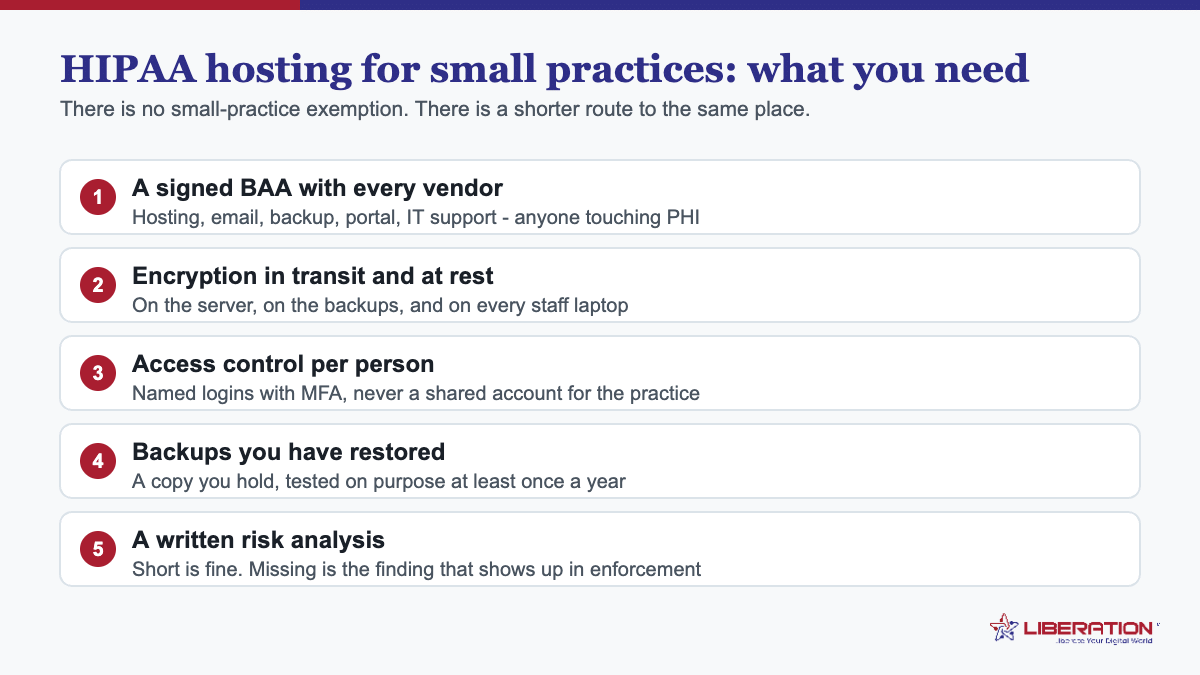
Four things are non-negotiable, and none of them is exotic.
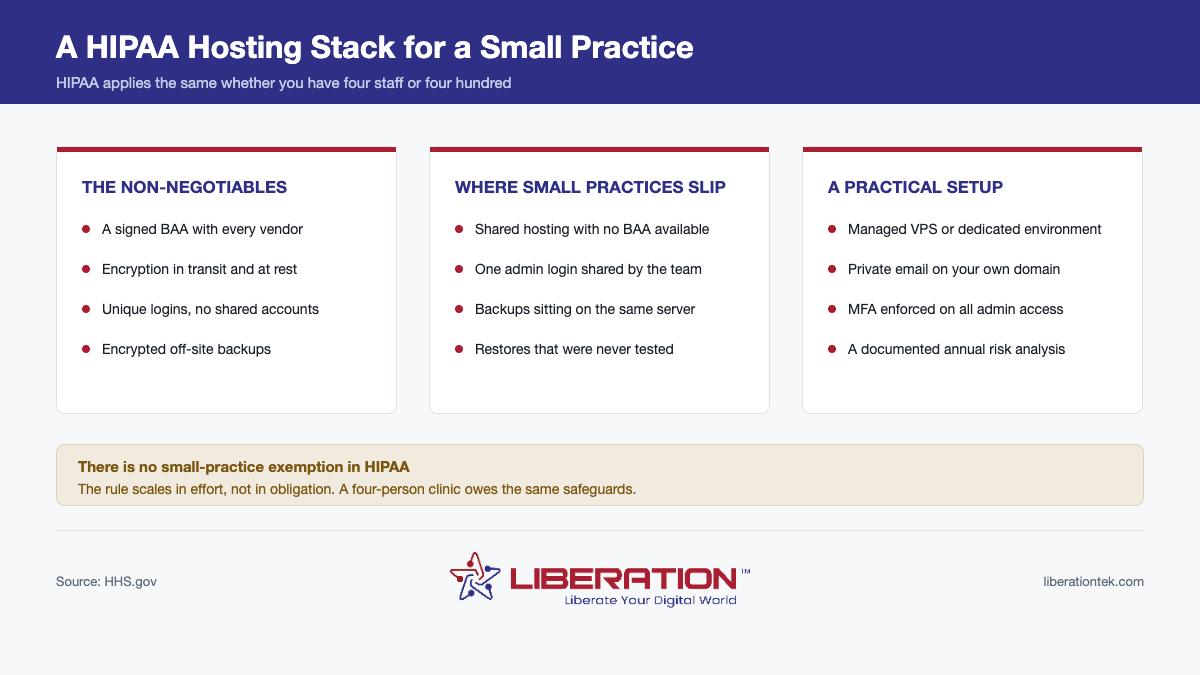
- A signed Business Associate Agreement with every vendor that can touch PHI. Hosting, email, backups, your practice management system, your web developer. If they can reach the data, you need the agreement.
- Encryption in transit and at rest. TLS on everything patients or staff connect to, and encrypted storage underneath.
- Unique logins for every person, with multifactor authentication. Shared accounts are convenient and they destroy your audit trail.
- Encrypted backups stored away from the primary system, and a restore you have actually tested.
Beyond those, you need a documented risk analysis. It is the single most cited omission in enforcement actions, and for a small practice it is genuinely achievable — a few pages that list where PHI lives, what could go wrong, and what you have done about it.
Where small practices usually fall short
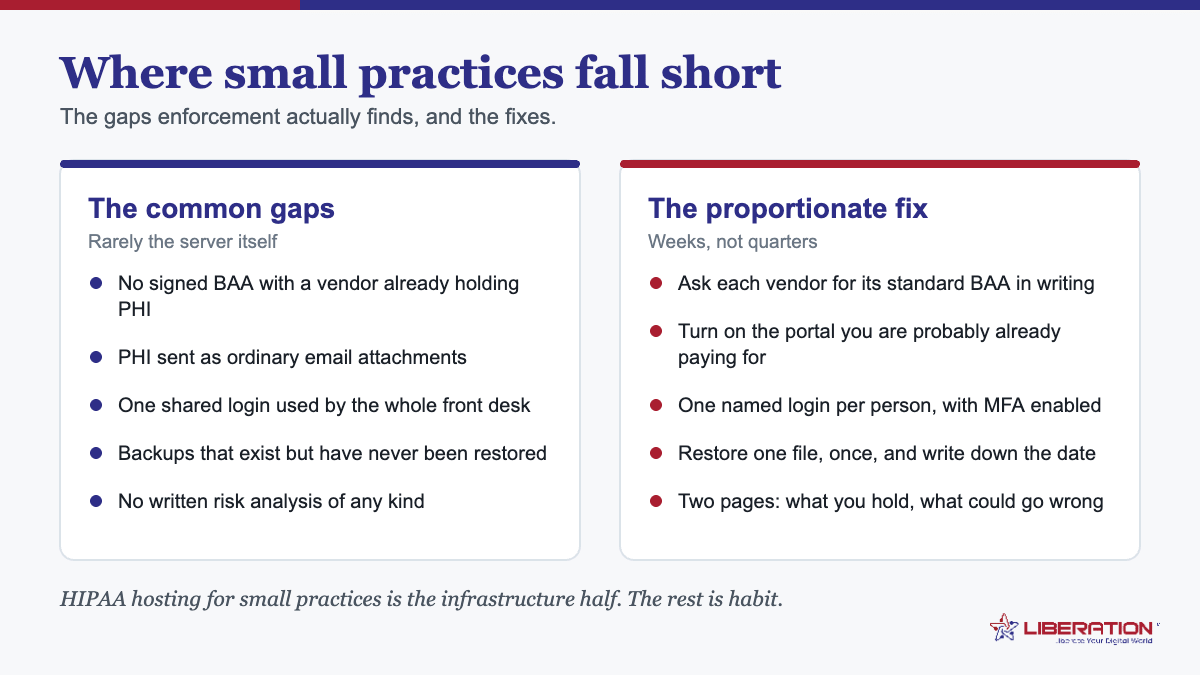
The failures cluster in predictable places.
Shared hosting with no BAA on offer. A practice sets up a website on a cheap shared plan, then adds an appointment form. The moment that form collects a name and a reason for visiting, the host is holding PHI — and most budget shared plans will not sign a BAA at all.
One admin login shared by the whole team. It is the fastest way to work and it means your logs can never answer the only question that matters after an incident: who did this?
Backups on the same server. A backup that lives beside the thing it is backing up survives a mistake but not ransomware, a failed drive, or an account compromise.
Restores that were never tested. Backup software reports success far more reliably than it produces a working restore. Test annually at minimum.
Forgotten vendors. The scheduling widget, the transcription tool someone trialled, the old developer who still has access. Every one is a business associate relationship you may not have documented.
What to look for in HIPAA hosting for small practices
Ask these before you commit:
- Will you sign a BAA, and is it included? If it only comes with the top tier, that is pricing, not compliance.
- Is this shared or dedicated? Shared environments put your data on hardware with strangers’ workloads. For PHI, dedicated resources are the safer default.
- Where is the hardware and who operates it? Every reseller in the chain is another party with a relationship to your data.
- Are backups encrypted and off-site, and how fast is a restore?
- Is MFA enforced on administrative access? Available is not enforced.
- Can I retrieve audit logs? Logs that rotate away in seven days will not help you.
- What happens to my data if I leave? Export format and deletion timeline, in writing.
What does HIPAA hosting for small practices cost?
Less than most practices assume, and far less than the alternative. A managed VPS suitable for a small practice site, patient forms and secure email typically runs in the tens of dollars per month rather than the hundreds. The expensive path is the one where compliance is bolted on afterwards, or where a breach forces the conversation.
The real cost is usually not hosting. It is the hour or two a year spent updating the risk analysis and checking that vendor agreements are still in place — unglamorous work that regulators ask about first.
What is changing, and should you wait?
A significant Security Rule update is coming. The proposal removes the “addressable” category, making encryption, multifactor authentication and network segmentation mandatory, and adds requirements including six-monthly vulnerability scanning, annual penetration testing and an annual compliance audit. The final rule is now expected in July 2027, having been postponed on 8 July 2026.
Do not wait for it. Every item is already sound practice, several are already required in some form, and a practice that adopts them now simply has nothing to do when the rule lands.
How LiberationTek works with small practices
Our healthcare hosting is built for exactly this size of organization. We sign a Business Associate Agreement and we do not put it behind a premium plan.
The environment includes a HIPAA compliant firewall, encrypted Zero Trust and VPN access, encrypted off-site backups, SSL, multifactor authentication, and ongoing monitoring and patching — the technical safeguards handled for you rather than left as homework. The hardware is U.S.-owned and we run it ourselves, so the chain between you and your patient records is short. We also build the parts that touch PHI daily: patient portals, intake forms, secure messaging, scheduling, and billing pages with tokenised payment processing.
One honest caveat, and it is on our healthcare page too: compliance is a floor, not a guarantee. It means safeguards are in place. It does not mean nothing can go wrong, and any vendor telling you otherwise is selling.
For the broader picture see HIPAA compliant hosting and Business Associate Agreements, or book a consultation.
A 90-day plan if you are starting from nothing
Compliance work fails when it is treated as one large project. Staged over a quarter it is very manageable for a small practice.
Days 1–30 — find out what you have. List every system that holds or touches PHI, including the ones nobody thinks of: the scheduling widget, the old backup drive, the shared inbox. List every vendor with access. Check which of them you hold a signed BAA with. This inventory is also the foundation of your risk analysis, so it is not throwaway work.
Days 31–60 — close the contractual gaps. Chase BAAs from every vendor on the list. Retire anything you are not using rather than papering it. Give every staff member their own login, turn on multifactor authentication, and disable accounts for anyone who has left.
Days 61–90 — fix the technical gaps and write it down. Move hosting somewhere that will sign a BAA if yours will not. Confirm backups are encrypted, off-site and restorable, and actually test a restore. Then write the risk analysis: where PHI lives, what could go wrong, what you have done about it, who signed off and when.
What if you are already behind?
Start with the risk analysis, because its absence is the most commonly cited failure in enforcement actions. A practice that can produce a dated, honest risk analysis showing it identified a gap and had a plan is in a materially different position from one that cannot show it ever looked.
Then prioritize by blast radius rather than by effort. Shared administrative logins and missing BAAs are usually the two biggest exposures in a small practice, and both are fixable in an afternoon at no cost. Encryption and hosting changes take longer and can wait a few weeks; the account hygiene should not.
Do not wait until everything is perfect before documenting anything. A written plan that says “this is not yet done, here is when it will be” is evidence of a compliance program. Silence is not.
How to choose between two HIPAA hosting for small practices quotes
Once you have two providers in front of you, the comparison is rarely about specifications. Both will offer encryption, both will mention compliance, and both will look adequate on paper. Six questions separate them.
Will you sign a BAA, and may I read it first? A provider that publishes its business associate agreement before you sign up is a provider that has thought about this properly. One that promises to send it after payment is one to be careful with.
Where are the servers and the backups? Named country at minimum. Ask specifically about backups, which in many architectures sit somewhere other than the live data, occasionally in a different jurisdiction entirely.
Which of your staff can access the machine, and is it logged? Support engineers need access to do their job; the question is whether that access is role-limited, recorded, and reviewable. HIPAA hosting for small practices means very little if the provider cannot say who inside its own company can read your data.
What is included versus billed separately? Control panel licensing, SSL, backups, monitoring and migration are sometimes bundled and sometimes not. Two quotes that look thirty dollars apart can end up the same once the extras are added, or considerably further apart.
What happens on the bad day? Ask about the notification timeline in the BAA and what support looks like at 9pm on a Friday. The HHS breach notification requirements put firm deadlines on the covered entity, and those deadlines are much easier to meet when the vendor tells you quickly.
Can we leave, and how? Full backups you can download, or a support ticket and a wait? This is the question that tells you how much leverage you keep after signing.
A practice that asks these six questions of two providers will usually find the decision makes itself, and will have the answers in writing either way. That written record is itself part of the vendor oversight HIPAA expects, so the exercise counts toward compliance rather than merely informing a purchase. Good HIPAA hosting for small practices is not the most expensive option on the list – it is the one whose answers you can keep.
Frequently asked questions
Is a small medical practice exempt from HIPAA?
No. HIPAA applies to any covered entity handling protected health information regardless of size. The Security Rule allows flexibility in how safeguards are implemented, but not in whether they apply.
Can a small practice use shared hosting?
Generally not for anything touching PHI. Most shared plans will not sign a BAA, and they lack dedicated resources, enforced MFA and retrievable audit logs.
Does a small practice need a risk analysis?
Yes, and it is the most commonly missing document in enforcement actions. For a small practice it can be a few pages covering where PHI lives, what could go wrong, and what you have done about it.
How much does HIPAA compliant hosting cost for a small practice?
A managed environment suitable for a small practice usually costs tens of dollars per month rather than hundreds. The larger cost is the annual review work, not the infrastructure.
Do I need a BAA with every vendor?
With every vendor that can create, receive, maintain or transmit PHI on your behalf. A vendor that never encounters PHI does not need one.
This article is general information, not legal advice. Consult a qualified professional about your own HIPAA obligations.
Related reading
- HIPAA Compliant Email: 5 Essential Requirements
- HIPAA Business Associate Agreement: 5 Vendor Checks
- HIPAA Compliant Hosting: 5 Questions to Ask Before You Sign
- HIPAA Compliant Email With a Signed BAA — What a BAA-backed mailbox actually includes.
- HIPAA Compliant Hosting for Healthcare — Where the rest of a practice’s data lives.