
If your website has been deplatformed, the domain name is the emergency – not the website. A site can be rebuilt from a backup in an afternoon. A domain you no longer control takes weeks to recover, if you recover it at all, and every email address and link you own depends on it. Secure the domain first, backup second, rebuild third.
Here is the sequence, in the order that loses the least.
Website deplatformed: hours 0 to 4
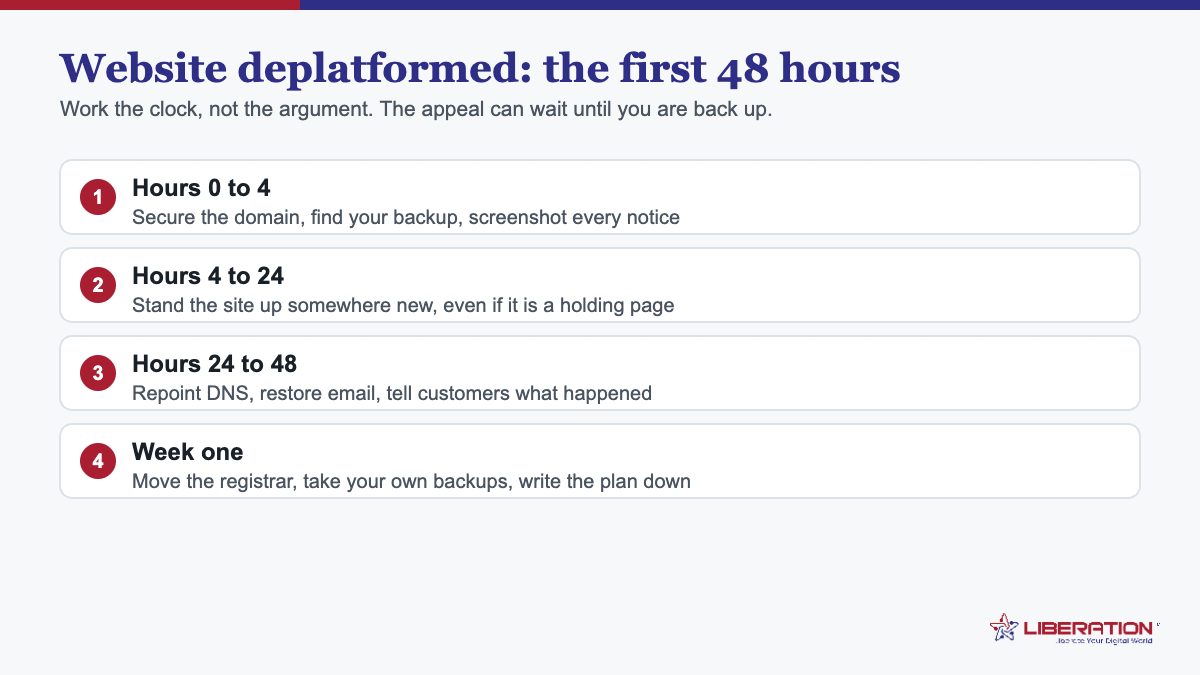
- Get the domain under your control. If it is registered with the same company that terminated your hosting, this is urgent. Unlock it, retrieve the authorization code, and start a transfer to a registrar unconnected to the dispute. If the domain is already elsewhere, confirm you can log in and change the nameservers.
- Download a full backup while access lasts. Files, database, and mailboxes – mailboxes especially, because mail is the part nobody thinks of until it is gone. If the control panel still works, use it. If it does not, ask support directly and in writing.
- Export your DNS records. Screenshot the entire zone: A records, MX, TXT, CNAME, and anything a third-party service asked you to add. Rebuilding a DNS zone from memory is miserable and error-prone.
- Save the paperwork. The termination notice, the ticket history, and the relevant clause of the terms. You may need it, and it will not be available later.
Do these four before you start shopping for a new host. Access can be withdrawn at any point, and everything above becomes impossible the moment it is.
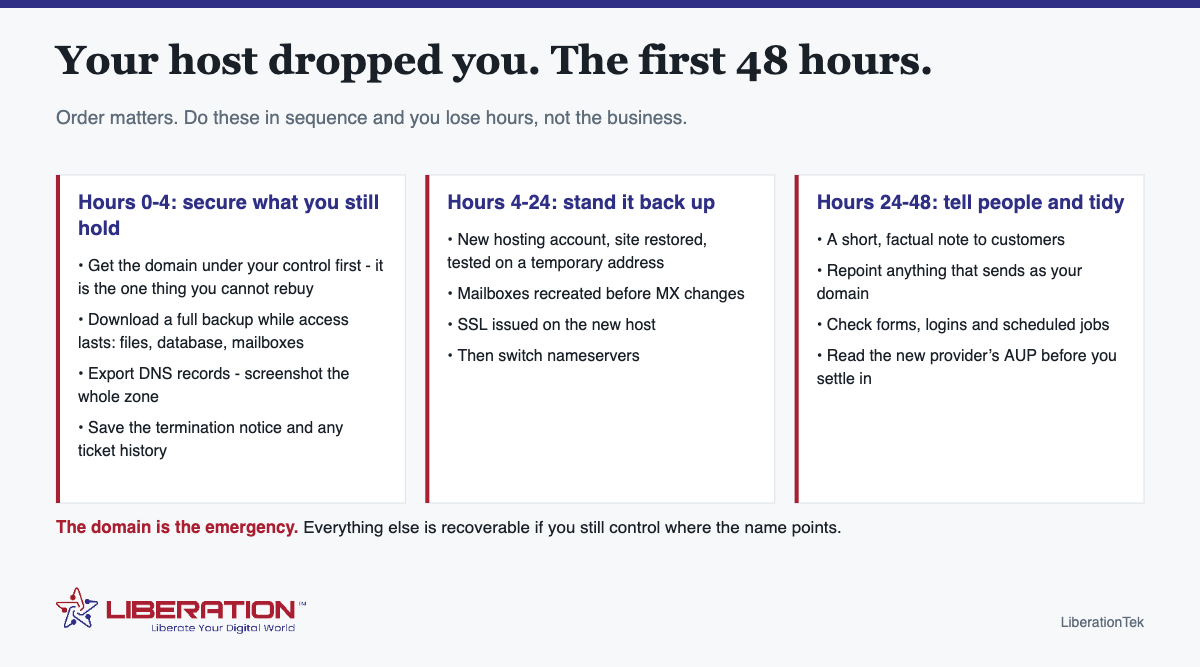
Hours 4 to 24: stand the site back up
With a backup and the domain in hand, this is ordinary migration work rather than a crisis.
- Open a new hosting account and restore the site there.
- Test on a temporary address before changing any DNS. Click through the real pages – forms, checkout, logins.
- Recreate mailboxes before the MX records change, so mail has somewhere to land the moment it starts arriving at the new host.
- Switch nameservers, then issue the SSL certificate as soon as DNS resolves.
- Verify in both directions: the site loads over HTTPS, a test form arrives, mail sends and receives.
If your DNS TTL was low, this settles in minutes. If it was not, expect up to 24 to 48 hours of mixed results while caches expire – which is normal and not a sign anything has gone wrong.
Hours 24 to 48: communicate and close the loops
Say something short and factual to customers. “We moved hosting providers this week; if an email to us bounced on Tuesday, please resend” is enough. Resist the urge to explain the dispute – it invites questions that do not help you and, depending on what happened, may not be wise while matters are unresolved.
Then work through the things that quietly depend on your old host: anything sending mail as your domain (invoicing, CRM, newsletters, the website’s own contact forms), scheduled jobs, and any service that was verifying your domain by a DNS record.
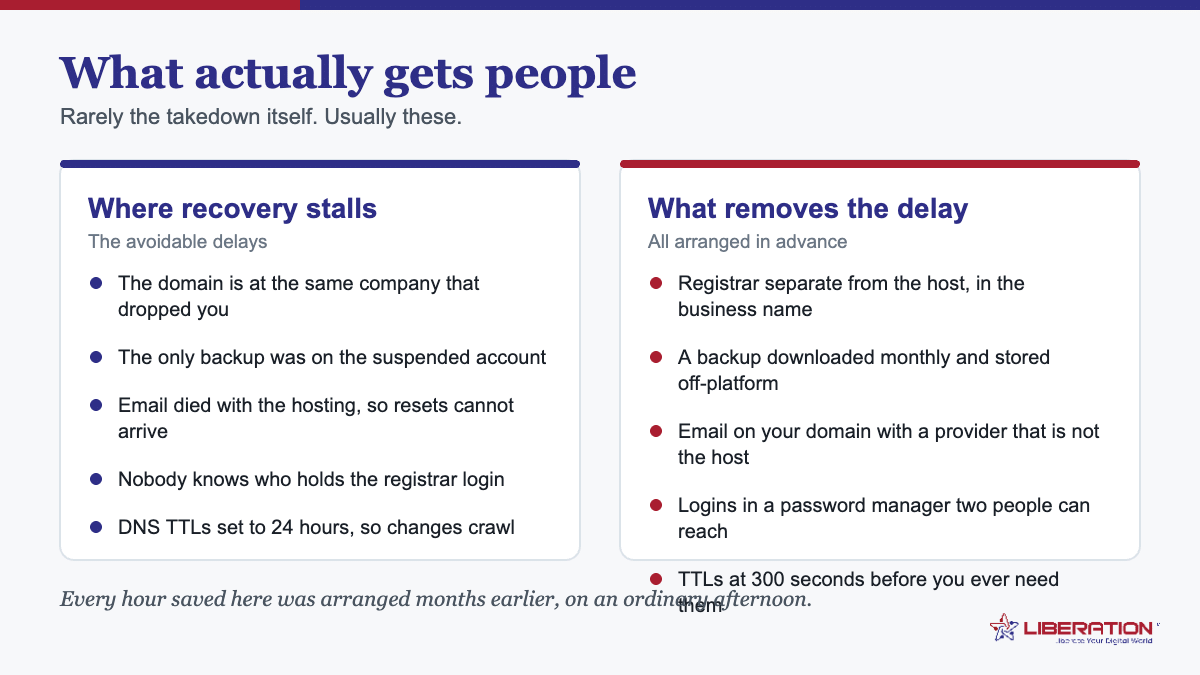
What actually gets people when a website is deplatformed
| Situation | Recoverable? | The lesson |
|---|---|---|
| Domain registered with the same provider | Usually, but slowly and stressfully | Register domains separately from hosting |
| No independent backup | Partially – it becomes a rebuild | Hold your own copy, not just the host’s |
| Mail was on the host, no archive | Often not | Mail archives are the least replaceable thing you own |
| Site was the only copy of content | Sometimes, via caches | Original photos and documents belong somewhere else too |
| Payment or store data on the platform | Depends entirely on the platform | Export customer and order records regularly |
Choosing where to go next after your website is deplatformed
The temptation is to pick whatever is fastest. Two questions are worth the extra ten minutes:
Does the provider own its infrastructure, or resell someone else’s? If it resells, a decision made upstream can reach you regardless of your relationship with the company you pay – which is precisely the situation you are trying to leave.
What does the acceptable use policy actually say, and what notice does it promise? Read the clause about suspension and termination before signing, not after. Vague language plus sole discretion plus no notice period is common; you are entitled to know it is there.
How we handle a website deplatformed situation
We own and operate our servers in the United States rather than reselling capacity, so there is no upstream provider able to overrule the relationship. Our position on content is written down rather than implied, including a published commitment not to remove a site over lawful speech and a written client-protection promise if a relationship ever ends – you should read both and decide whether they say what you want them to say.
Practically: if you are mid-emergency, say so when you get in touch. Migration normally runs on a review-and-quote basis, and is included with VPS plans; when someone has been dropped, speed matters more than tidiness and we sequence it differently. Shared hosting starts at $7.99 a month and mailboxes at $1.95 per user, which matters when you are standing something back up on short notice.
Afterwards: four things that stop a website deplatformed repeat
- Domain at a separate registrar from the hosting, in the business’s own account.
- Your own backups, held somewhere neither provider controls, tested by restoring one.
- Mail on your own domain with a local archive, so an account closure cannot take your correspondence.
- Read the policy once a year. Terms change, and nobody sends an announcement.
What to keep off the public record while it is unresolved
There is an understandable urge to publish the whole story. A few cautions, offered practically rather than legally.
- Do not characterise the reason publicly until you are certain of it. Termination notices are often vague, and a public account that turns out to be wrong is harder to walk back than silence.
- Keep the paperwork rather than the commentary. The notice, the ticket history and the relevant clause are what matter if this goes anywhere.
- Separate the operational message from the grievance. Customers need to know whether their email reached you. They do not need the dispute.
- If money is owed either way, settle it. An outstanding balance complicates data retrieval and domain transfers considerably.
The backup you should already have before a website is deplatformed
Everything above is easier with a backup taken before trouble. The standard worth holding is simple: a copy of files, database and mail, held somewhere neither your host nor your registrar controls, taken on a schedule, and restored at least once so you know it works.
Most hosting includes backups, and that is useful for ordinary accidents – a bad update, a deleted page. It is not useful in this scenario, because the provider holding your backup is the provider that just closed your account. An independent copy is the difference between a bad afternoon and a rebuild.
One decision to make today, not during an incident
Check where your domain is registered right now. If it is with the same company that hosts your website, move it – not urgently, not as a panic, but this month. It costs a transfer fee and an hour, and it converts the single most damaging version of this scenario into an ordinary inconvenience. Everything else on this page is recoverable; the domain is the one that is not.
Getting your data out when your website is deplatformed
The practical question in hour one is almost always the same: can you still reach the files? The answer varies more than people expect, and knowing which situation you are in determines the next four hours.
Suspended is not the same as terminated. A suspended account usually still exists, and many providers will leave the control panel reachable or will produce a backup on request even while the site is offline to the public. Ask directly and in writing for a full cPanel backup or a database export. Plenty of providers will supply one – the suspension is about your content being served, not about withholding your data.
Ask before you argue. If you open with a dispute over the decision, the conversation becomes adversarial and the data request gets caught up in it. Request the export first, politely and specifically, then take up the decision afterwards. You can always appeal later; you cannot always re-download later.
Know what a full export contains. Files alone are not a website. You need the database as well, and for a store you need it current rather than from last month. If you are given a choice, take the full account backup rather than a partial one, and check that it includes email if your mail was on the same account.
If the account is gone entirely. Work from whatever exists elsewhere: your own last download, a staging copy at your developer, the search engine cache for text content, the Internet Archive’s Wayback Machine for page structure and copy, and your own devices for images. It is a slower rebuild, but a surprising amount is recoverable, and a holding page with correct contact details can go up within the hour regardless.
Do not let email be an afterthought. If your mail was hosted with the site, it is down too, and every password reset for every other service goes to an address that no longer receives anything. Standing up email on the domain is frequently more urgent than the website itself, because it is the key to recovering everything else.
Then document it. Save the notices, the timestamps and the correspondence in one folder. Whether you appeal, move on, or take advice, having a clean record made at the time is worth considerably more than a reconstruction from memory a fortnight later.
The organizations that get through this quickly are not the ones with better arguments. They are the ones whose data was never solely in one company’s hands to begin with.
The uncomfortable summary is that nobody can promise a website deplatformed event will never happen to you, whatever they claim in their marketing. What is entirely within your control is how long it costs you. A business whose domain, backups and email sit with three different companies is back online in hours. A business that kept everything in one place is not, and discovers that fact on the worst possible day. Spend one ordinary afternoon separating them, and a website deplatformed notice becomes an inconvenience rather than an emergency.
Who gets a website deplatformed, and why it is rarely political
There is an assumption that being dropped is always about content or viewpoint. Sometimes it is. More often the cause is mundane, and knowing the real distribution helps you prepare for the likely case rather than only the dramatic one.
Compromise is the commonest cause by a distance. An outdated plugin gets exploited, the account starts sending spam or serving malware, and the provider suspends it to protect its own network. From the outside this looks identical to a website deplatformed for content, but the fix is entirely different and usually fast: clean the site, show the provider what you fixed, and the account comes back.
Resource usage is second. A shared account that starts consuming disproportionate CPU – often because of a badly behaved plugin or a traffic spike – gets throttled or suspended. Again, recoverable, and again, it feels like a takedown while it is happening.
Billing failures cause more outages than anyone admits. An expired card on an account whose notification emails go to a staff member who left is a remarkably common way to lose a website. It is also the easiest to prevent: billing notices to a shared address that more than one person reads.
Then there is content and terms enforcement. This is the case the phrase usually refers to, and it is real – lawful businesses in disfavoured industries do get dropped, sometimes with little notice and no meaningful appeal. It is a smaller share of incidents than the first three, but it is the one where the decision is least likely to be reversed, which is why portability matters more than argument.
And upstream decisions you never see. If your provider resells someone else’s platform, a decision taken two companies away can reach you without your provider wanting it to. This is the scenario where a website deplatformed notice arrives from a company that is genuinely sympathetic and genuinely unable to help.
Preparing for the mundane cases prepares you for the dramatic one too, because the recovery steps are identical: reach your data, stand up elsewhere, repoint DNS, restore email. The reason for the suspension changes the conversation you have with the old provider. It does not change the work.
A one-page website deplatformed plan to write this week
Everything above is easier if it is written down before you need it. This is a one-page document, and it takes about twenty minutes to produce.
Line one: where the domain is. Registrar name, the account it sits under, and who holds the login. If that registrar is also your host, note that as the first thing to change – it is the single biggest cause of a slow recovery when a website is deplatformed.
Line two: where the backup is. Not “the host takes backups”. Where is the copy you hold, how old is it, and have you ever restored it? Write the date of the last restore test next to it.
Line three: where email lives. Provider, and whether it would survive the hosting going away. If the answer is no, that is the second thing to change, because a website deplatformed with the mail attached takes away your ability to reset anything else.
Line four: the DNS details. Where DNS is managed, who can change it, and what the current TTLs are. Lower them to 300 seconds now and leave them there.
Line five: the first three phone calls. Who you would call, in order, in the first hour. Include your developer or IT support, and whoever can authorise spending money quickly.
Line six: the holding page. One paragraph of text and your contact details, saved somewhere you can reach from a phone. Being able to put something honest and correct in front of customers within the hour changes how a website deplatformed incident is perceived entirely.
Print it, keep a copy off the office network, and review it once a year. Most businesses that recover from being website deplatformed quickly are simply the ones that already had these six lines written down.
Frequently asked questions
What should I do first if my web host cancels my account?
Secure the domain name before anything else. If the domain is registered with the same company that terminated the hosting, transferring or repointing it is the step most likely to become difficult, and everything else depends on it. Then download a full backup – files, database and mailboxes – while you still have access.
Can a web host shut down my website without warning?
Most hosting terms of service permit suspension or termination at the provider’s discretion, frequently with limited or no notice. Notice periods, appeal routes and data access after termination vary enormously between providers, which is why they are worth reading before you need them.
How long does it take to move a website after being deplatformed?
With a backup in hand and the domain under your control, a small business site can usually be back up within 24 hours, with DNS settling over the following day. Without a backup, or without control of the domain, it takes considerably longer.
What if I cannot get a backup from my old host?
Recover what you can from other sources: cached pages, your own copies of images and documents, exports from connected services, and email archives held on devices. It becomes a rebuild rather than a restore.
How do I stop this happening again?
Keep the domain registered separately from the hosting, take independent backups you hold yourself, read the acceptable use policy and notice provisions before signing, and prefer a provider that owns its infrastructure.
Related reading
- Firearms Ecommerce Hosting: 5 Essential Build Steps
- FFL Website Hosting: 4 Essential Pieces to Get Right
- 2A Friendly Web Hosting: 5 Terms to Check Before You Sign
- Gun-Friendly Web Hosting — Hosting for firearms businesses, stated plainly.
- Conservative Web Hosting — Terms that name the risk instead of staying silent.