

Move From Gmail To Liberation: Professional Email Migration
A person moves your existing Gmail mail, contacts and calendar to a professional address on your own domain, tests everything before it goes live, and schedules the cutover around your schedule, not ours.
How the move from Gmail works
We handle each step so you can keep working.
See Liberation Email in action
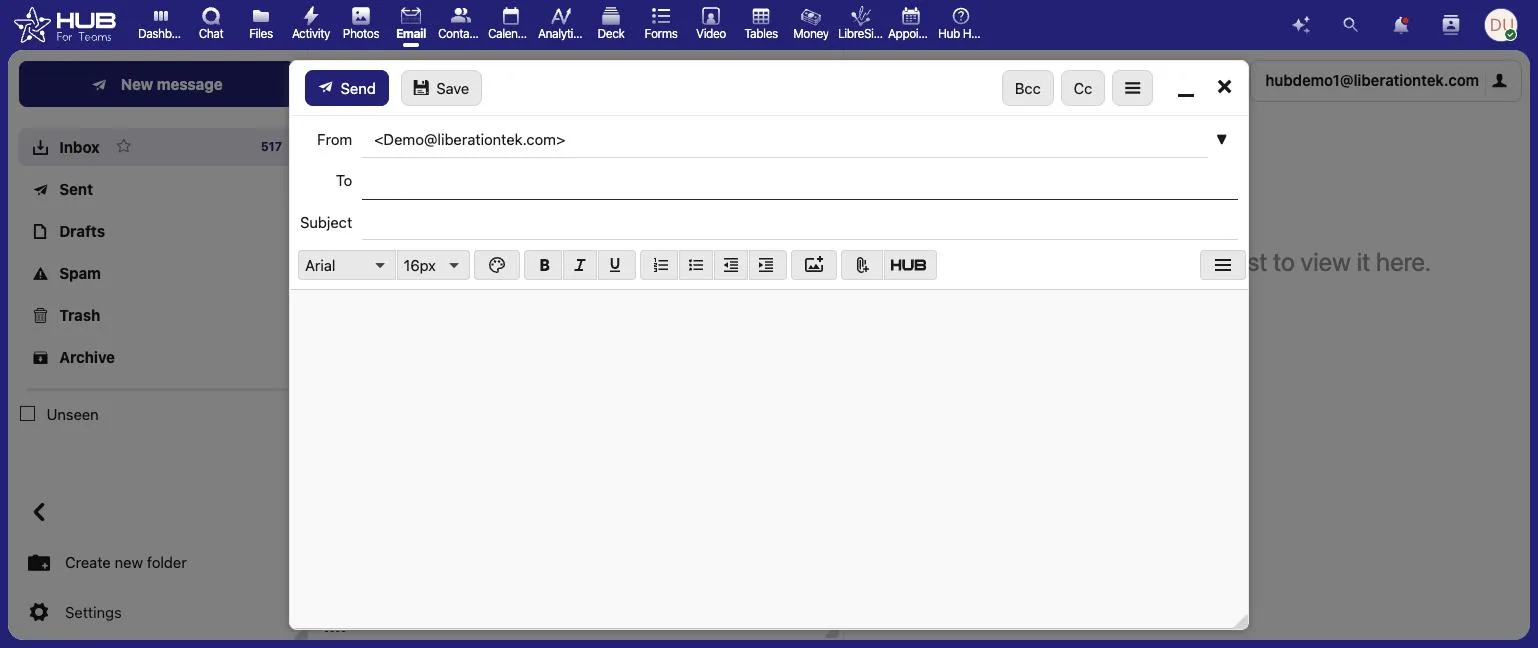
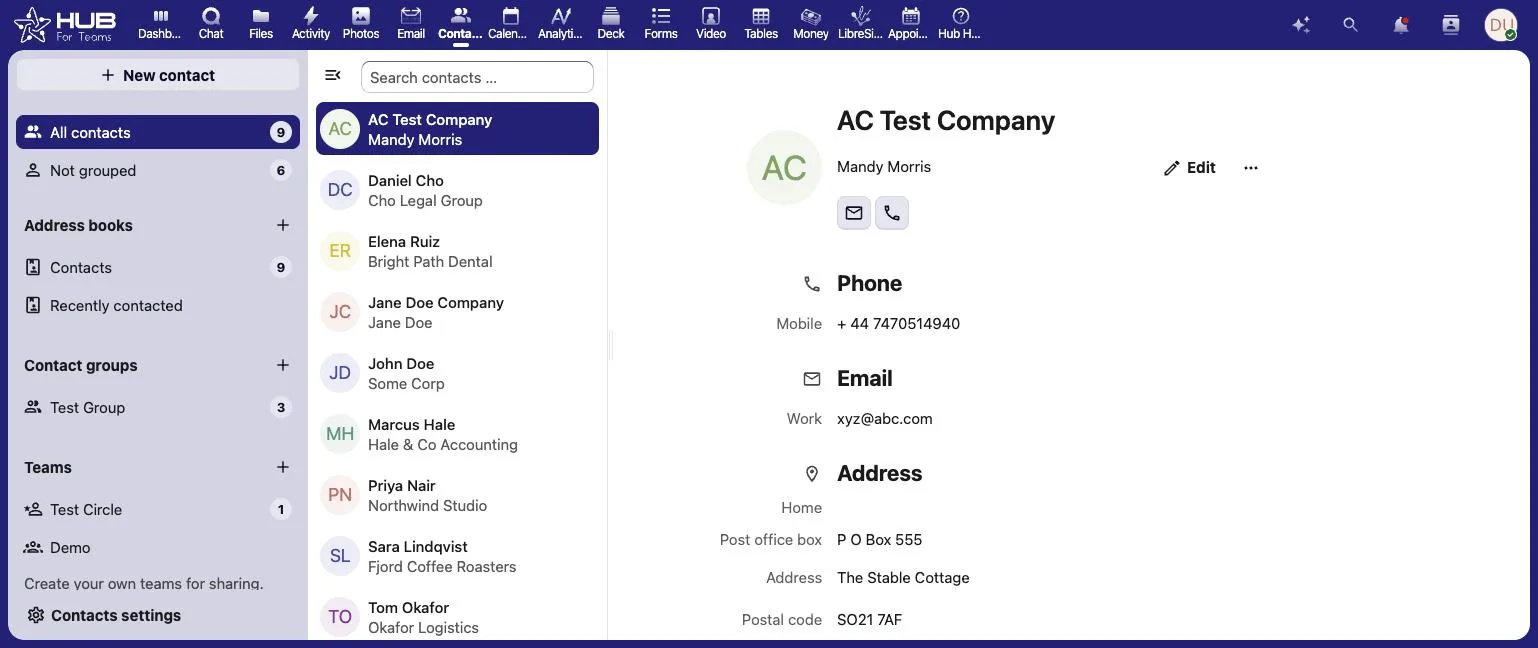
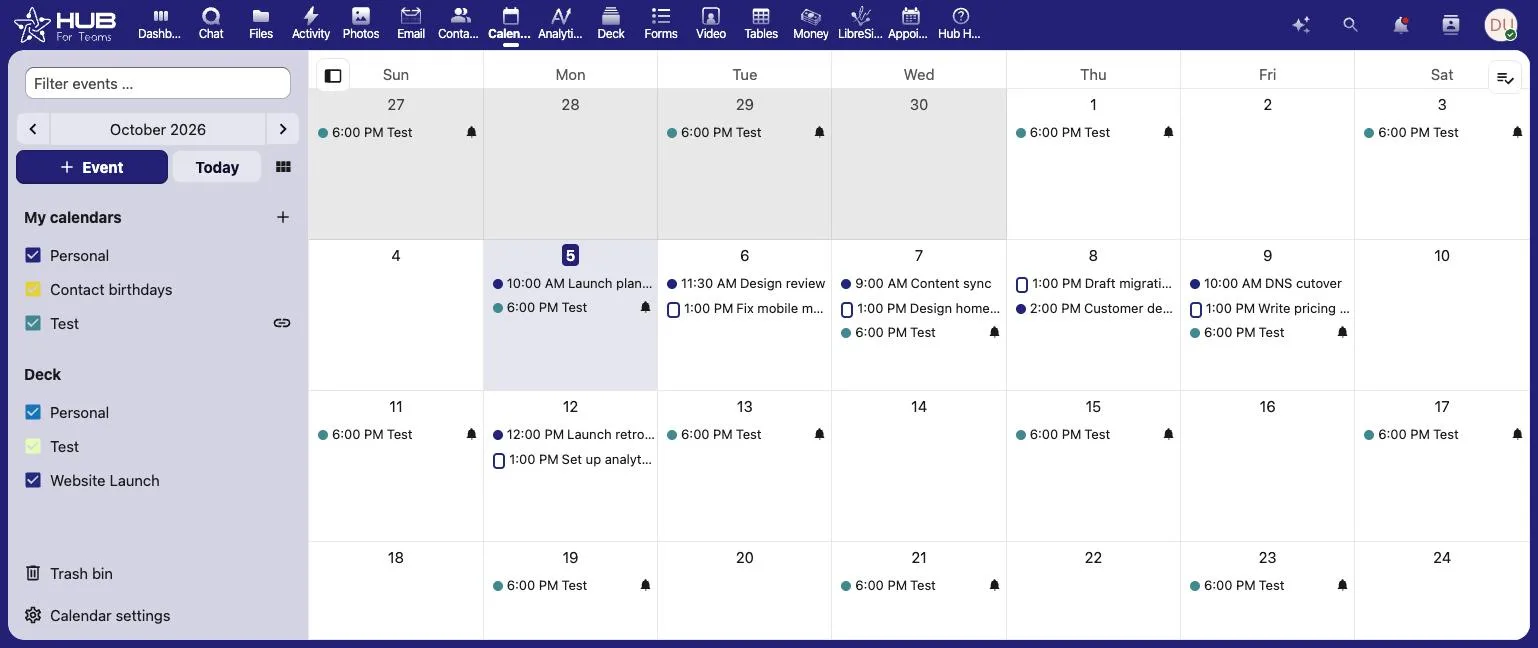
Business email, contacts and calendar on your own domain, all in one place.
The short answer
For most small businesses and sole proprietors running on a free @gmail.com address, moving off Gmail means getting a real business domain (or using one you already own), setting up a professional address on it through Liberation Email, and importing your existing mail, contacts and calendar. If you already have a domain that forwards to Gmail or runs through Google Workspace, see our Google Workspace migration guide instead — this page covers moving off plain, free Gmail.
Most mailbox migrations complete within a few business days of you approving the plan, with a scheduled cutover window so there’s no unexpected downtime or missed messages.
What actually happens
We set up your domain and mailbox first
Your Gmail account stays live and untouched while we register or connect your domain and build your new Liberation Email mailbox.
We import your existing mail
Mail, contacts and calendar entries are copied over from Gmail via a standard IMAP import, so years of message history comes with you.
We schedule the cutover with you
You start sending and receiving from your new professional address on a day you choose, and we monitor delivery after the switch to catch any bounced or missing mail early.
You can keep receiving mail sent to your old @gmail.com address for as long as you like — forwarding it to your new address — so contacts who still have the old one on file don’t get lost in the switch.
- Free migration — no setup fee, no migration fee, no surprise line on the first invoice.
- No lost mail — your Gmail inbox stays live and untouched until the cutover is done.
- U.S.-owned infrastructure and support, not outsourced overseas.
Why businesses leave Gmail
The most common reasons: a free @gmail.com address looks less credible than a professional address on your own domain, Gmail’s ad-supported free tier scans message content for ad targeting, and a personal Gmail account offers no real admin control if you ever add staff. See the full comparison on our Gmail Alternative page if that’s what’s driving the move.
What moves, what you gain
Gmail
Your own domain
Domain registration
- Liberation Email from $1.95/user/month.
- Liberation Email $1.95/user/month.
- Free migration included with any plan switch.
Priced the way a business buys
Starting prices, billed monthly. Migration itself is free regardless of which plan you choose.
- Liberation Email from $1.95/user/month.
- Liberation Email $1.95/user/month.
- Hub for Teams $7.49/user/month.
What It Costs
Starting prices, billed monthly unless noted. Anything larger gets a written quote.
Step-by-step: export your Gmail mail, set up your domain, and switch over
We copy, we don't cut over yet
We test on our servers first
The imported copy of your mail, contacts and calendar is checked in your new mailbox before anything is switched over, so you can confirm everything arrived correctly first.
We schedule the cutover with you
DNS changes happen at a time you choose, and we monitor for propagation issues after the switch.
See the full Gmail vs. Liberation comparison → Gmail Alternative
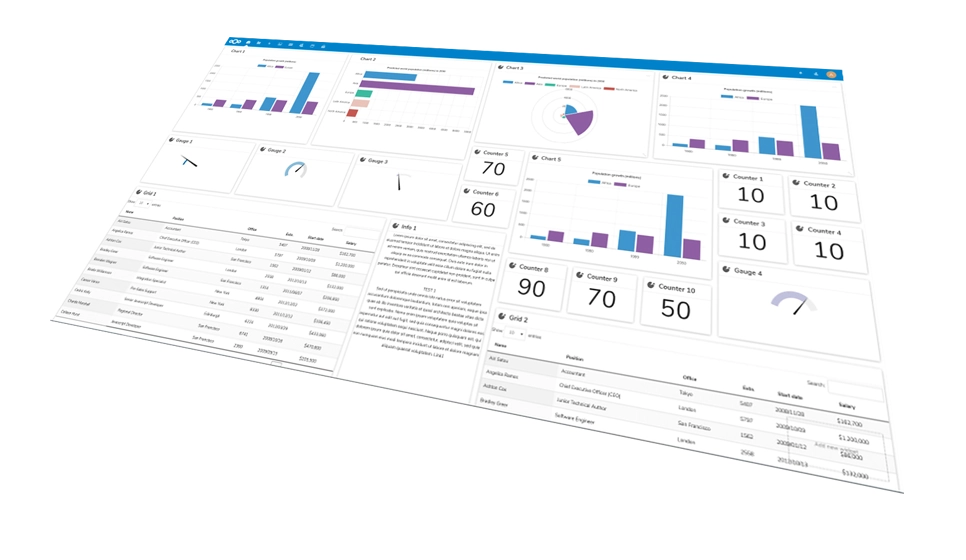
Your new workspace
Mail, chat and files together.
Common questions
Will I lose emails during the move?
No. Your Gmail inbox stays live and untouched while we build your new mailbox and import your existing mail, contacts and calendar. Nothing is deleted from Gmail during the migration, and the cutover to your new address happens on a day you choose.
Do I need to already own a domain?
No. If you’re running on a plain @gmail.com address today, you likely don’t have a business domain yet — we help you register one as part of the migration, so your new address is [email protected] instead of [email protected]. If you already own a domain, we simply connect it.
Can I keep using my old @gmail.com address too?
Yes. Most customers set up forwarding from their old Gmail address to their new professional mailbox for a transition period, so contacts who still have the old address on file don’t get lost while everyone updates to the new one.
Is the migration really free?
Yes, for any Liberation Email or Hub for Teams plan. There’s no separate migration fee, no setup fee, and no surprise line on the first invoice — the cost of the mailbox migration is included in switching to the plan.
Ready to leave Gmail?
Book a call and tell us what you’re running — we’ll give you a migration timeline and a written quote, no obligation.
Custom Solutions
Take your business to the next level with Liberation's full suite of services & solutions.
Custom Management
Don’t like managing? We offer managed services for hosting, ecommerce, web sites, and more.
Our Promise Of Digital Independence
Liberating Your Digital World Is Our Passion
- U.S.A. owned and based
- We own and control our entire platform
- More security to protect your data
- No Censorship Guarantee
- 100% data ownership
- Your data is NEVER shared

Global Edge Network
Liberation’s global edge network provides enhanced performance & security.
Freedom Tech News
Stay informed on the latest tech news, new products, promotions, & more!
Ready For Digital Liberation?
Why businesses move from Gmail
If you want to move from Gmail, the reason is usually the same: a free @gmail.com address looks like a hobby, not a business, and you do not control what happens to your mail. Liberation gives you professional email on your own domain, hosted on servers we run, with a flat price per mailbox and no ads or data mining. Our team does the whole migration, so you never have to export or forward anything by hand.
What a Gmail migration includes
Every move from Gmail starts with your existing messages, folders, contacts and calendar. We import mail over IMAP, copy your contacts and events, and rebuild your folder structure so everything is where you left it. We test sending and receiving on the new address before anything changes, and we schedule the final switch at a time that suits you, so there is no downtime and no lost messages.
Before you start, it helps to have your Gmail login, your domain registrar login, and a list of every device that checks this mailbox, such as phones, tablets and desktop mail apps. If your team uses several Gmail accounts, tell us how many and we will plan the moves together so nobody is left on the old system.
How to prepare your Gmail account yourself
Some people like to get ahead of the move. In Gmail, open Settings, choose Forwarding and POP or IMAP, and make sure IMAP access is enabled. Create an app password if your account uses two-step verification, because that is what lets us read the mailbox securely during the import. You can also download a full archive using Google Takeout as an extra backup, and the official Google guide to downloading your data walks through each step if you want to keep a copy of everything.
What happens to your domain and old address
You can keep your domain registered wherever it is now and simply point the mail records to Liberation, or transfer the registration to us. Your old Gmail address does not have to disappear. We can set up forwarding so anyone who writes to the old address still reaches you, which gives your customers time to update their contacts.
After you move from Gmail
Once the switch is complete, we confirm that mail flows in both directions, check spam filtering and make sure your signature and replies look right. You get a clean webmail inbox, support for every phone and desktop mail app, and flat monthly pricing from $1.95 per user per month for Liberation Email.
Ready to switch? Browse all of our migration services, or book a call and we will give you a written quote for your move from Gmail.
What actually makes leaving Gmail hard
If your business runs on a personal Gmail address, the problem is not the mailbox. It is that the address is not yours. You cannot put your company name on it, you cannot create one for a new employee, you cannot hand it over when a role changes, and if that account is ever locked or recovered by somebody else, the business goes with it.
There is no admin console, which is the practical consequence. Nobody can reset another person’s password, nobody can retrieve mail from a departed employee’s account, and there is no way to demonstrate to a vendor that the address belongs to the company rather than to an individual. Every business process built on a free consumer mailbox is really built on one person’s account recovery options.
The good news is that this is one of the simplest migrations there is. Mail, contacts and calendar all copy out, filters and labels can be recreated, and messages keep their dates and folder structure. The new address sits on your own domain, which is the entire point — [email protected] belongs to the business, not to whoever happened to set it up.
Plan for the forwarding period. Everyone who has your old address will keep using it for months, so mail arriving at the Gmail account gets forwarded to the new mailbox while you update it on invoices, business cards, listings and the website. Nothing has to change on day one except where your mail actually lands.
How we handle it: we copy mail, contacts and calendar, set up addresses on your own domain, publish SPF, DKIM and DMARC so your messages are trusted by receiving servers, set up forwarding from the old account, and give you a list of the places your old address appears so you can update them in your own time. Hub For Teams gives you mailboxes, shared calendars and contacts on your domain. Book a call and we will set a date.