
Secure business email means three things working together: the message is encrypted, the account is hard to break into, and your domain is set up so no one can pose as you. A provider that owns its own servers in the United States, encrypts mail end to end and answers the phone with a real person covers all three. That is how we built Liberation Email, starting at $1.95 per user per month.
This guide explains each layer in plain terms, shows where small businesses, churches, clinics and law offices get caught, and gives you a setup routine you can follow this week.
TL;DR
- Secure email needs encryption, strong sign-in (multi-factor authentication) and domain records (SPF, DKIM, DMARC). One alone is not enough.
- Encryption protects message content. It does not hide who wrote to whom, and it does not help if a device is infected.
- Business email compromise is a leading cause of loss for small organizations, and most of it starts with a convincing phishing message.
- Choose a host that configures authentication records for you, owns its infrastructure and gives you a human to call.
- Liberation Email offers end-to-end encryption, free migration and a 30-day money-back guarantee.
Table of Contents
- What “secure” actually covers
- Encryption: what it does and what it doesn’t
- Lock the account: the habits that stop most attacks
- Protect your domain with SPF, DKIM and DMARC
- Extra care for healthcare, law and nonprofits
- How to choose a secure email host
- A setup routine you can finish this week
- Which Liberation plan fits
- FAQ
- Sources
What “secure” actually covers
Email security is a bundle of protections. One industry overview lists them as stopping inbox takeover, blocking domain spoofing, preventing phishing and fraud, filtering malware and spam, and encrypting message contents.
In practice the threats overlap. A security vendor’s guide points out that one phishing email can carry a QR code, a fake supplier request and an attachment disguised as an invoice. So you want layers: filtering before mail arrives, protection inside the mailbox, and a way to respond afterward.
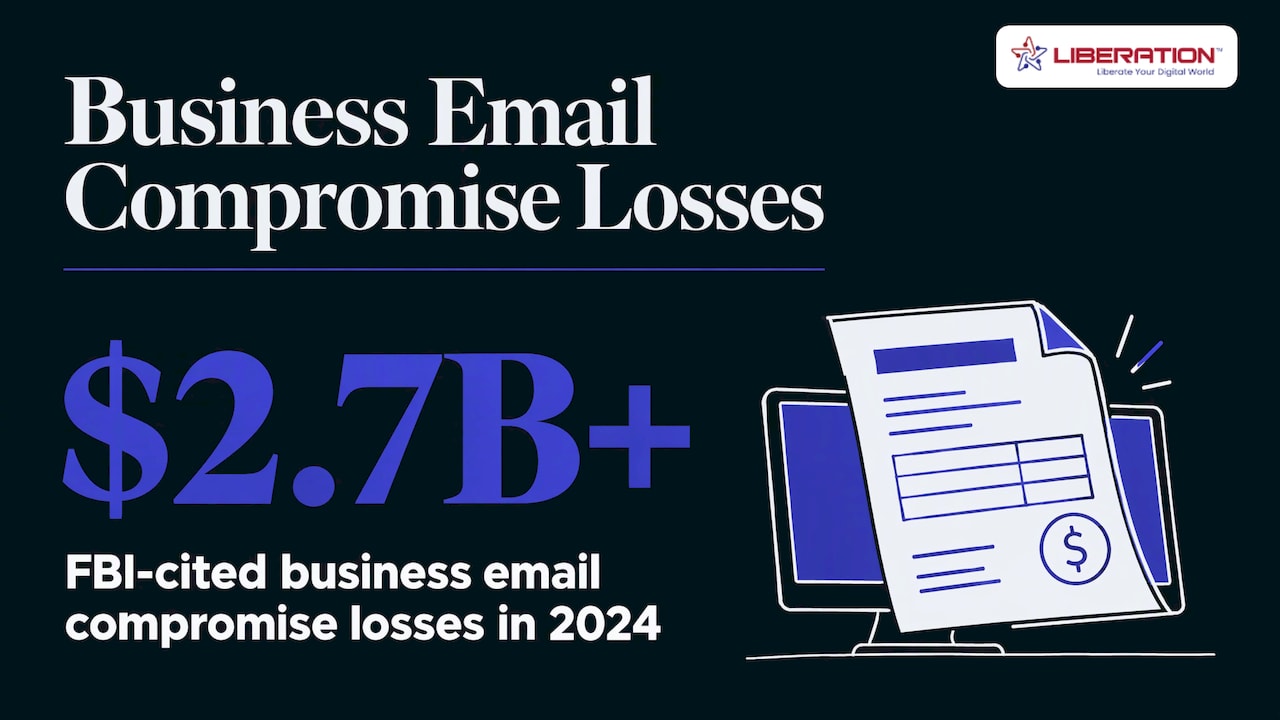
The cost of getting it wrong is real. CISA, the U.S. government’s cyber defense agency, cites FBI figures of more than $2.7 billion in business email compromise losses in 2024. Business email compromise is when a criminal impersonates a boss, vendor or pastor to get a payment or a password.
Encryption: what it does and what it doesn’t
Plain email works like a postcard. TechTarget compares it exactly that way: every system the message passes through can read it. The same article says to encrypt the message, the connection between you and your provider, and attachments.
There are two kinds worth knowing:
- Encryption in transit protects mail as it moves between servers. NIST’s email guidelines recommend encrypting server-to-server communication, and also signing messages so the recipient can confirm who sent them and that nothing was altered.
- End-to-end encryption scrambles the message so only the sender and recipient can open it. The IETF’s guidance on end-to-end email security says S/MIME and PGP can provide integrity, authentication and confidentiality.
Liberation Email offers end-to-end encryption. If you want the longer explanation, we cover it in email encryption explained and is email encrypted.
Know the limits so you use encryption well. A 2026 encryption guide notes that sender, recipient, subject line, time and size remain visible to servers along the way, and that an infected computer can expose a message before it is encrypted or after it is opened. That is why encryption works best alongside the sign-in and device habits below.
Lock the account: the habits that stop most attacks
CISA’s small-business page lists four essentials: train staff to spot phishing, require strong passwords, require multi-factor authentication (MFA) and keep software updated. MFA means a password alone is not enough to get in. CISA recommends phishing-resistant MFA where available.
Its small-business cyber guidance goes further: turn on MFA for every administrator account, test your backups, remove admin rights from everyday laptops and enable disk encryption on laptops. It also says FIDO authentication (physical security keys and similar) is the only widely available phishing-resistant method.
We wrote a practical piece on why MFA matters and a broader small business cybersecurity checklist.
Train for the messages that look normal
The attacks that work rarely look suspicious. They look like an invoice, a shared document or a note from the treasurer. Three rules cover most of them:
- Any request to change bank details or send a payment gets confirmed by phone, using a number you already have.
- Look at the full sending address. CISA’s guidance on phishing protections gives the example of a look-alike address such as [email protected] versus [email protected], as flagged in its Exchange Online baseline.
- Type a website address yourself instead of clicking a link in an email. The FCC and CISA planning guide recommends this habit.
Protect your domain with SPF, DKIM and DMARC
These three records are what stop someone from sending mail that appears to come from your name. A U.S. government small-business publication explains them simply:
| Record | What it does |
|---|---|
| SPF | Tells receiving servers which servers may send mail for your domain |
| DKIM | Digitally signs outgoing mail so recipients can verify it was not changed |
| DMARC | Checks the “from” address matches, and tells other servers whether to reject, flag or report suspicious mail |
The same publication warns you to pick a hosting provider that can configure these correctly. That is the part small teams most often get wrong, because a typo in a DNS record can send your real mail to spam. Our walkthrough, SPF, DKIM and DMARC explained, shows what each record looks like. With Liberation Email you also get direct U.S.-based support, so you can ask a person to check the setup with you.
Extra care for healthcare, law and nonprofits
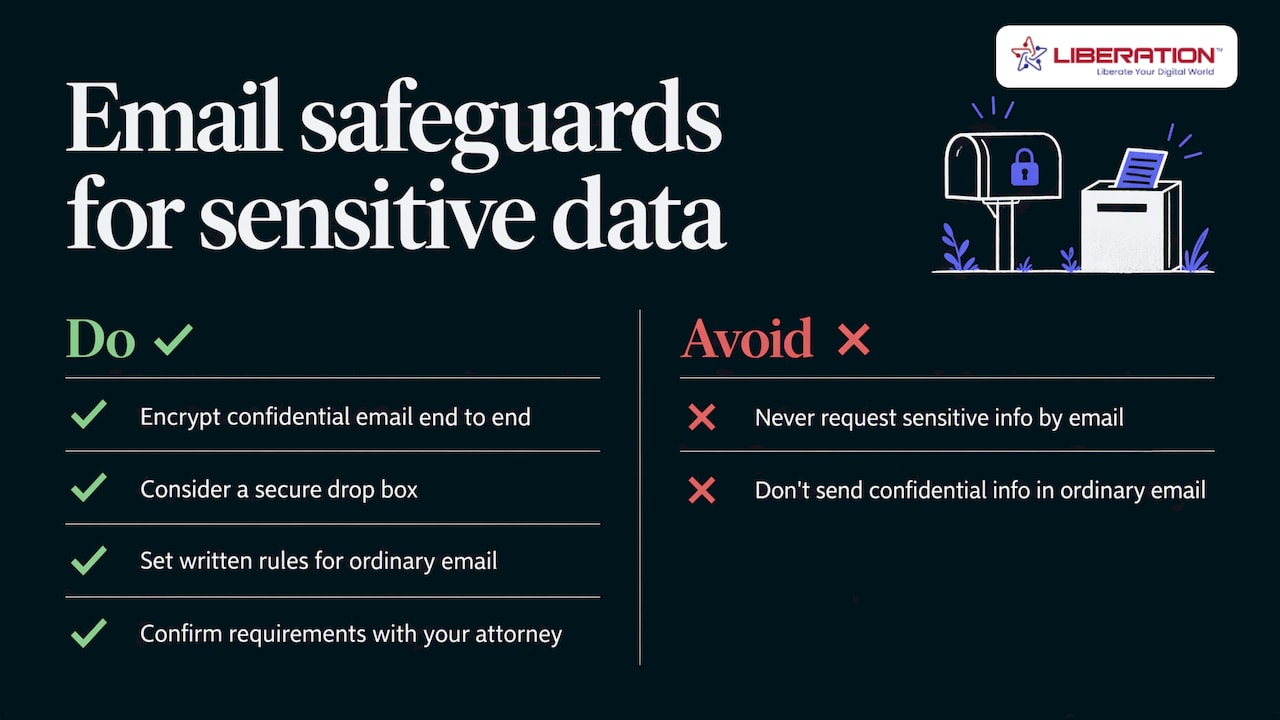
The FCC and CISA planning guide says regular email is not designed to be secure. It advises never asking customers to send sensitive information by email and considering encryption or a secure drop box for protected health information and personal data.
For a medical practice or law firm, that means end-to-end encryption for anything confidential, and a written rule about what may never be sent in an ordinary message. Accountants face the same issue, and we compare options in encrypted email for CPAs. Healthcare and legal obligations vary, so confirm your specific requirements with your compliance officer or attorney.
How to choose a secure email host
Use this list when you compare providers:
- Who owns the servers? A host that runs its own hardware has fewer parties between your mail and the internet. Our servers are owned by us and located in the United States, not rented from a Big Tech cloud.
- Is end-to-end encryption available? Ask for it by name.
- Does the host set up SPF, DKIM and DMARC? See above.
- Is MFA supported for every user?
- Does the provider track or sell your data? We do not track or share customer data, and there are no ads.
- Can you reach a person? Support from real people in the U.S. matters most on the day something breaks.
- What does moving cost? Migration is free with every LiberationTek plan.
If you are weighing options such as free consumer mailboxes or large suite providers, our comparison of secure alternatives to traditional email and our guide to choosing business email solutions walk through the tradeoffs. We also explain business email setup, deliverability and privacy.
A setup routine you can finish this week
- Pick your domain and plan. Use a mailbox at your own domain, not a free consumer address.
- Move your existing mail. We handle migration for free, so history and folders come with you.
- Publish SPF, DKIM and DMARC. Start DMARC in a report-only mode, read the reports, then tighten it to reject.
- Turn on MFA for everyone, administrators first.
- Switch on end-to-end encryption for sensitive threads.
- Write a one-page rule on payments, passwords and what never goes in email.
- Test your backups and update devices.
The layers matter more than any single tool. Mailbox-level filtering, covered in our note on mailbox security, and the partner-side view of defending your web presence round out the picture, because a hacked website is often the way into an inbox.
Which Liberation plan fits
Liberation Email is private, ad-free business email with end-to-end encryption. Plans are Mail Starter at $1.95 per user per month, Mail+ at $4.95 and Mail Pro at $7.95. If your team also needs files, chat, video and projects, Hub for Teams starts at $7.49 per user per month and works as an alternative to Google Workspace and Microsoft 365. Churches and nonprofits receive a 15% discount.
Every plan comes with free migration, direct U.S.-based support and a 30-day money-back guarantee. See the Liberation Email plans or the full business email hosting page.
FAQ
Is a free Gmail address a business email?
It works technically, but it does not use your domain, so it gives you no control over SPF, DKIM and DMARC and looks less trustworthy to customers. A mailbox on your own domain lets you set the records that protect your name.
What is a secure email message?
It is a message that is encrypted so only the intended recipient can read it, and ideally signed so the recipient knows who sent it. End-to-end encryption is the strongest form.
Does encryption stop phishing?
No. Encryption protects content, but a phishing message can still arrive encrypted. Pair it with MFA, staff training and domain records, as CISA’s guidance recommends.
Can we switch without losing our old mail?
Yes. LiberationTek migrates your mail from your current provider for free, and every plan has a 30-day money-back guarantee.
Sources
- What is email security? (Cloudflare Learning Center)
- Enterprise email security guide (Kaspersky)
- Secure Your Business (CISA)
- Cyber Guidance for Small Businesses (CISA)
- Exchange Online SCuBA baseline (CISA)
- Cyber Security Planning Guide (FCC and CISA)
- NIST SP 800-45 Version 2
- RFC 9787: Guidance on End-to-End Email Security
- 18 enterprise email security best practices for 2026 (TechTarget)
- Types of Email Encryption (Adaptive Security)
- Small Business (govinfo.gov)