
WooCommerce is free, so the cost to build a WooCommerce store is really the cost of hosting, a theme, any extensions you genuinely need, and whoever builds it. A small self-built store runs on hosting from $7.99 a month plus a domain. A commissioned build is a project fee that depends almost entirely on how standard your requirements are.
The honest answer to this question is a range so wide it is nearly useless, which is why it is worth breaking into parts. Once you can see which parts apply to you, the number stops being mysterious.
What you cannot avoid
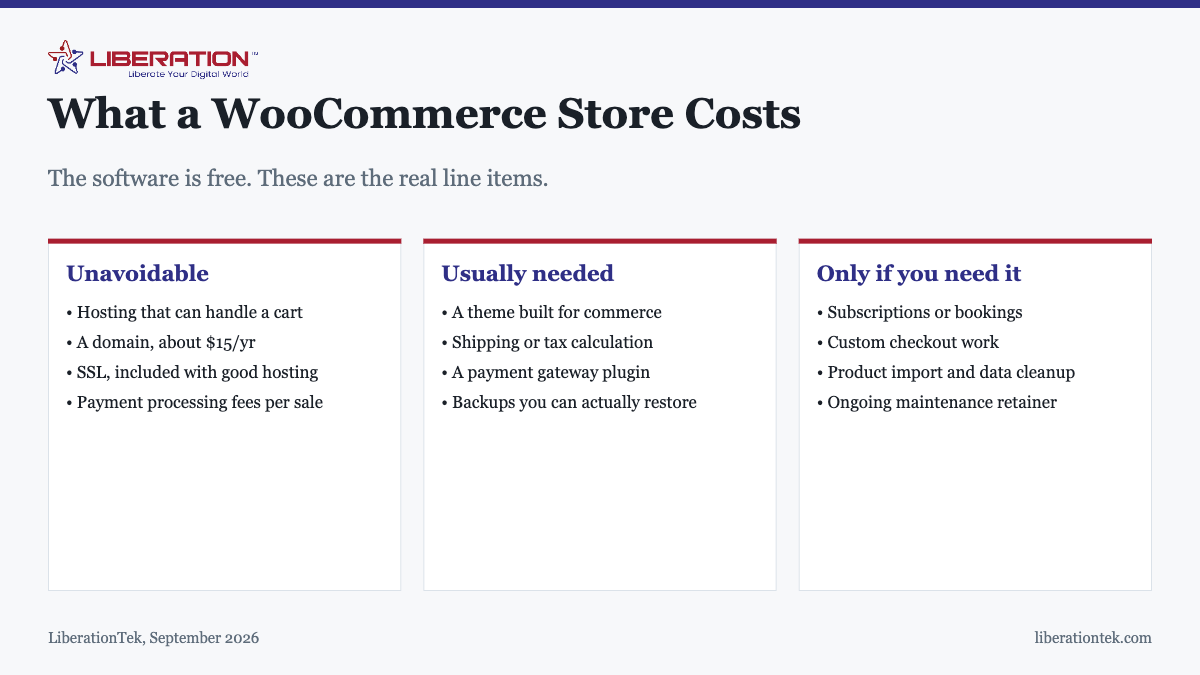
Every store, however simple, carries these:
- Hosting that can handle a cart. This is the one place not to economise, for reasons covered below.
- A domain name, roughly $15 a year. Register it in your own name.
- SSL, which should cost nothing. It is included free with LiberationTek hosting and issues automatically.
- Payment processing fees. Charged per transaction, so they scale with sales rather than being a fixed cost.
Why store hosting is different
A brochure site can be cached aggressively: the server prepares a page once and serves the same copy to everyone. A store cannot do that for the parts that matter. Carts are per-visitor, checkout is dynamic, and every order writes to the database. Under concurrent shoppers, the work is real and cannot be avoided by caching.
Shared hosting at $7.99 a month is genuinely workable for a small catalogue with modest traffic, and starting there is sensible. Once you have a large catalogue or several people checking out simultaneously, managed VPS hosting provides dedicated resources, keeps cPanel and WHM, and includes a free migration of one site.
What most stores end up needing
| Item | Free option exists? | Notes |
|---|---|---|
| Commerce theme | Yes | Premium themes buy design and support, not capability |
| Payment gateway | Usually | Check the per-transaction rate, not just the plugin price |
| Shipping calculation | Basic, yes | Live carrier rates are typically a paid extension |
| Tax calculation | Basic, yes | Multi-jurisdiction usually needs a service |
| Backups | Depends on host | Non-negotiable for a store; orders are irreplaceable |
| Security hardening | Yes | Mostly discipline rather than purchase |
Premium extensions typically renew annually. A store depending on three of them carries that as a permanent yearly cost, and it is the line most often missing from a plan drawn up at the start.
The cost nobody quotes
Product data. Photographing products, writing descriptions that actually sell, and getting variations, weights, dimensions and tax categories right takes far longer than installing and configuring the software.
For a catalogue of any size this is usually the largest single block of work in the entire project, and it is almost never in the developer’s quote because it is almost never the developer’s job. If you have two hundred products, budget real time for this before anything else, because it is what determines when the store can actually open.
Building it yourself versus commissioning it
A straightforward store, meaning simple products, standard shipping, one payment method, is well within reach of a careful owner. WooCommerce has a setup wizard, commerce themes handle the layout, and connecting a payment gateway is a guided process.
A developer earns their fee on the non-standard parts:
- Custom checkout logic, such as trade pricing, minimum orders or approval steps.
- Unusual shipping or pricing rules that no extension implements.
- Integration with systems you already run, particularly inventory or accounting.
- Migrating an existing catalogue with its customers and order history intact.
- Performance work on a large catalogue.
If none of those describe you, the sensible path is to build a simple version, open, and commission work later against real requirements rather than imagined ones. That is cheaper and produces a better brief. The general trade-off is covered in building a website yourself versus hiring a developer, and quote structure in what it costs to hire a WordPress developer.
Payment processing, which is a separate decision
Your gateway plugin and your merchant account are different things, and the plugin price is trivial next to the per-transaction rate. That rate, multiplied by your volume, will exceed every other cost on this page within a year for most stores.
Worth asking before committing: what the rate actually is in writing, whether there is a locked contract, how quickly funds settle, and what happens if the processor decides it dislikes your industry. That last question is not hypothetical, and businesses in lawful but disfavoured sectors discover the answer at the worst possible moment.
PayHarmony provides one merchant account covering online, card-present, mobile and phone payments, with a documented gateway API, hosted checkout, tokenised storage, recurring billing and ACH. The rate is quoted in writing before you switch, there is no locked contract, you get a named contact, and firearms and 2A businesses are supported.
Where stores actually overspend
Three patterns account for most of it, and none of them are about choosing the wrong plugin.
Buying extensions before the store has customers. Advanced shipping rules, loyalty points, abandoned cart recovery and subscription billing are all genuinely useful, and all of them are useful in response to something a real store is experiencing. Bought speculatively at launch, they renew annually whether or not you ever configured them.
Paying for a premium theme to solve a design problem that is really a product photography problem. A good theme with poor photographs looks worse than a plain theme with excellent ones. If the store looks amateurish, the pictures are the more likely cause and the cheaper fix.
Over-provisioning hosting at launch. Starting on a large plan to be safe means paying for capacity you cannot yet use. Start on shared hosting, watch how the store behaves under real traffic, and move up when the evidence says to. Moving up is a change of plan, not a change of company.
A realistic starting budget
- Hosting and domain: from $7.99 a month plus about $15 a year.
- Theme: $0 to $100 once.
- Extensions: $0 for a simple store; budget annually if you need specific functionality.
- Payment processing: per transaction, so it scales with sales.
- Your time: the largest input on a self-build, mostly product data.
- Developer, if hired: project-based, driven by how non-standard you are.
A self-built store selling straightforward products can be live for not much more than the hosting and the domain. Everything above that is a choice, and worth making deliberately rather than at signup. If you would rather hand the whole thing over, our e-commerce team builds stores on hosting we run ourselves.
How to plan a WooCommerce store budget in five steps
A WooCommerce store budget is easier to control when you split it into line items before you talk to anyone. The cost to build a WooCommerce store only looks mysterious when everything is bundled into one quote. Here is the order that works for most small shops.
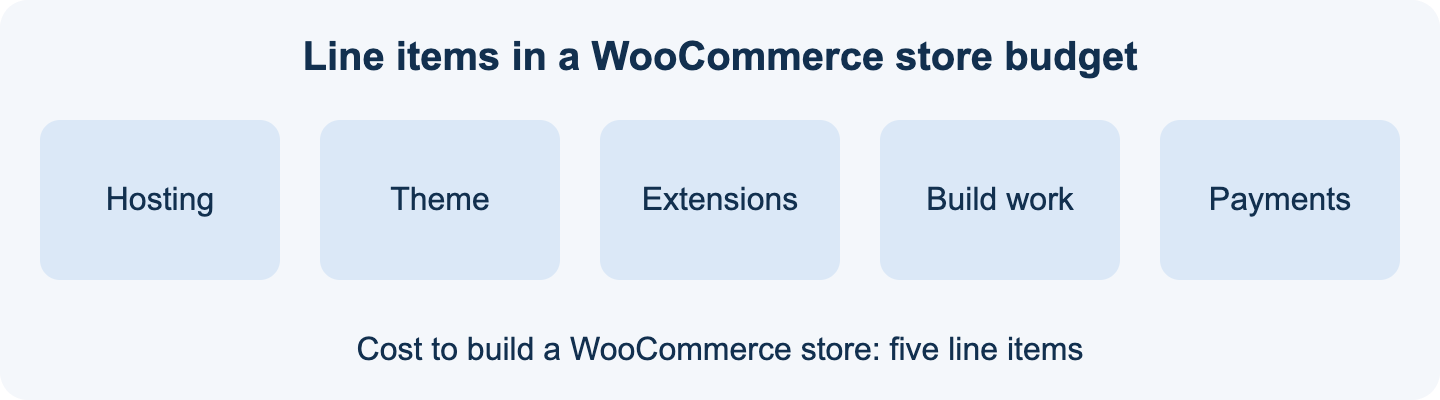
- List what the WooCommerce store must do on day one: products, shipping rules, tax settings and how customers pay.
- Price hosting that suits the size of your WooCommerce store, starting with shared hosting and moving up only when traffic demands it.
- Choose a theme and add only the extensions your WooCommerce store cannot work without.
- Decide whether you build it yourself or commission it, using our guide on building a website yourself or hiring a developer.
- Set aside a contingency, because the first version of any WooCommerce store needs adjustments once real customers use it.
Write the totals down for each step. When a quote arrives, compare it against your own list and ask about every item that is missing from it.
Ongoing costs of a WooCommerce store after launch
The launch invoice is not the end of the spending. A WooCommerce store has running costs that continue every month or year, and they belong in your plan from the start.
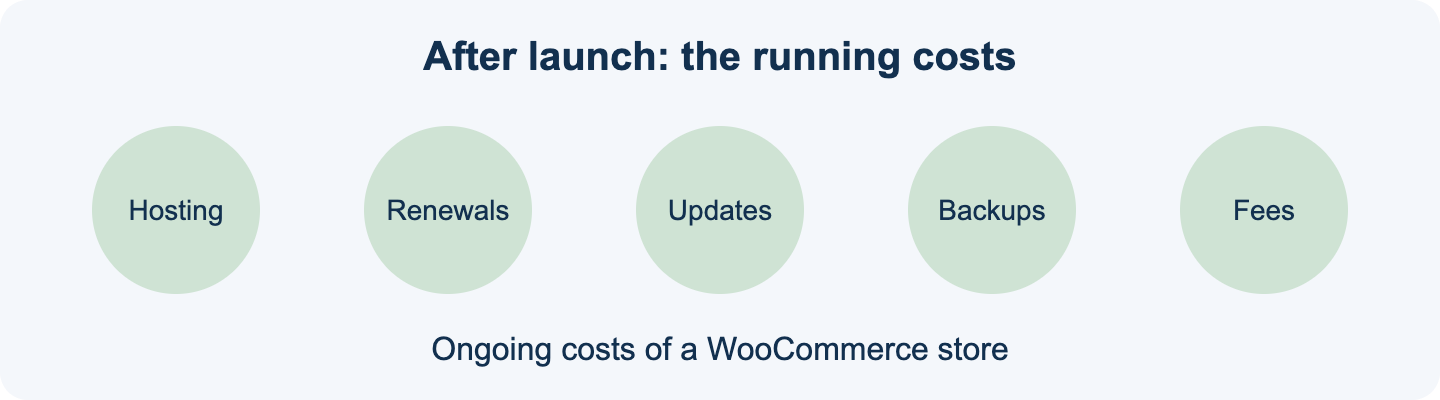
- Hosting and your domain renew on a schedule, so put the dates in a calendar.
- Paid extensions usually renew yearly, and a lapsed licence can leave your WooCommerce store without updates.
- Core, theme and plugin updates need testing before they go live on a working store.
- Backups and security monitoring protect revenue you cannot easily rebuild.
- Card processing fees are charged per sale, so review them with the options on our payment processing page.
Speed also affects what you earn. Google publishes guidance on page experience in its Web Vitals documentation, and a slow WooCommerce store tends to lose shoppers at checkout. Our article on why a WooCommerce store runs slow covers the usual causes.
Security is part of the budget as well. The FTC offers plain-language cybersecurity guidance for small businesses that applies directly to any online WooCommerce store taking customer details. This is general information, not legal advice.
If you want a second opinion on the cost to build a WooCommerce store, our e-commerce development team can review your plan, and VPS hosting is there when a growing WooCommerce store outgrows shared hosting.
Frequently asked questions
How much does it cost to build a WooCommerce store?
WooCommerce itself is free. The recurring cost of running a small store is modest: hosting, a domain, and SSL, which is included with good hosting. What varies enormously is the build. Doing it yourself with a commerce theme costs little beyond your time; hiring a developer is a project fee that depends entirely on how much of the store is standard.
Is WooCommerce actually free?
The core plugin is free and open source, and for a simple store selling straightforward products it genuinely is enough. Costs appear through extensions for specific functionality such as subscriptions, bookings or advanced shipping, through your theme, and through hosting capable of handling a cart under load. The free core is real, not a trial.
What hosting does a WooCommerce store need?
More than a brochure site, because carts and checkout cannot be cached the way static pages can and every transaction hits the database. Shared hosting is workable for a small catalogue with modest traffic. Once concurrent shoppers or a large catalogue are involved, a VPS with dedicated resources is the sensible step.
What are the ongoing costs of running a WooCommerce store?
Hosting, the domain, any premium extension licenses that renew annually, and payment processing fees charged per transaction. Optionally, a maintenance retainer for updates and backups. The one people forget at planning time is extension renewals, because a store depending on three premium extensions carries that cost every year.
Is WooCommerce cheaper than a hosted store platform?
Usually on recurring fees, because hosted platforms charge a monthly subscription that rises with features and sometimes take a percentage of sales. WooCommerce shifts that spending towards hosting and maintenance that you control. The genuine trade is money against responsibility: nobody applies your updates or watches your security unless you arrange it.
Do I need a developer to set up WooCommerce?
Not for a straightforward store. Installing WooCommerce, choosing a commerce theme, adding products and connecting a payment gateway are all achievable by a careful owner. A developer earns their fee on custom checkout logic, unusual pricing or shipping rules, integration with existing inventory systems, or migrating a large catalogue with its order history.
What is the most commonly underestimated cost?
Product data. Photographing products, writing descriptions, and getting variations, weights and tax categories correct takes far longer than installing the software, and it is almost never in the quote. For a catalogue of any size this is usually the largest single block of work in the whole project.