
With a church website builder this is a weekend project, not a development contract. Five pages, a drag-and-drop builder with hosting included at around $10.99 a month, and you are done. The thing that decides whether it still works in two years is not how it was built – it is whether a second person can update it, and whether the church owns the domain.
The five pages, and what each one is for
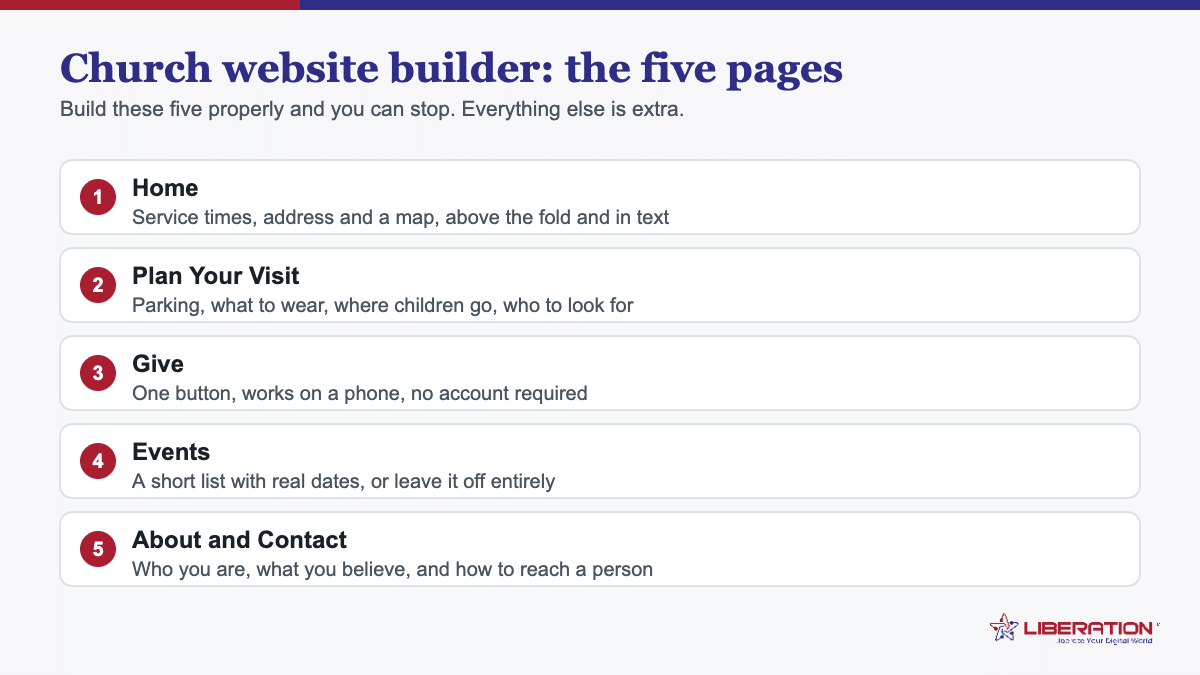
- Home. Service times and the address, visible without scrolling, on a phone. This is what a visitor searches for on a Saturday evening and it is the single highest-value thing on the site.
- Plan Your Visit. The page almost no church has and every newcomer wants: where to park, what people wear, whether children stay with you, how long the service lasts, what happens when you arrive. It does more for attendance than a redesign.
- Sermons. Audio embedded and browsable. Video belongs on a streaming platform, embedded here rather than uploaded to the host.
- Give. Reachable in one click from every page, and it should look like your church rather than redirecting to an unfamiliar brand.
- Contact. A named person or role, not a form that disappears into an unmonitored inbox.
Everything beyond these five is optional. Photo galleries, staff biographies, a blog, a history page – all fine, all where projects stall, and none of them are why anyone visits.
What a church website builder actually has to do
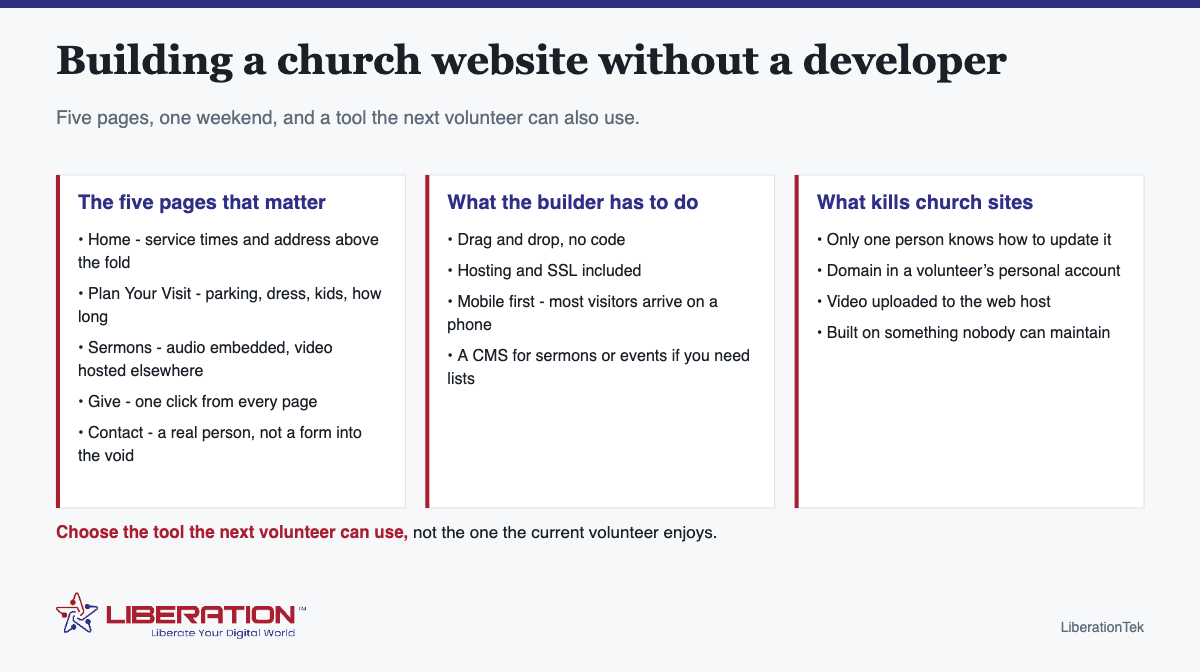
- Drag and drop, with no code. The next volunteer will not learn a framework.
- Hosting and SSL included, so there is no separate thing to maintain or renew.
- Mobile first. Most visitors arrive on a phone, often in a car park.
- A simple CMS if you need repeating lists – sermons, events, small groups – so entries are added through a form rather than by copying a page.
- Something recoverable. Automatic backups, because volunteer-run sites break in ordinary ways.
The LiberationTek Website Builder covers all five from $10.99 a month with hosting and SSL included, and includes an AI generator that will draft a first layout and copy to edit rather than starting from an empty page – which is genuinely useful when the volunteer doing this has two hours on a Tuesday evening.
Church website builder or WordPress?
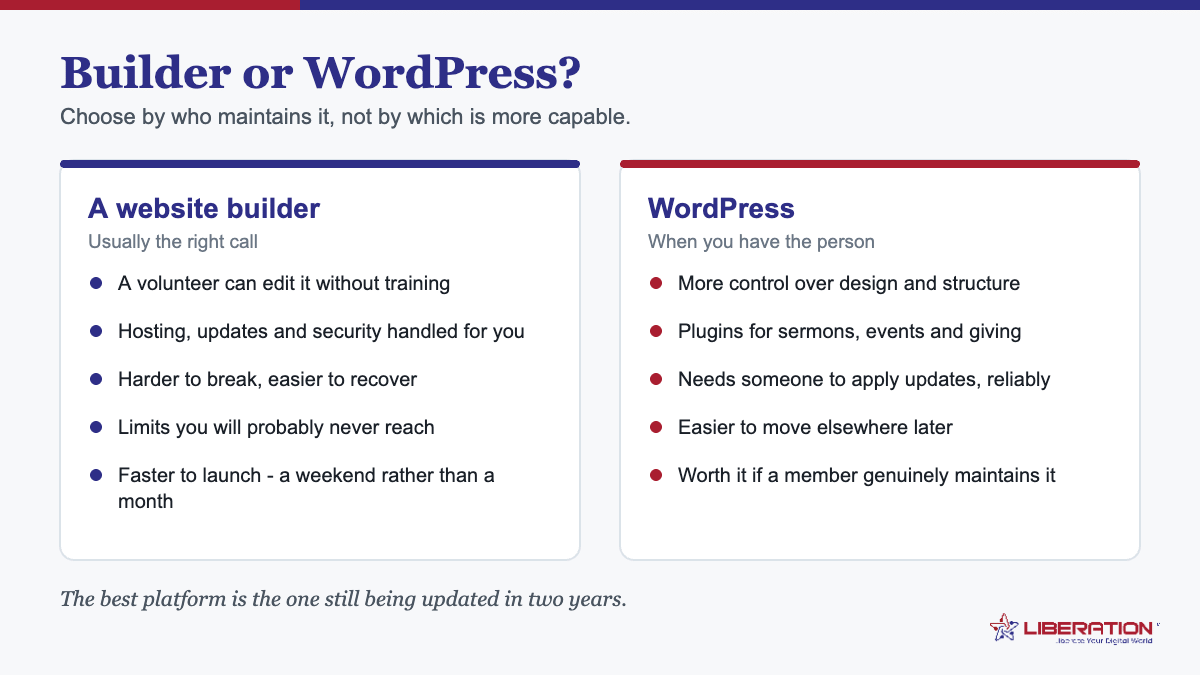
| Website builder | WordPress | |
|---|---|---|
| Setup | A weekend, no training | Longer, and some learning |
| Ongoing maintenance | Almost none – updates handled | Plugins and core need attention |
| Ceiling | Fine for a congregation site | Much higher |
| If the volunteer leaves | Anyone can pick it up | Needs someone comparable |
| Cost | From $10.99/mo with hosting | Hosting from $7.99/mo plus your time |
The deciding question is not which is better. It is who maintains this in two years, and how technical are they? If the answer is “a volunteer we have not met yet”, the builder is the right call. If a member does this professionally and intends to stay, WordPress gives more room.
The three things that actually kill church websites
Only one person knows how it works. Sites rarely fail technically; they fail because the person who could change the service times moved away. Two people, minimum, and written instructions kept somewhere other than in a head.
The domain is in a volunteer’s personal account. When they leave, the domain and hosting go with them, and recovering a domain from a former member is slow and unpleasant. The church should own both, in the church’s name, with leadership able to reach the logins. If that is not true today, fixing it is the most valuable hour anyone will spend this year.
Video uploaded to the web host. It outgrows any ordinary plan quickly. Stream it elsewhere and embed.
A realistic weekend plan with a church website builder
- Saturday morning: gather the content – service times, address, a paragraph about the church, three or four photographs, the giving link.
- Saturday afternoon: build the five pages. Resist adding a sixth.
- Sunday: check every page on a phone, confirm the giving link works, ask someone who has never seen it to find the service time in ten seconds.
- The following week: set up mailboxes on the church domain, and have a second person make one small edit so you know they can.
The rest of the stack around a church website builder
Mailboxes on the church domain from $1.95 per user per month, so office@ and giving@ hand over cleanly when volunteers change. Payment processing that supports one-time and recurring giving integrated into your own site rather than bounced to a third-party page. And church solutions for memberships and self-hosted analytics once the congregation outgrows a brochure site.
All of it on servers we own and operate in the United States, and we do not track or sell what is on them.
Writing church website builder pages people actually read
Church websites tend to be written for people who already attend, by people who already attend. A few habits fix that without a rewrite.
- Say the time and place first, plainly. “Sundays, 10:30am, 14 Mill Street” beats a paragraph about the heart of the church.
- Answer the newcomer’s real questions. Where do I park, what do people wear, what happens with my children, how long is it, will anyone single me out. These are the actual barriers.
- Drop the internal vocabulary. Ministry names, service names and abbreviations mean nothing to a visitor and quietly signal that the page is not for them.
- Use real photographs of your building and your people. Stock photographs of a generic congregation undermine the one thing a church website has going for it.
Keeping it current without a rota
The realistic failure is not a hack. It is drift – a Christmas service still on the front page in March, an events list from last spring, a staff member who left. Three habits prevent nearly all of it.
Tie updates to something that already happens. Whoever prepares the weekly notices already has the information; publishing it is five more minutes at the same desk rather than a separate job nobody remembers.
Put a date on anything time-bound, so it ages honestly rather than sitting there indefinitely.
Review four pages twice a year – service times, address and map, staff list, giving page. Fifteen minutes, in the diary, in January and June.
Accessibility, briefly
Congregations skew older than the general population, so this is not abstract. Real text rather than words baked into images, sensible heading order, meaningful alt text on photographs, and adequate color contrast cover most of it. All four also help search engines and AI assistants read the site, and all four are far easier to do at the start than to retrofit.
A note on giving pages in a church website builder
The giving page is the one place on a church website where the technology genuinely affects the outcome. Two things matter more than the rest: it should live on your own domain and look like your church rather than redirecting to an unfamiliar brand, and it should offer recurring giving as an easy default rather than a secondary option.
Recurring giving is what turns congregational income from something that tracks attendance – dipping in summer and over holidays – into something a budget can be built on. Making it one tap on a phone, and letting people change or pause it themselves without emailing the office, is most of the work.
One last thing worth checking today
Look up who the church domain is registered to. If the answer is a person rather than the church, fix that before anything else on this page – it is the one failure that turns a website project into a legal errand, and it is entirely preventable with a transfer and an afternoon.
Getting found locally once the site exists
A church website builder gets the site built. It does not, on its own, get anybody to it – and for most congregations the traffic that matters is intensely local and comes from a handful of predictable places.
The business profile does most of the work. When somebody searches for churches near them, what appears first is usually a map listing rather than a website. Claiming and completing that listing – correct hours including service times, address, phone number, photographs of the actual building, and the website link – reaches more prospective visitors than anything you do on the site itself. Google’s guidance on improving local ranking is worth ten minutes.
Consistency matters more than cleverness. The church’s name, address and phone number should be written identically everywhere they appear – your site, the map listing, the denomination’s directory, community listings. Small inconsistencies genuinely reduce confidence in the listing.
Name the neighbourhood, not just the town. People search for the area they live in. If your pages mention only the town, you are invisible to somebody searching the district they actually call home. Write naturally about where you are and what is nearby.
Service times in text, again. This is the second time it appears on this page because it is the single most common failure. Times set inside a graphic cannot be read by search engines, which means the answer people most want cannot be shown to them. A church website builder makes it easy to put text on a page; use it.
Denominational and community directories. Most denominations maintain a church finder, and most towns have a community listing. Both are free, both pass genuine local signals, and most churches have either never been listed or are listed with a defunct URL.
Ask for the review, gently. A handful of honest reviews from members lifts a listing considerably. This need be no more than mentioning once that it helps people find the church.
None of this is marketing in the uncomfortable sense. It is making sure that somebody who has already decided to look for a church near them can actually find yours, which is the whole reason for using a church website builder in the first place.
What to do in the first month after launch
The weekend build is the easy part. What determines whether the site is still useful a year from now is a short list of things done in the four weeks after it goes live, while the enthusiasm is still there.
Week one: watch someone use it. Ask two people who were not involved – ideally one older member and one person who has never attended – to find the service times on their phone without help. Watch without explaining. Whatever they struggle with is the first thing to fix, and it is almost never what the person who built it expected.
Week two: check it from outside. Search for the church by name and look at what comes up. Confirm the map listing points at the new site, that the address is right, and that old pages are not still ranking above the new ones. Fix the listing before writing anything new – a good church website builder site with a wrong map pin still sends people to the wrong place.
Week three: write down the handover. Where the domain is, where the hosting is, who holds the logins, who updates what. One page, filed with the church’s records, known to two officers. This is the single most valuable document produced by the whole project.
Week four: take a backup, and diarise the next one. Download a copy and keep it somewhere that is not the hosting account. Then put a recurring note in the calendar – quarterly is fine – to repeat it and to check that service times and event dates are still accurate.
Then leave it alone. The temptation after launch is to keep adding pages. Resist it. A five-page church website builder site that is correct beats a twenty-page one that is half-right, and every page added is a page somebody has to keep true.
Revisit annually. Once a year, read the site as a visitor would, fix what has drifted, and check the giving page still works end to end on a phone. An hour, once a year, keeps a church website builder site genuinely useful for as long as the congregation needs it.
One closing encouragement. Churches routinely delay this for years waiting for a volunteer with design skills to appear. They rarely do, and meanwhile the congregation is invisible to anybody searching for it. A modern church website builder puts five correct pages within reach of anyone who can write an email, and a plain, accurate site built this weekend serves the congregation better than a beautiful one that never gets built. Start with the home page, get the service times right, and the rest follows.
Frequently asked questions
What is the best website builder for a church?
One a volunteer can use without training, with hosting and SSL included. A drag-and-drop builder with a built-in CMS handles a congregation site comfortably – the LiberationTek Website Builder starts at $10.99 a month including hosting. WordPress is more capable but needs someone willing to keep plugins updated.
Can a volunteer build a church website?
Yes, and most church websites are volunteer-built. A weekend is enough for the five pages that matter. Success depends on whether a second person can update it afterwards, and whether the domain and hosting are in the church’s own account.
How much does a church website cost to build and run?
Using a builder with hosting included, around $10.99 a month plus domain registration. Add mailboxes from $1.95 per user per month. Most congregations run the whole thing for under $30 a month.
Should sermon videos go on the church website?
Host video on a streaming platform and embed it. Video consumes bandwidth and storage faster than any ordinary hosting plan can absorb. Sermon audio is small enough to host directly.
What pages does a church website actually need?
Five: a home page with service times and address visible without scrolling, a Plan Your Visit page, sermons, giving, and contact. Everything else is optional and is where projects usually stall.
Related reading
- Church Website Hosting: 3 Essential Jobs It Must Do
- Online Giving for Churches: 5 Essential Checks
- Christian Web Hosting: 3 Essential Questions to Ask
- Big Tech Alternatives — Replacing the platforms a ministry depends on.
- Building a Business Website — Structure and accessibility decisions that apply to any site.