Landing Page Builder
Landing Page Builder With Drag and Drop Editing
A landing page builder should help you do one thing well: get a visitor to take one action. Liberation Site Builder works as a landing page builder for small businesses that want to build landing pages without hiring a developer. You use a drag and drop editor, start from a professional template or a blank canvas, and publish on hosting we run ourselves.
This guide covers what makes a landing page work, what to look for in a landing page builder, how to set up a page for leads or sales, and what to check before you send traffic to it.
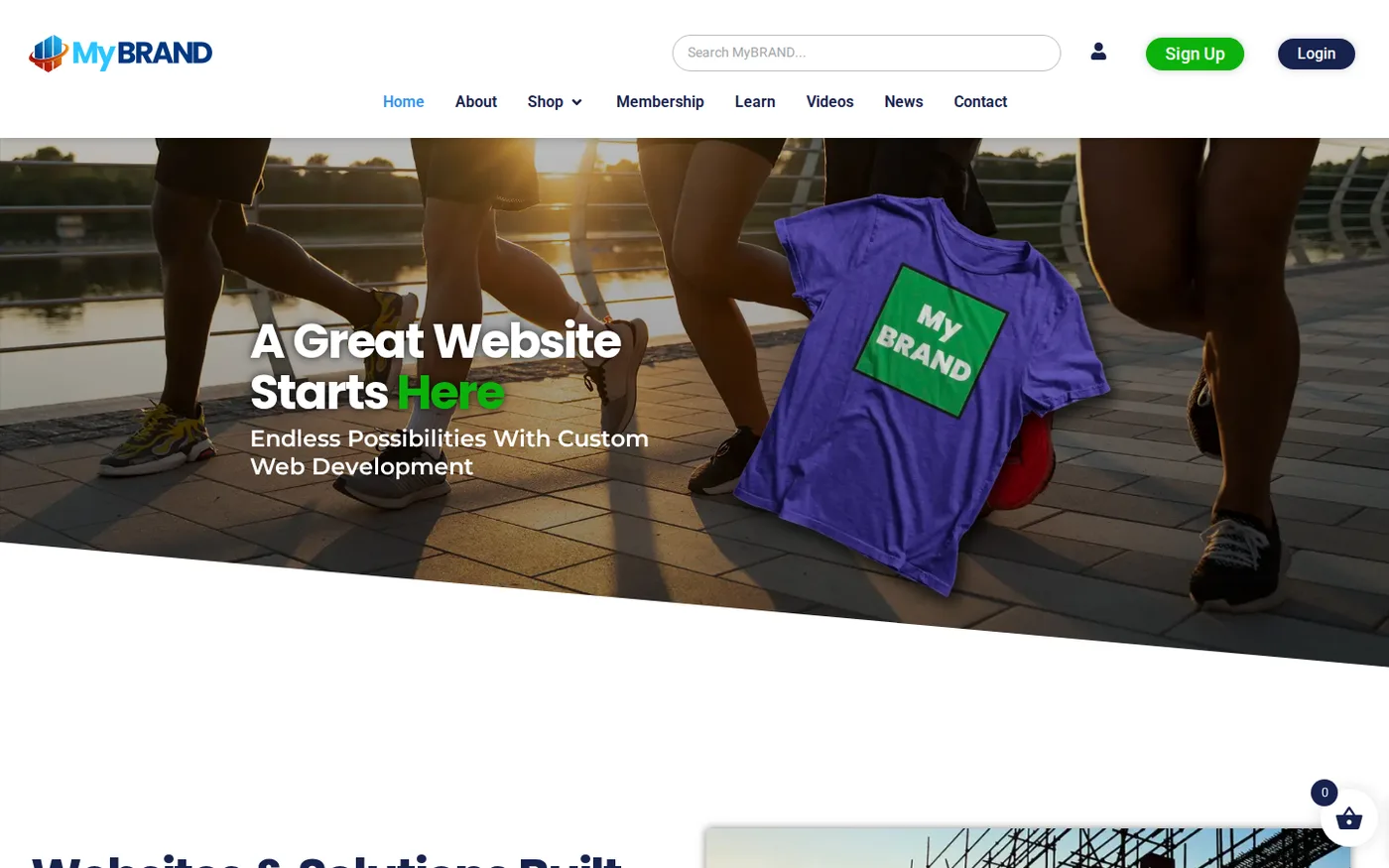
A page built to convert
Clear plans, one decision per section and a button that stands out.
Open the live demo site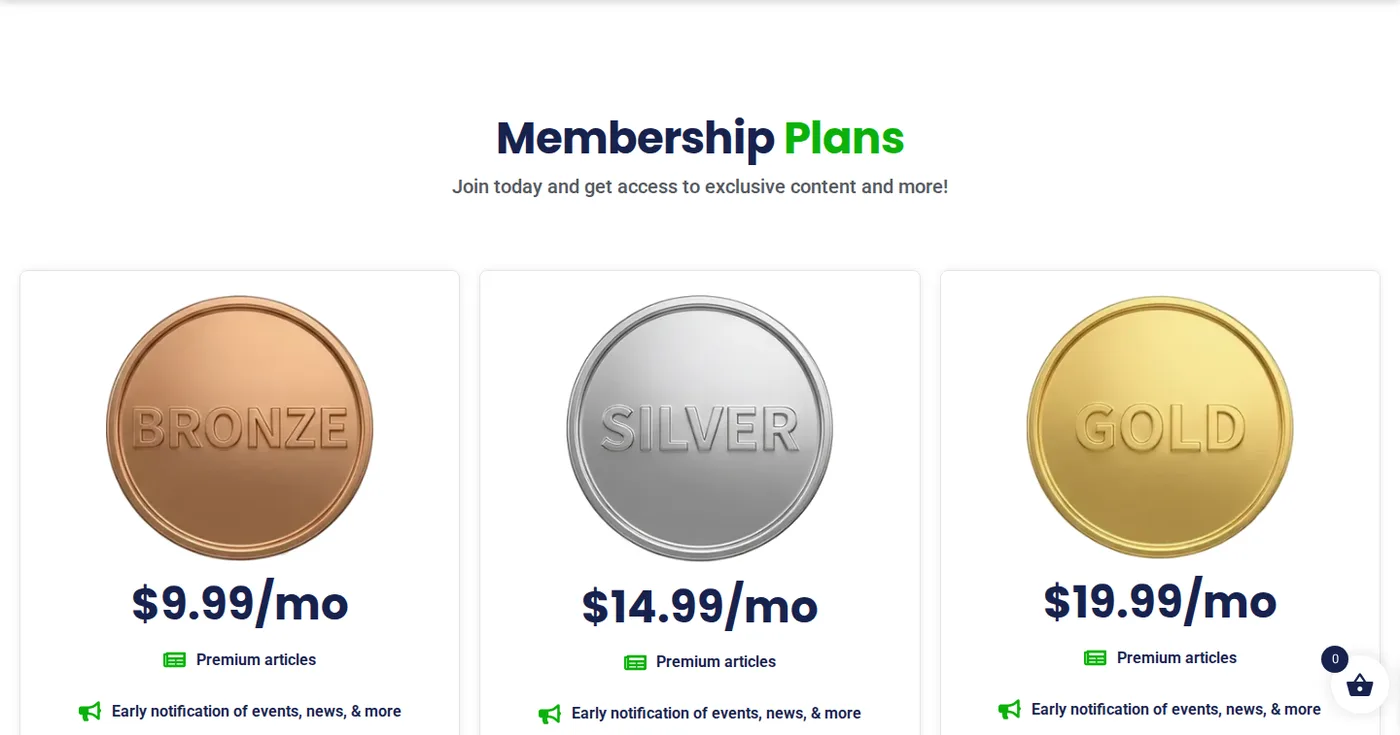
What makes a landing page work
A landing page is different from a homepage. A homepage serves everyone. A landing page serves one audience, one offer and one next step, usually a call, a form submission or a purchase. The best ones share a few traits:
- One clear headline that matches the ad, email or link that brought the visitor
- A single call to action, repeated where it makes sense
- Proof that the offer is real: photos, short descriptions, a clear explanation of what happens next
- A layout that loads fast and reads well on a phone
Site Builder gives you the tools to build that kind of page, and the landing page builder is part of the same product you would use for a full website. It does not write your offer for you, and no landing page builder can promise conversions.
What to look for in a landing page builder
A landing page builder is only as good as the page it helps you finish. Features matter less than whether a non-designer can publish a clear page in an afternoon.
When you compare a landing page builder, look past the template gallery. Ask these questions:
Can I edit without code?
You should be able to change text, images and buttons by pointing and clicking.
Does it preview phones?
Many visitors arrive from a phone, so you need to see that layout before you publish.
Is there a form or booking option?
The page needs a way to capture the action.
Who owns the page?
Check whether you can take your files with you and whether your own domain is used.
What does the whole bill look like?
Hosting, SSL and a domain are part of the cost, even when they are listed separately.
Landing page builder tools in Site Builder
These are documented features of the landing page builder:
Drag and drop editor
With 40+ widgets and settings for text, photos, video, buttons and galleries
200+ professional templates
, or a blank canvas if you want full control. See our website templates page.
Responsive design
With a preview so you can check desktop, tablet and phone layouts
Forms
And custom buttons on the Pro tier, for collecting inquiries
Booking
Options, so a visitor can schedule instead of emailing back and forth
E-commerce
On the E-Commerce+ plan, with a shopping cart, payment gateways and a product gallery for pages that sell a product directly
Free SEO analysis
, plus free stock photos and video
Some of these belong to higher plan tiers, so check which plan includes the features you plan to use before you build.
Lead generation landing page: the form is the product
For a lead generation landing page, the form is the product. Keep it short, ask only what you need to follow up, and tell the visitor what happens after they submit. Place the form where the headline and offer are still visible. A name and an email address or phone number is often enough to start a conversation, and every extra field gives people a reason to leave.
A lead generation landing page also needs a promise you can keep. If the page offers a quote, a call back or a guide, make sure someone actually sends it, and soon. Once leads arrive, you need a way to follow up quickly. If you send newsletters or nurture sequences, our email marketing platform is built for that, and our marketing services team can help plan the funnel. To see which pages actually bring visitors and which ones convert, Liberation Analytics tracks site activity without handing your data to Google. Our post on how to build an email list covers what to offer in return for a signup.
Build landing pages that sell a product or service
When you build landing pages that sell, the page needs a product, a price or a clear next step, and a way to complete it. On the E-Commerce+ plan, Site Builder adds a shopping cart, payment gateways and a product gallery. If you want to understand how payments fit in, see our payment processing page and our e-commerce overview. For services, a booking option or a request form often replaces the cart. Whichever you choose, keep the page about one offer. A page that tries to sell everything sells nothing well.
Free landing page, or one you own?
Cost is a fair question for any landing page builder. The honest answer is to look at the total, not the headline price.
Searching for a free landing page usually leads to builders that host your page on their domain and rent it back to you. A free landing page can be fine for a quick test, but it often comes with limits: the builder's branding, a subdomain that is not yours and little control if you want to leave. Site Builder takes a different approach. Hosting, SSL and a free domain are included in annual plans, the site runs on our own U.S.-based network, and you can download your site files over FTP at any time. You are not paying to rebuild if you leave.
If your landing page needs something Site Builder cannot do, our web development team can build a custom page on the same hosting.
How to build a simple landing page
A simple landing page is often the best one. Fewer sections mean fewer things to go wrong and a clearer path to the action. A reliable layout, from top to bottom, looks like this:
Step 1
Headline and supporting line. Say what the offer is and who it is for.
Step 2
Main button or form. Put the action where it is visible without scrolling.
Step 3
Proof and detail. Photos, a short list of what is included and any reviews you have permission to use.
Step 4
Repeat the action. One more button or form at the bottom, for people who read to the end.
That is enough for most small business offers. Add sections only when a real visitor question needs answering.
Landing page builder: talk to an engineer.
Start with our landing page builderUsing a landing page builder for search traffic
A landing page builder does not decide whether a page ranks, but it should not get in the way. Some landing pages exist only for paid traffic. Others are meant to rank. If you want a page to show up in search, give it its own topic, clear headings and fast load times. Google publishes a free SEO starter guide that covers the basics. Our SEO tool and the free SEO analysis in the builder can help you check the basics on your own pages, and our post on getting your website on Google explains how new pages get noticed.
How to use the landing page builder in three steps
Step 1
Choose a template or start blank. Pick a layout with a strong top section: headline, short supporting text and a button.
Step 2
Add your offer, proof and form. Use the widgets to place your content, then add a form or booking option as the single action.
Step 3
Preview, publish and measure. Check the phone layout in the responsive preview, publish to your domain, and watch the results.
Landing page examples: what to copy and what to skip
Searching for landing page examples turns up a lot of polished designs from large companies with big budgets. Copy the logic, not the look. Good landing pages tend to put the offer above the fold, use plain language, and remove distractions such as extra menu links. A simple landing page with a clear headline and a short form often beats a clever one.
Different goals call for different pages. An event page needs a date, place and sign-up button. A sales page needs a product, a price and a way to buy. A B2B page usually needs a short explanation and a way to book a call. In each case, decide on the single action first, then pick the template and widgets to support it.
Who this landing page builder suits
This landing page builder is aimed at owners who want to launch a page themselves: a local service company promoting a seasonal offer, a consultant collecting inquiries, a club announcing an event, a shop featuring one product. It is a poor fit when a campaign needs custom tracking, complicated integrations or a design that no template can approach. In that case, say so, and our developers can build the page for you instead of making you fight the tool.
Landing page, homepage or full website?
A landing page is one page with one goal, a homepage is the front door to a whole site, and a full website has pages for every topic. Many small businesses begin with a landing page and grow into a full site once the offer is proven. Because Site Builder handles both, you can add menus, extra pages and a blog later without moving to another tool. If you want to see more layouts first, read about our website templates.
Before you publish: a short checklist
- Does the headline match the ad, email or link that sends people here?
- Is there exactly one main action?
- Have you submitted your own form and received the message?
- Does the page read well on a phone?
- Do the images load quickly?
- Is it clear what happens after the visitor acts?
- Can you tell, afterward, how many people visited and how many acted?
Treat the first version from your landing page builder as a test. Change one thing at a time, so you know what made the difference. If you would rather have help planning the offer and the traffic behind it, ask us.
Landing Page Builder FAQs
Can I use Liberation Site Builder as a landing page builder?
Yes. Site Builder is a drag and drop website builder, and a landing page is a focused page built with the same tools. You can start from one of 200+ templates or a blank canvas, add forms or booking, and publish on hosting we operate in the United States.
Does Site Builder include forms and booking?
Forms are part of the Pro tier, and booking options are listed among the builder’s features. If your landing page depends on a specific form or scheduling setup, talk to us first so we can confirm it fits your plan and workflow before you build.
Can I sell a product from a landing page?
The E-Commerce+ plan adds a shopping cart, payment gateways and a product gallery. That lets you sell directly from a page on your site. Plans without e-commerce features are better suited to lead generation, inquiries and bookings. Pick the plan that matches the page’s goal.
Will my landing page work on a phone?
Site Builder sites use responsive design and include a preview so you can check how a page looks on desktop, tablet and mobile before you publish. Test your form and button on a real phone as well, since that is where many visitors will see it.
Is there a free landing page option?
Site Builder is a paid product. Hosting, SSL and a free domain are included in annual plans, so there is no separate hosting bill. If you want a quick comparison of builders and what each one costs, check our builder guides and each vendor’s current pricing page.
Related Services
Our Promise Of Digital Independence
Liberating Your Digital World Is Our Passion
- U.S.A. owned and based
- We own and control our entire platform
- More security to protect your data
- No Censorship Guarantee
- 100% data ownership
- Your data is NEVER shared
Liberation News




LTS News

Global Edge Network
Liberation’s global edge network provides enhanced performance & security.
Freedom Tech News
Stay informed on the latest tech news, new products, promotions, & more!