

Microsoft 365 Alternative: Hub For Teams
Email, calendar, office apps, chat, video and projects in one workspace on U.S. servers we own. The independent replacement for Microsoft 365 and Teams, from $7.49 per user.
How the move from Microsoft 365 works
We handle each step so you can keep working.
Microsoft 365 Went Up On July 1, 2026
Business Basic rose from $6 to $7 and Business Standard from $12.50 to $14 per user per month. Hub Teams+ is $9.75 with chat, projects and workflows built in.
- No AI Upsell Tiers
- Chat, Video & Projects In One App
- U.S.-Only Data Hosting
- Private Cloud At 10+ Users
- 30-Day Free Trial
- Done-For-You Migration
- Real U.S. Support
Want to see what the July 2026 increase means in practice? See what Microsoft 365 costs now.
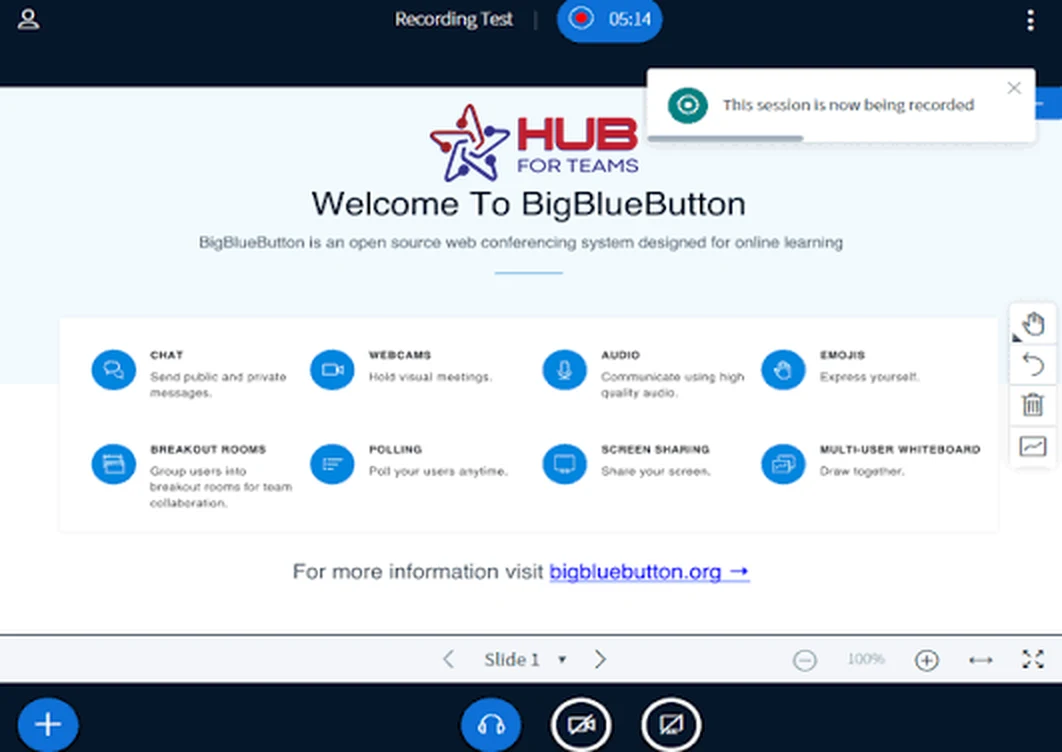
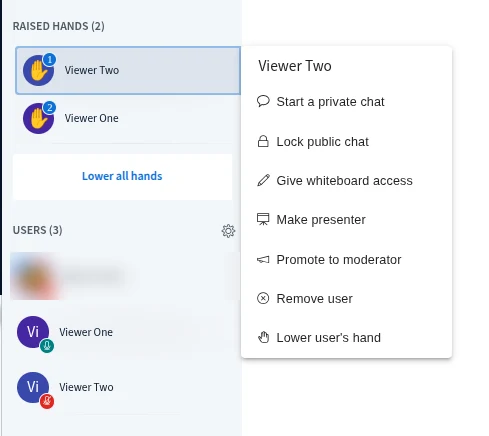
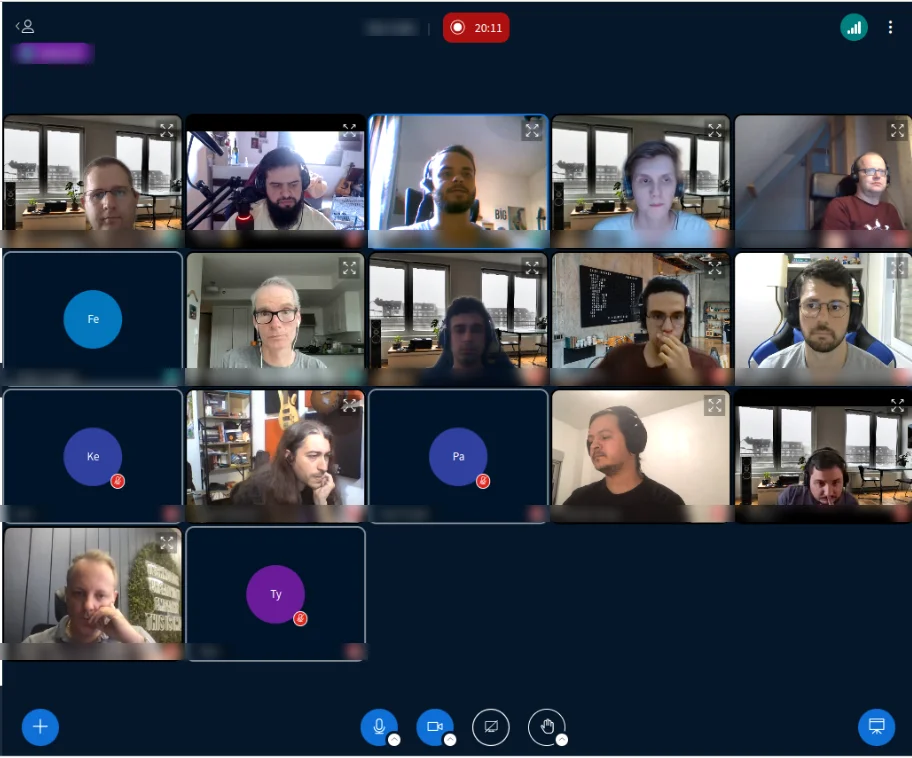
See Hub for Teams video meetings in action
Host video meetings on your own Liberation Technology Services Hub, with built-in moderator controls for your team.

See Liberation Email in action
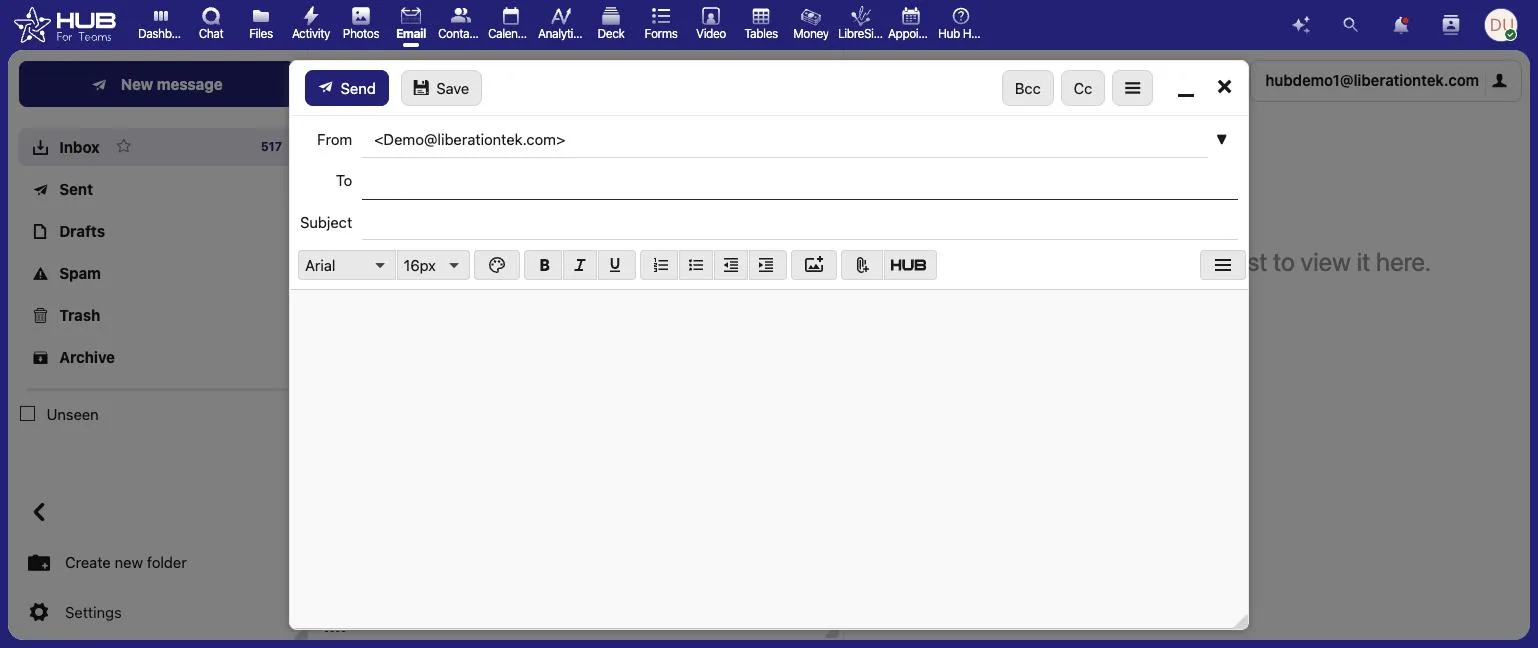
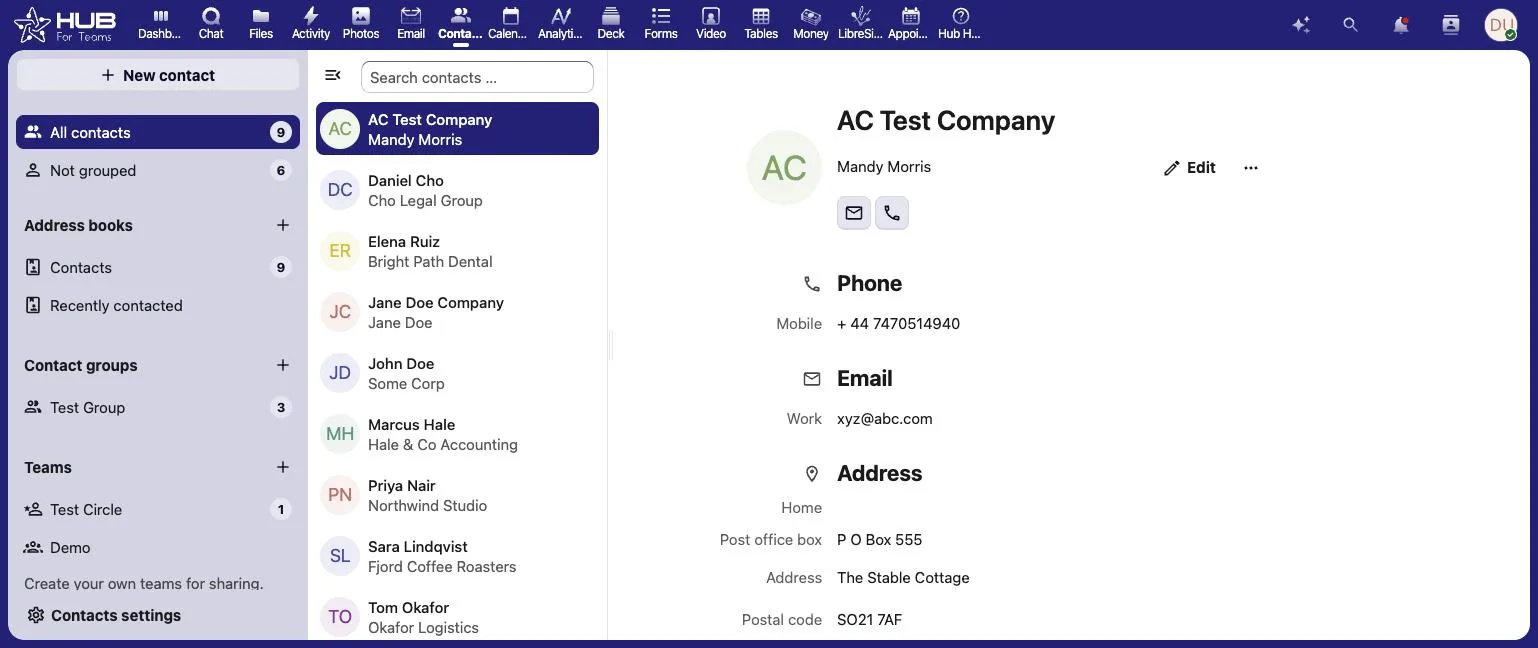
Business email, contacts and calendar on your own domain, all in one place.
Full Office Suite
Private and secure collaboration on documents,
spreadsheets, presentations, and PDFs
Hub Word
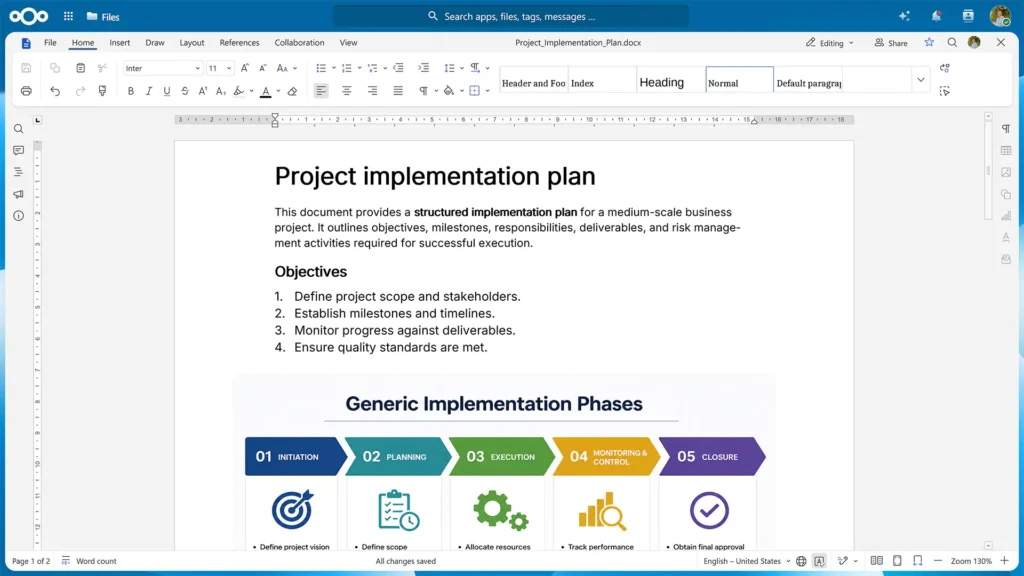
For all your writing needs, Hub Write is the place to create, edit and proofread your documents. It also features extensive collaboration and sharing features.


Hub Spreadsheet
Keep your data secure and organized with Hub Spreadsheet. Access thousands of functions, formulas, and tools to analyze data and perform precise calculations.

Hub Present
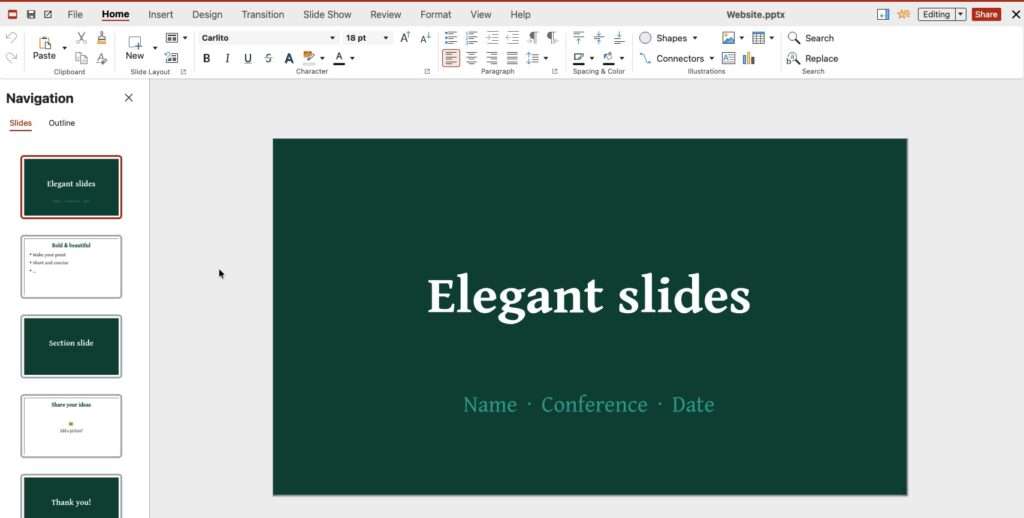
Create and deliver impactful presentations with Hub Present. Export your slides as PPTX, ODP, PDF, or image files, and captivate your audience with animations and multimedia.
Replace Word, Excel & OneDrive
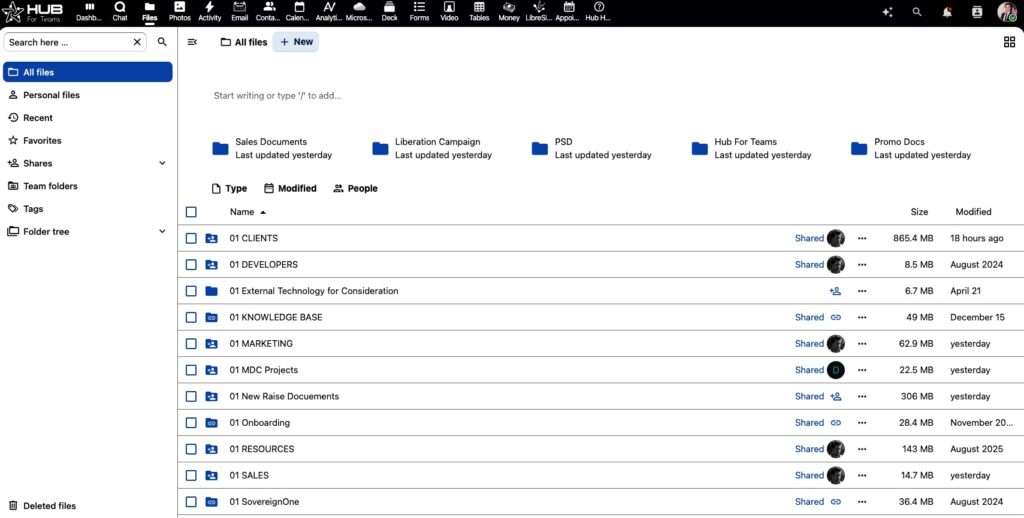
Hub’s built-in office suite lets your team create and edit documents, spreadsheets and presentations in the browser and keep files in shared folders, without a Microsoft 365 license. Your files live on U.S. servers LiberationTek owns.

Use Hub For Email
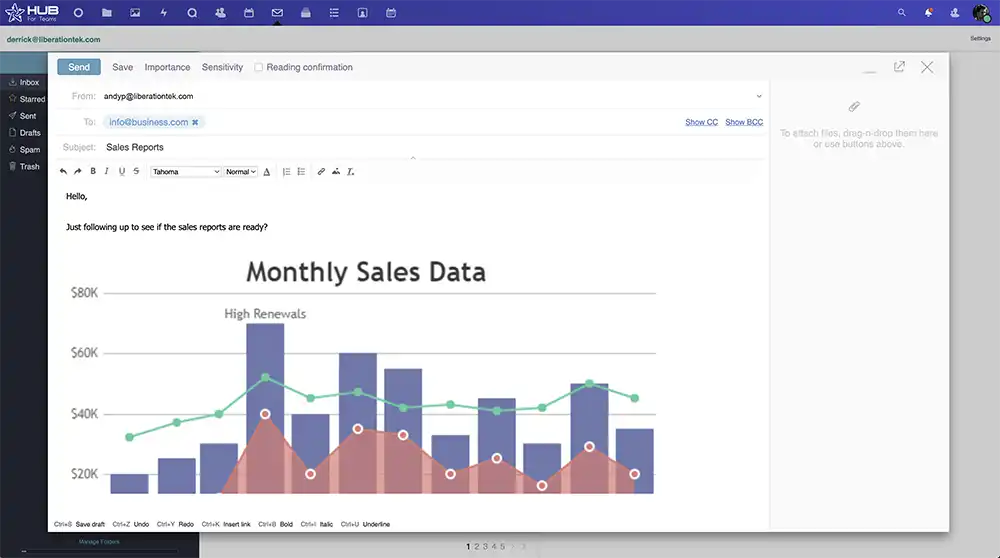
Secure Inbox
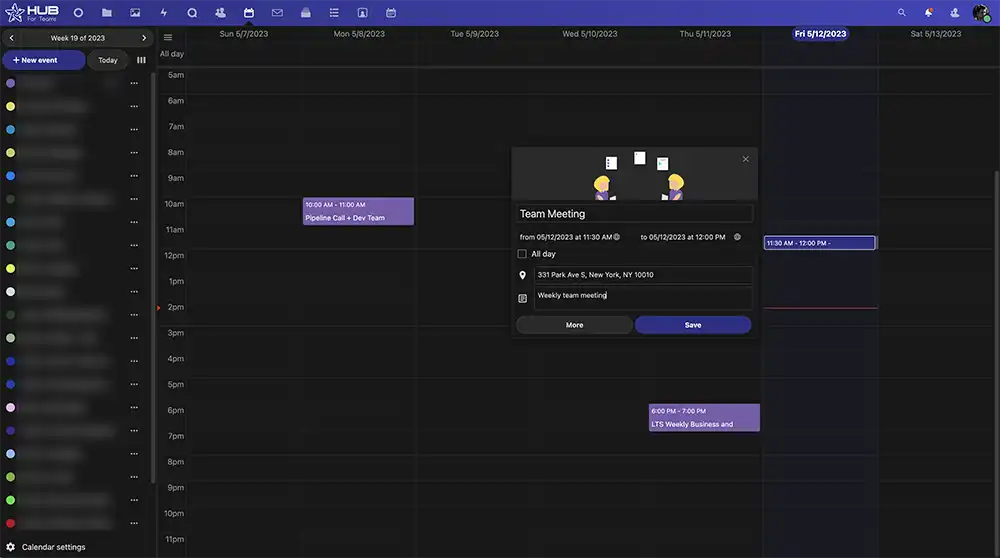

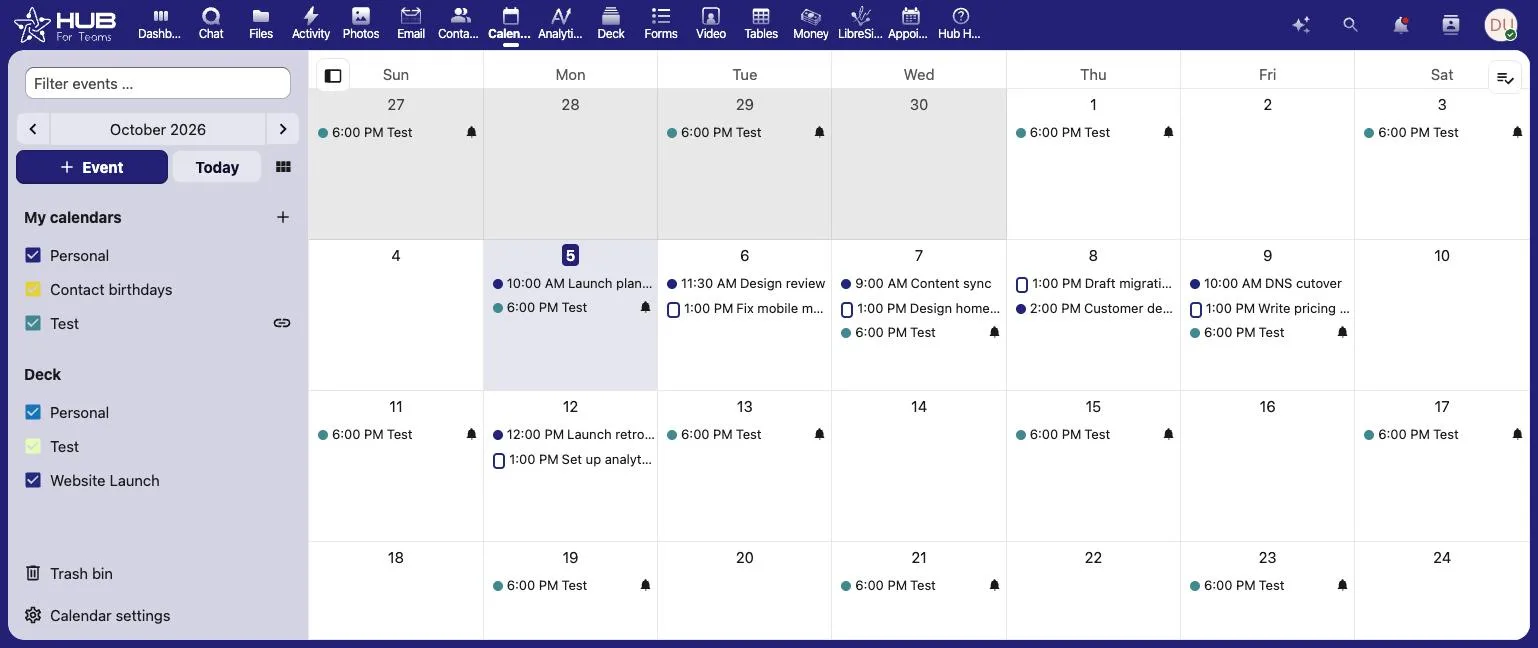
Fully Featured Calendar
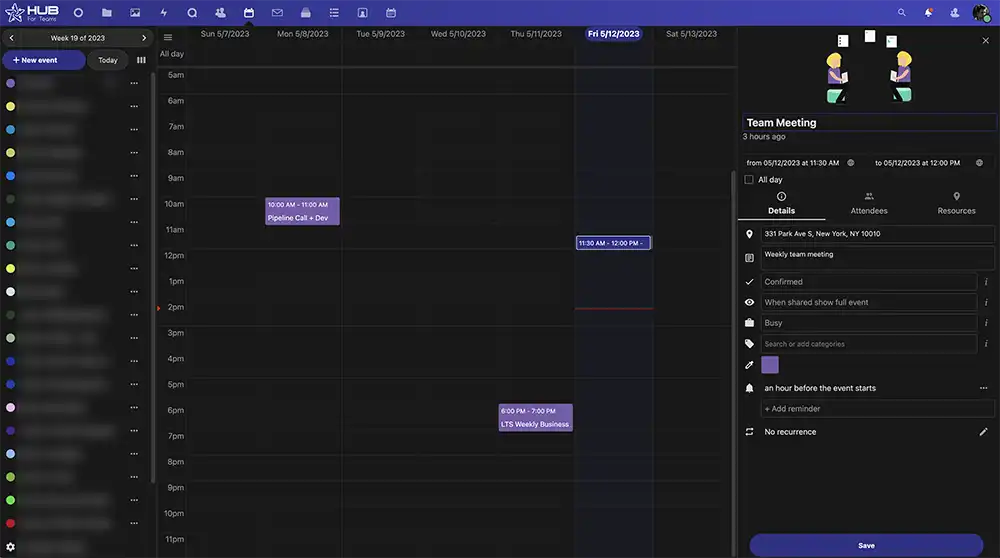

Full Calendar Event Controls
Replace Outlook & Exchange
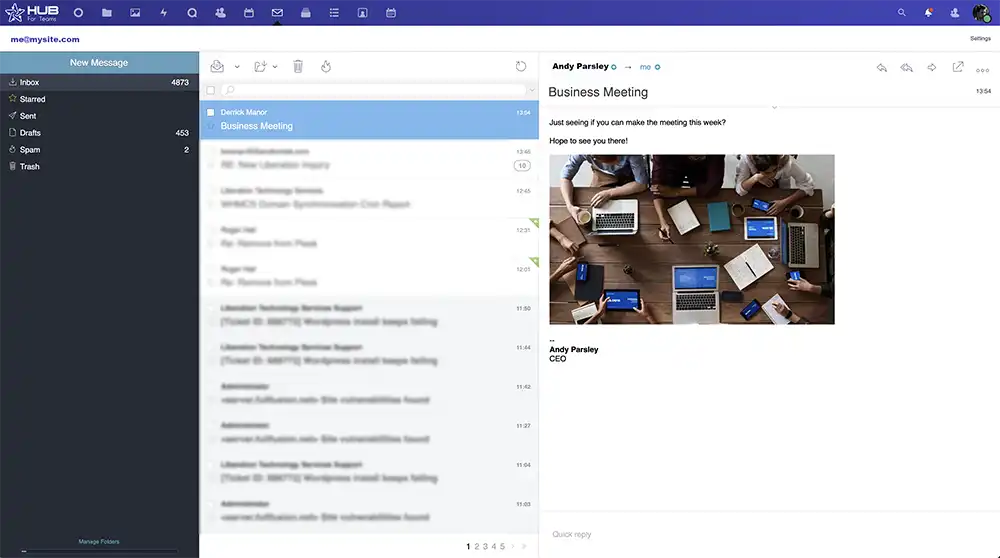
Business email on your own domain with a full calendar, contacts and appointment scheduling. Keep using the Outlook app over IMAP if your team likes it, while your mail moves off Microsoft’s cloud to Liberation Email.
Replace Microsoft Teams
Group and one-to-one chat, discussion rooms and, on Teams+ Talk, video meetings and screen sharing that guests join in the browser with nothing to install. A project manager and custom workflows are built in, so there is no separate planning app to manage.


Easy Project Management
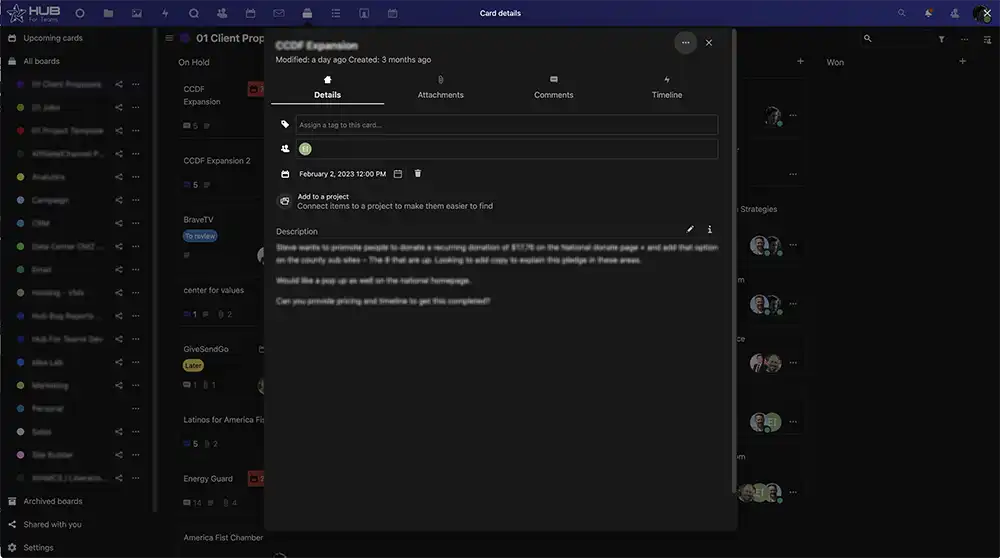

Full Project Details
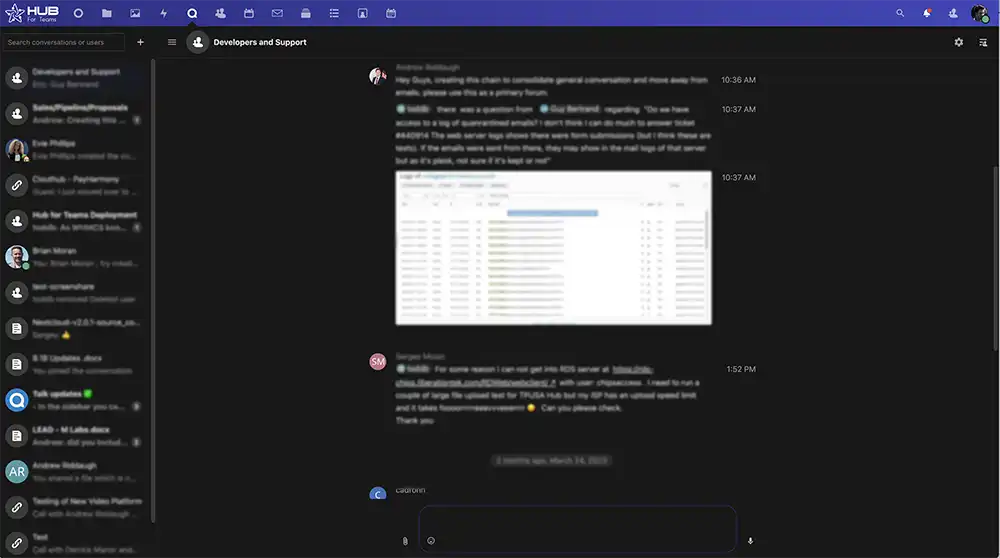

Fully Featured Group Chats
Hub For Teams vs. Microsoft 365
How Hub for Teams compares with Microsoft 365 business plans. Microsoft prices reflect the July 1, 2026 increase and are from Microsoft’s plan comparison page, checked September 2026.
Features |  |  |
|---|---|---|
Starting price | $7.49/user/mo (Teams Starter) | $7/user/mo annual (Business Basic, up from $6) |
Mid-tier price | $9.75/user/mo (Teams+) | $14/user/mo annual (Business Standard, up from $12.50) |
Business email on your domain | Included | Included (Exchange) |
Office apps | Browser office suite on every plan | Web apps; desktop apps from Business Standard |
Team chat | Teams+ and up | Microsoft Teams |
Video meetings | Teams+ Talk, guests join in the browser | Microsoft Teams |
Project management | Built in from Teams+ | Separate Planner app |
AI pricing | No AI upsell tiers | Copilot bundles, e.g. $23.50/user/mo |
2026 price increase | None announced | Up to 16.7% on July 1, 2026 |
Where your data is stored | U.S. only, on LiberationTek-owned servers | Microsoft global cloud |
Dedicated private cloud | Included at 10+ users | Shared multi-tenant platform |
Done-for-you migration | From $50/user | Self-service tools or partners |
Free trial | 30 days | One month on select plans |
Company | Independent, U.S.-owned and operated | Microsoft Corporation |
Why Teams Choose Hub For Teams
Real customer reviews. LiberationTek is rated 4.9 out of 5 on Google and 4.7 out of 5 on Trustpilot (September 2026).
How Moving Off Microsoft 365 Works
Use the self-service migration tool from $15 per user, or have the LiberationTek team do it: $50 per user for email, or $100 per user for email plus files, contacts and calendars. Done-for-you projects include a dedicated project manager and an onboarding meeting.
We migrate Microsoft 365 and Exchange mailboxes, Outlook PST and OST files, calendars, contacts and tasks into Liberation Email and Hub for Teams.
OneDrive files move into Hub’s file storage as part of the Email + Workspace migration, so documents land in shared folders your team can open in Hub’s office suite.
With a staged migration, mail from the last 12 months is copied before cutover. Calendars and contacts follow, and older mail moves after your domain’s mail records point to LiberationTek. Your team keeps working the whole time.
Once your team is working in Hub, let Microsoft 365 lapse at renewal. Check your Microsoft term first, since annual commitments run to the end of the term.
Choose Your Microsoft 365 Replacement
How many accounts do you need?
Personal Plans
Teams Starter
per user / month
- 5GB Professional Mailbox
- 5GB File Storage
- Professional Calendar
- Appointment Scheduling
- Contact Management
- Office Suite
- + Liberation mail
- + Additional storage
- + Use up to 5 domains
- + Advanced & Premim Support
Teams+
per user / month
All Teams+ Features &
- 15GB Professional Mailbox
- 15GB File Storage
- Team Chat
- Project Manager
- Custom Workflows
- + Liberation mail
- + Additional storage
- + Use up to 5 domains
- + Advanced & Premim Support
Teams+ Talk
per user / month
All Starter Features &
- All Hub Enterprise Features
- 25GB Professional Mailbox
- 25GB File Storage
- Video Conferencing
- Screen Sharing
- Individual & Group Chat
- Custom Workflows
- + Liberation mail
- + Additional storage
- + Use up to 5 domains
- + Advanced & Premim Support
Business Plans
Teams Starter
per user / month
- 5GB Professional Mailbox
- 5GB File Storage
- Professional Calendar
- Appointment Scheduling
- Contact Management
- Office Suite
- + Liberation mail
- + Additional storage
- + Use up to 5 domains
- + Advanced & Premim Support
Teams+
per user / month
All Starter Features &
- 15GB Professional Mailbox
- 15GB File Storage
- Team Chat
- Project Manager
- Custom Workflows
- + Liberation mail
- + Additional storage
- + Use up to 5 domains
- + Advanced & Premim Support
Teams+ Talk
per user / month
All Teams+ Features &
- All Hub Enterprise Features
- 25GB Professional Mailbox
- 25GB File Storage
- Video Conferencing
- Screen Sharing
- Individual & Group Chat
- Custom Workflows
- + Liberation mail
- + Additional storage
- + Use up to 5 domains
- + Advanced & Premim Support
Hub for Teams Enterprise. Grow and scale with confidence
Maximum Security
Two-step Authorization, AES-256 encryption and SSO
Email and teamwork together
Mail, chat and files in one workspace.
Microsoft 365 Alternative FAQs
For small businesses that mainly use email, calendar, file sharing, documents, chat and video meetings, Hub for Teams covers all of it in one workspace, plus a built-in project manager. It runs only on U.S. servers LiberationTek owns, starts at $7.49 per user per month, and comes with a 30-day free trial.
Yes. For subscriptions that start or renew on or after July 1, 2026, Microsoft 365 Business Basic went from $6 to $7 per user per month and Business Standard went from $12.50 to $14 on annual terms. Business Premium stayed at $22.
Yes. Hub includes group and one-to-one chat and discussion rooms on Teams+, and video meetings with screen sharing on Teams+ Talk. Guests join calls in the browser without installing an app.
Yes. Liberation Email works with Outlook, Apple Mail, Android and Windows mail apps over IMAP or POP3, so your team can keep the email app they know. Hub also includes its own web mail and calendar.
Your existing files move into Hub’s file storage during migration, and Hub’s office suite lets your team create and edit documents, spreadsheets and presentations in the browser. If your business depends on complex Excel workbooks, test them during the 30-day trial.
LiberationTek does. Hub runs on hardware and a network LiberationTek owns and operates in the United States, not on resold Big Tech cloud. Organizations with 10 or more users get their own private cloud environment at the same per-user price.
Keep Reading
More comparisons: Fastmail alternative · Google Workspace alternative · Gmail alternative · GoDaddy alternative · Slack alternative · Zoom alternative · Proton Mail alternative · Private email providers · DigitalOcean alternative · Linode alternative · DigitalOcean vs. Linode vs. Vultr · Vultr alternative · Mailchimp alternative · AWS alternative · HostGator reseller alternative · Wix & Squarespace alternative · Constant Contact alternative · InMotion reseller alternative · Hostinger alternative · Outlook alternative · Bluehost alternative · WP Engine alternative · Zoho Workplace alternative · All comparisons
Best Microsoft Teams replacements · Microsoft Teams alternatives · Email and workspace migration service · Liberation Email: private email hosting · Hub for Teams plans and features
Updated September 11, 2026. Microsoft 365 prices and plan features are from Microsoft’s business plan comparison page, checked September 2026; the July 1, 2026 increase is summarized from Microsoft partner announcements. Hub for Teams prices are from the plans above. Prices change, so confirm on each provider’s site before buying.
Ready to switch? See the step-by-step Microsoft 365 migration guide →
Count what you use before you compare what you could have
Microsoft 365 is sold as a suite, and the suite is genuinely capable. The reason people look for alternatives is almost never that it lacks something. It is that they are paying per user per month for a catalogue of applications where the actual usage is mail, a calendar, a shared folder and a word processor.
So the useful exercise is counting rather than comparing. For each person, write down what they open in a typical week. In most small organizations that list is short, and once it exists the decision becomes arithmetic rather than argument. It also tends to surface licences still assigned to people who left.
The second thing to examine is what the suite has absorbed. If SharePoint has become your file server, if Teams is where decisions are recorded, and if the same account signs people into third-party applications, then the suite is not just mail any more and the comparison is much bigger than a per-seat price. Far better to know that at the start than halfway through.
Be fair about the trade in both directions. Leaving means some integrations need configuring rather than clicking, and if your industry runs on complex spreadsheet models or you have applications that only authenticate against Microsoft identity, staying may simply be the correct answer. Equally, if the suite amounts to three applications and a bill, paying for forty of them is not thrift.
Where we fit: Hub For Teams gives you mailboxes, shared calendars and contacts on your own domain, with support based in the United States and prices published rather than negotiated per customer. Book a call with your current licence count and what people actually use, and we will tell you plainly whether moving is worth it.